Saying goodbye is an uneasy task for us. We will try our best to make Sembly better to fit your expectations. Please message us with your feedback. If you still think that we must walk different paths, follow the instructions in this article. Make sure to save all important data before deleting it.
If you are a member of a Sembly workspace and you want to cancel your account, you can transfer your meeting data to another member of your Workspace. If you skip this step, your data will be forever removed.

If you’re using Basic free trial or Basic (Legacy: Professional) plans:
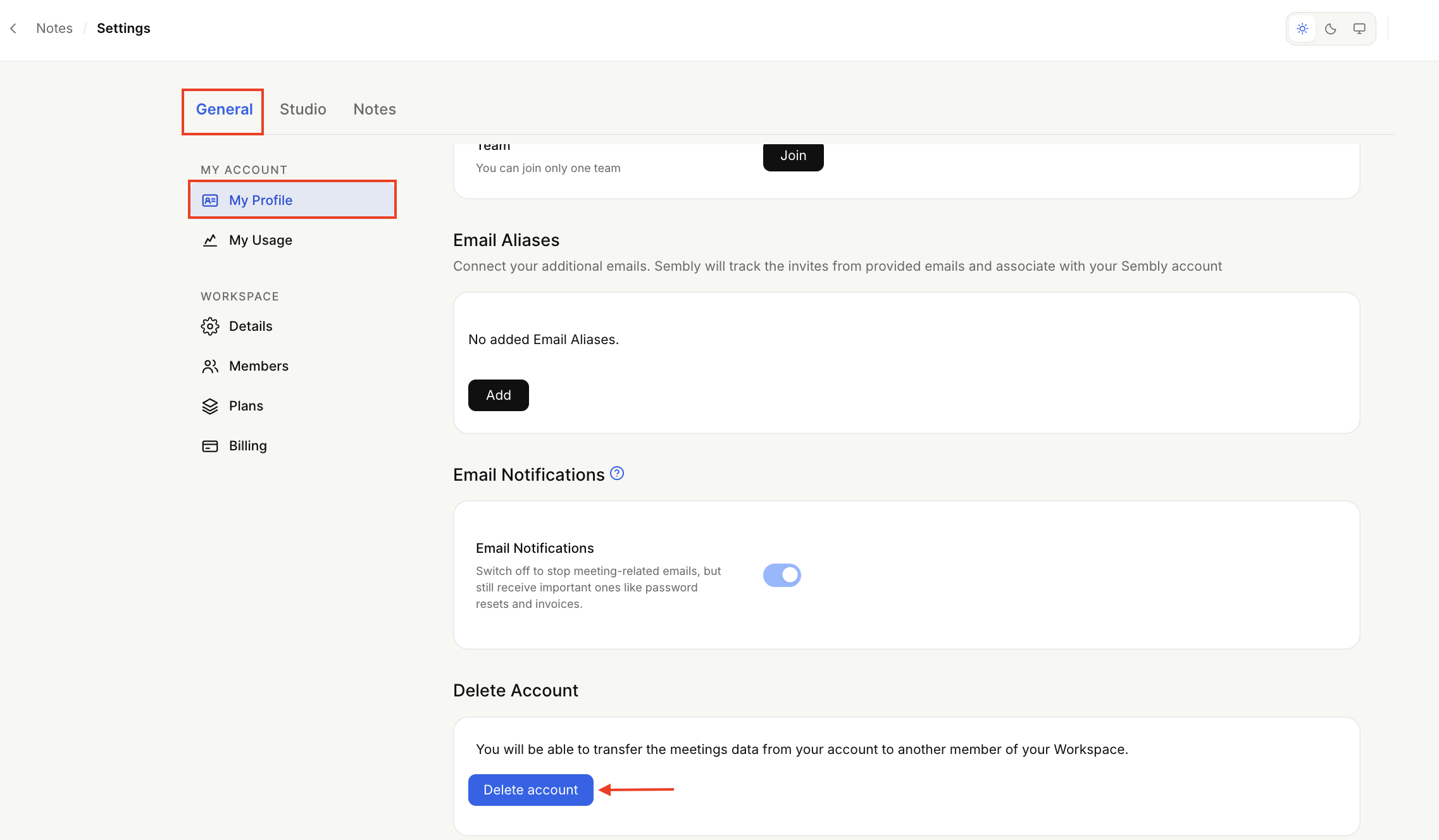
Open the dropdown by clicking your avatar at the bottom of the sidebar menu to open Settings → General → My Profile.
Scroll down and click Delete account.
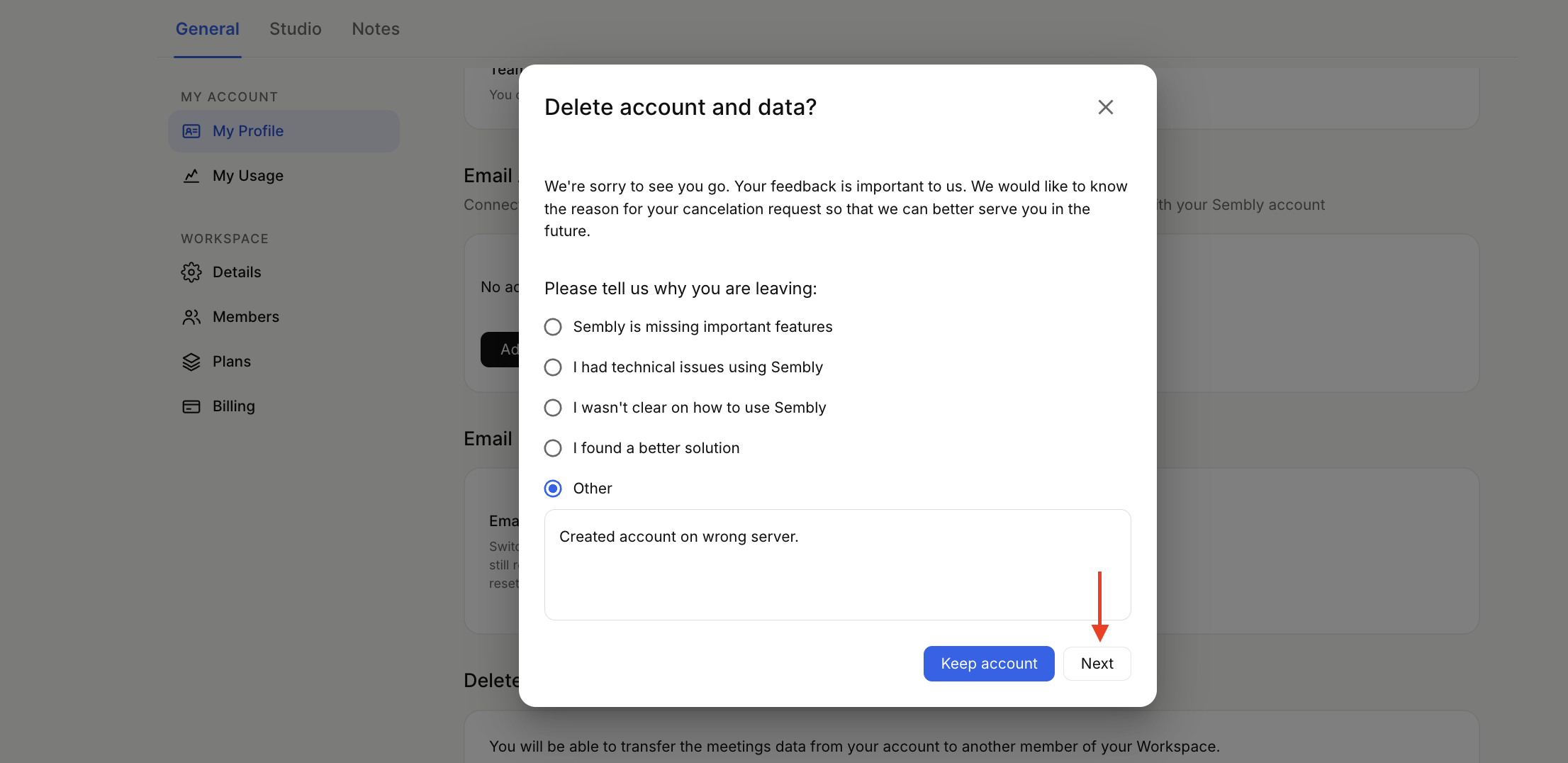
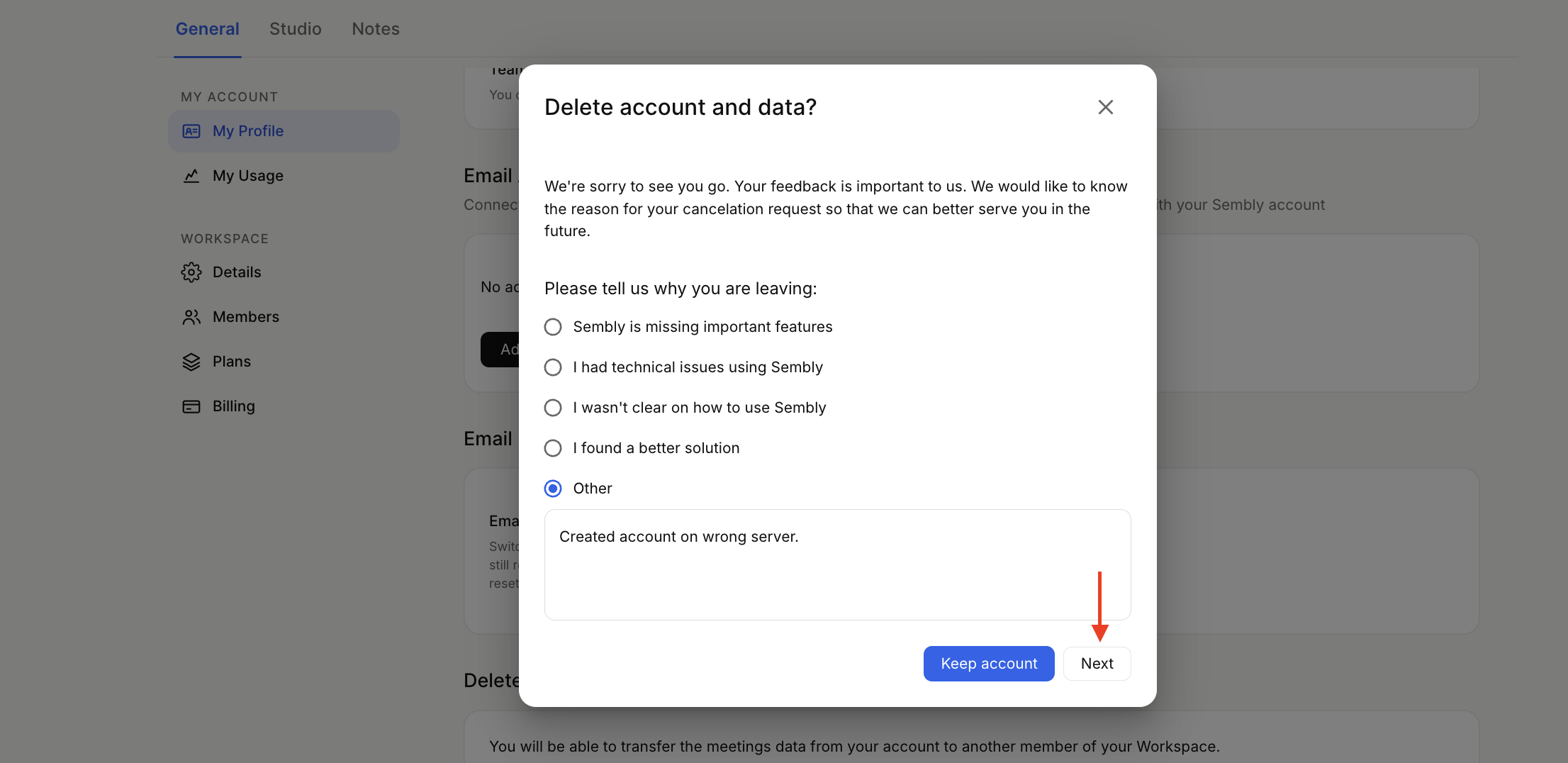
In a pop-up, specify the cancellation reason, then click Next button or Keep Account if you change your mind.
Click Delete account and data. This will remove your data without the possibility of recovery.
If you’re using Pro, MAX, Enterprise (Legacy: Team, Team Plus) plans:
Open the dropdown by clicking your avatar at the bottom of the sidebar menu to open Settings → General → My Profile.
Scroll down and click Delete account.
In a pop-up, specify the cancellation reason. Click the Next button or Keep Account if you change your mind.
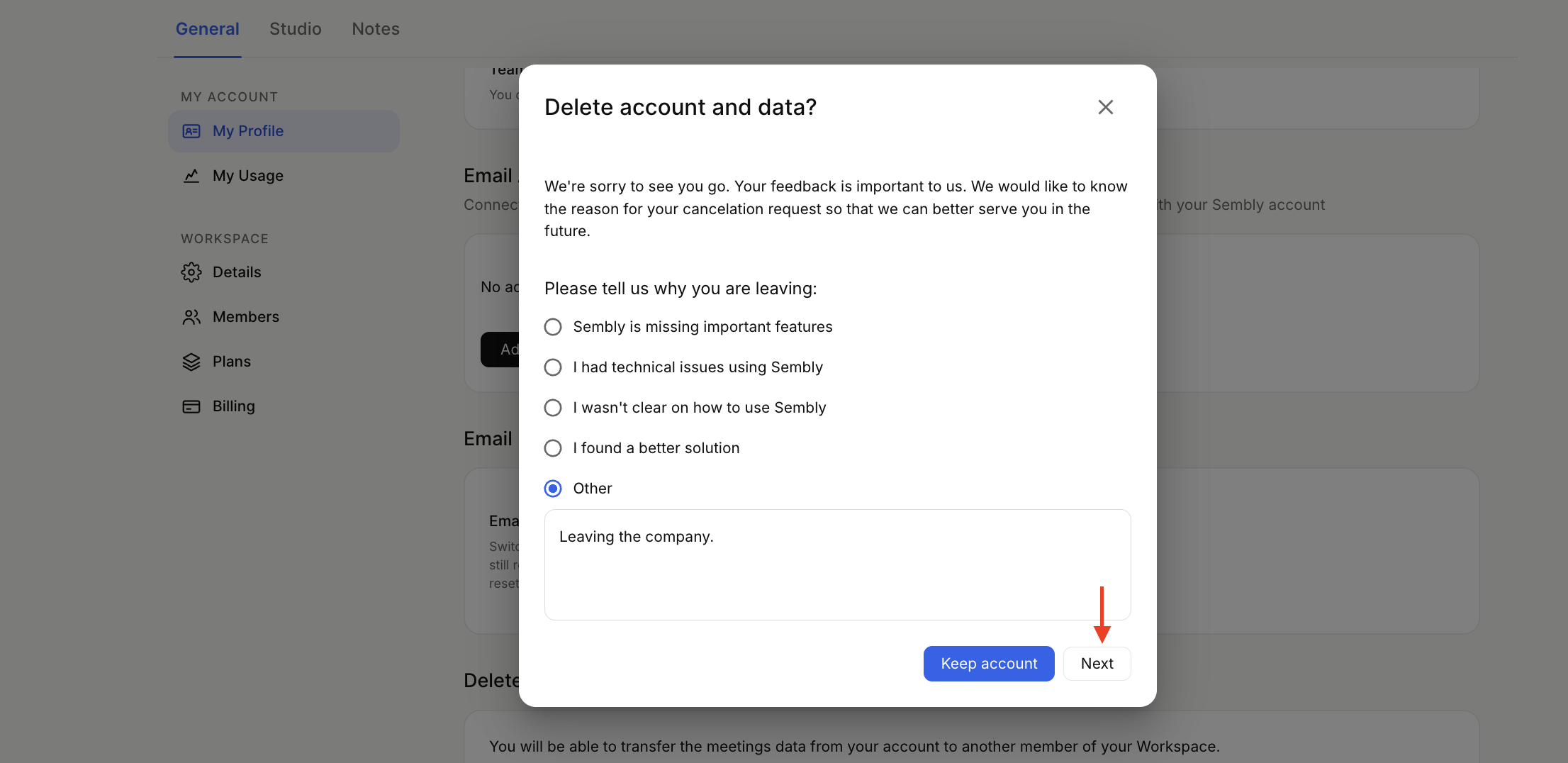
You can choose Delete account and data. This selection will delete data from your account without the ability to recover it,
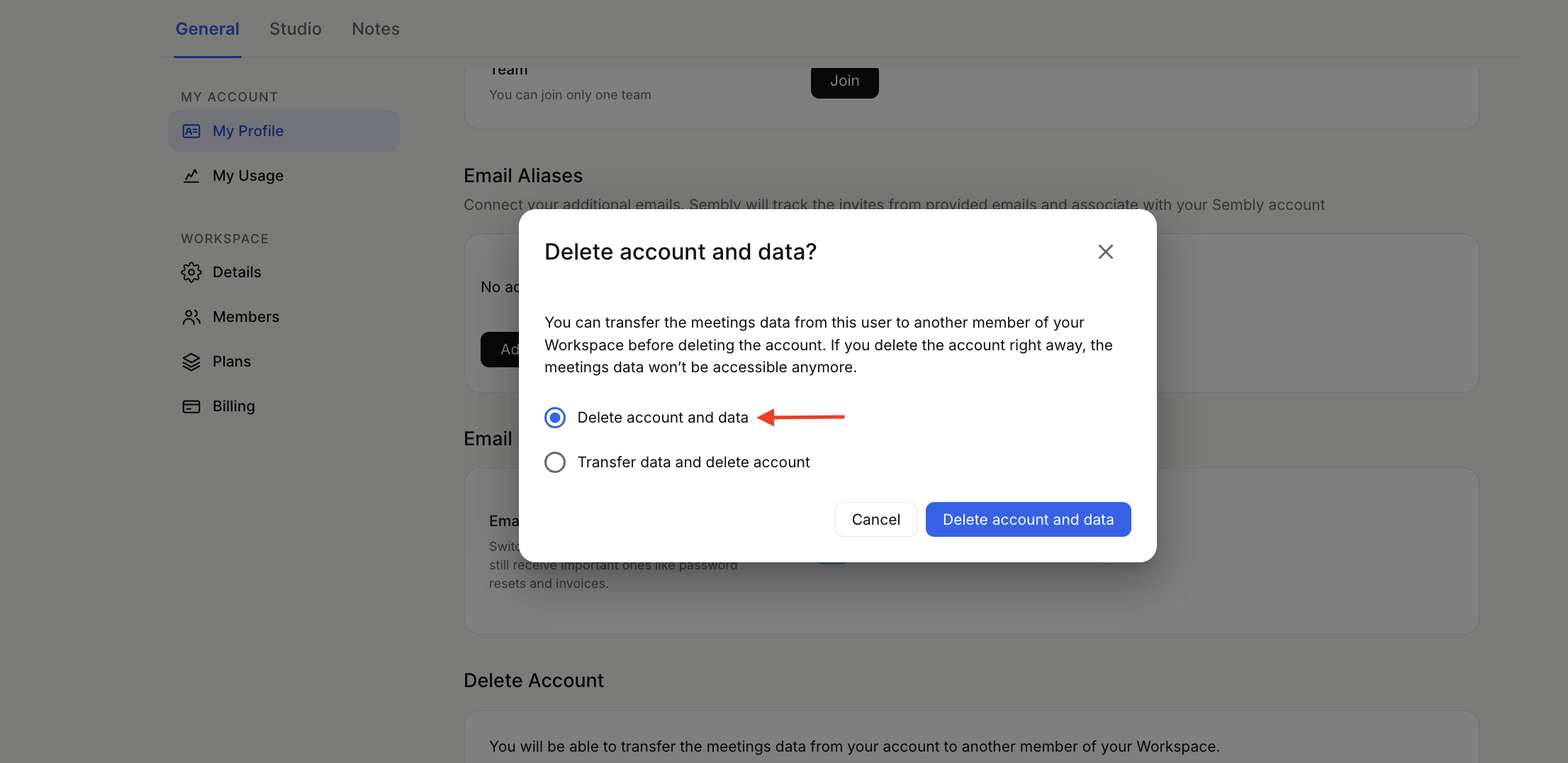
or you can select Transfer data and delete the account, and all your data will be transferred to the selected member of your workspace
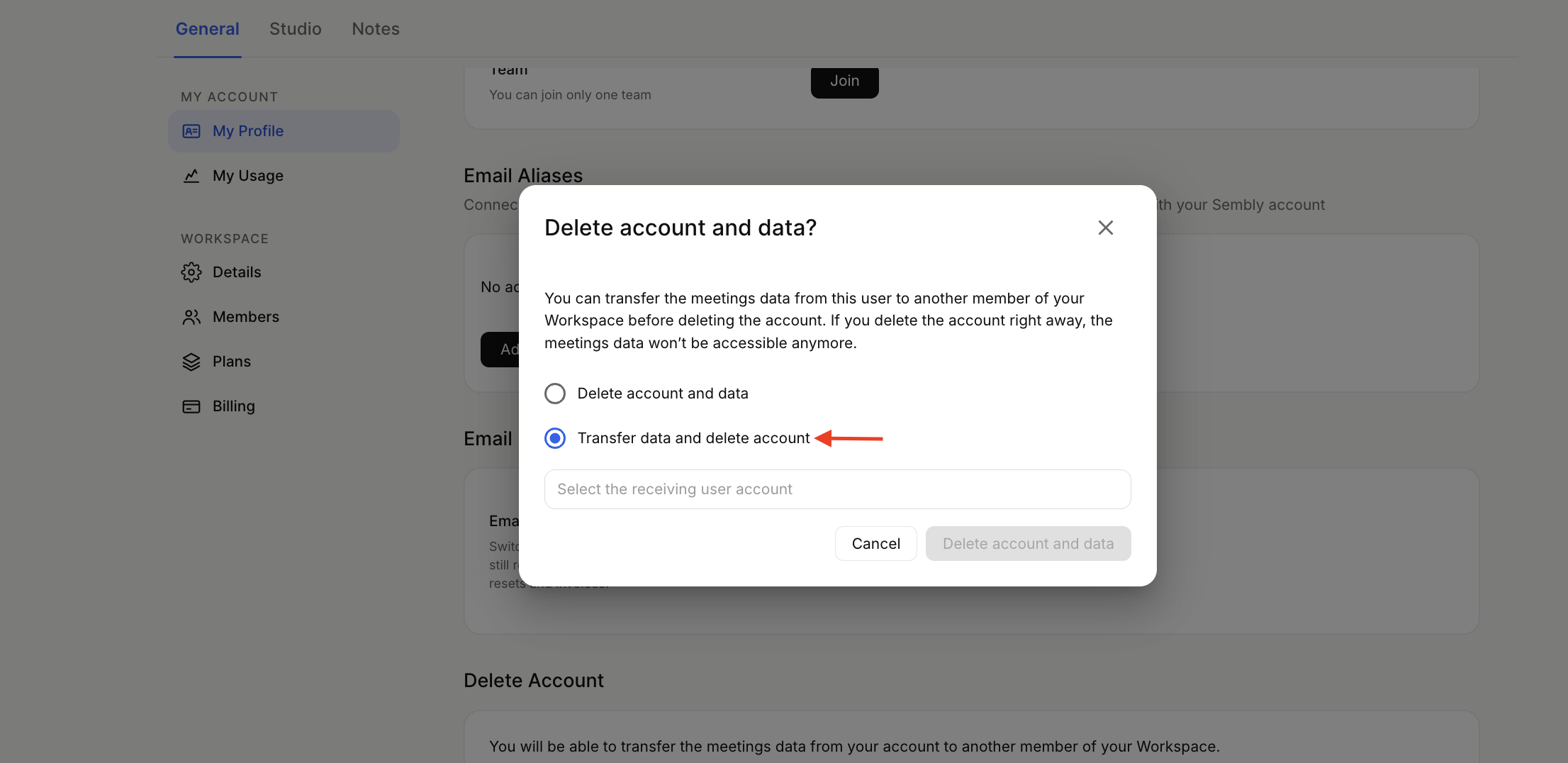
If you are a workspace admin, you can delete workspace members' accounts. You will be able to transfer the data from the account you are removing to another member in the workspace. More details are in this article.
If you’re on the Pro, MAX, Enterprise (Legacy: Team, Team Plus) plans and want to delete the Workspace, please follow these steps:
Remove all other members in the Workspace. Make sure to Delete them, and not Deactivate.
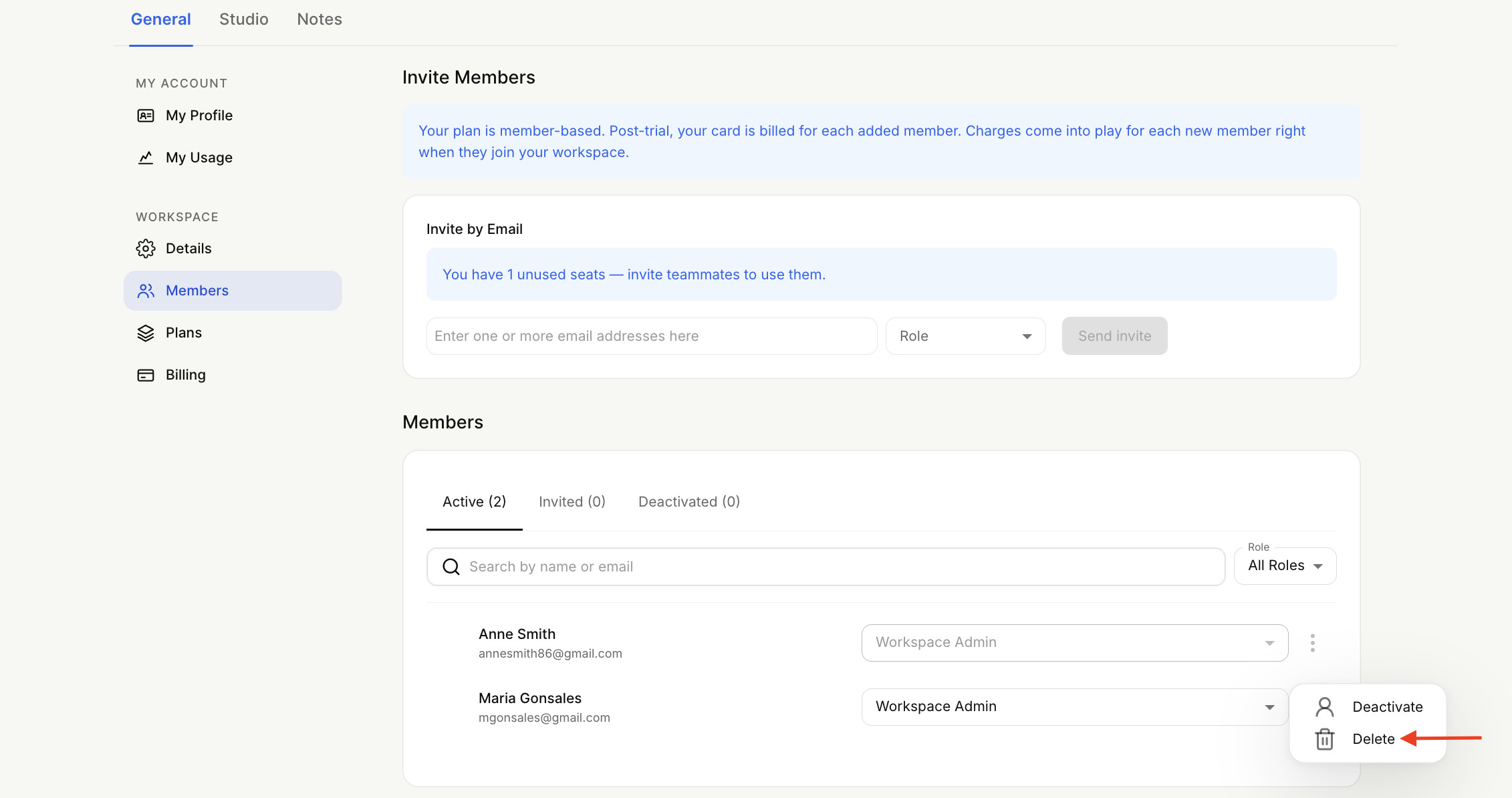
After removing all members, proceed with the regular steps to delete your account.