
LEGACY PLAN : PROFESSIONAL | TEAM | TEAM PLUS
Upload audio or video files in various formats to Sembly, and it will process them, providing Transcription, Notes, Tasks and other useful information.
Each Sembly plan includes credits you can use to upload media files each month. Supported file formats are MP3, WAV, AIFF, AAC, OGG, FLAC, WMA, WMV, ASF, M4A, MP2, and MP4.
If you have already used your monthly credit limit or don't have enough credits to upload, you can purchase extra credits.
Free Trial | Basic | Pro | MAX | Enterprise | |
Monthly credits per user | 750 | 2,500 | 3,000 | 3,500 | 3,500 |
Monthly credits converted to time for uploads | 375 mins (~6 h) | 1,250 mins (~ 21 h) | 1,500 mins (25 h) | 1,750 mins (~29 h) | 1,750 mins (~29 h) |
Legacy plans have a minutes allotment. Professional includes 5 hours; Team and Team Plus include 10 hours per user. Once you use it up, you can buy additional credits.

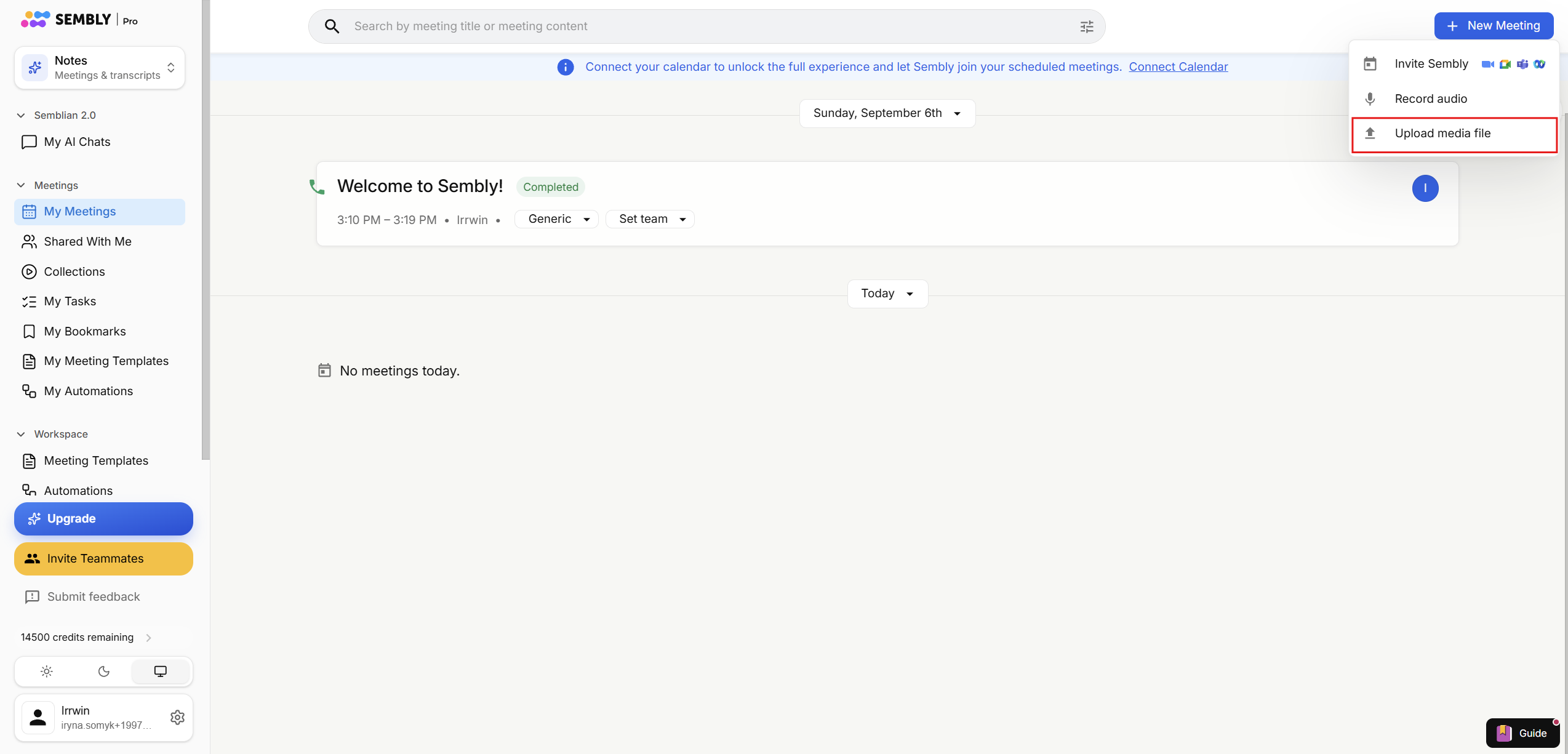
Click +New Meeting and choose Upload media file.
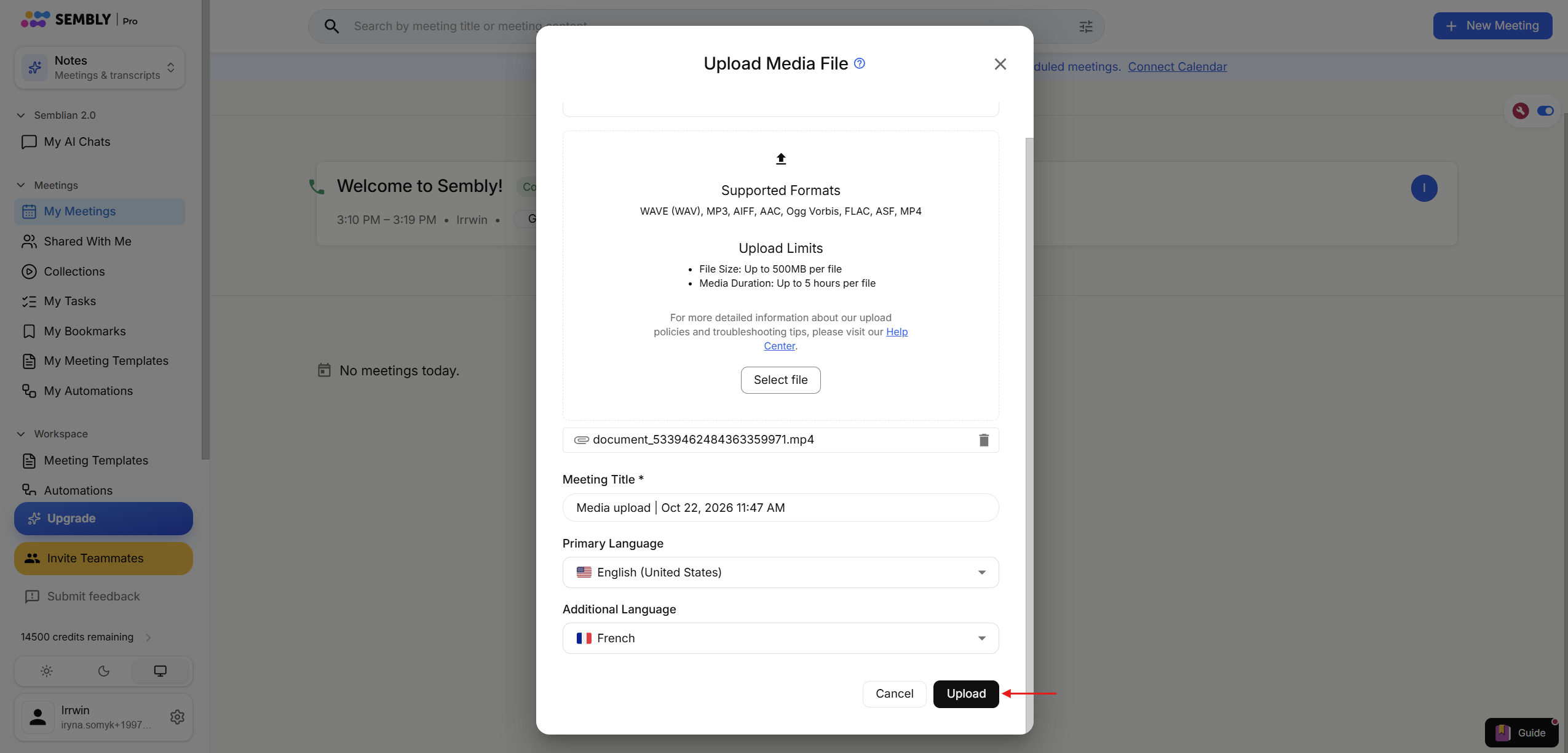
Drag the file or choose it from your storage by clicking the Select file button
Choose the primary and additional language (if needed). Set the languages you will speak during this meeting so Sembly can recognize and transcribe them correctly. Click Upload.
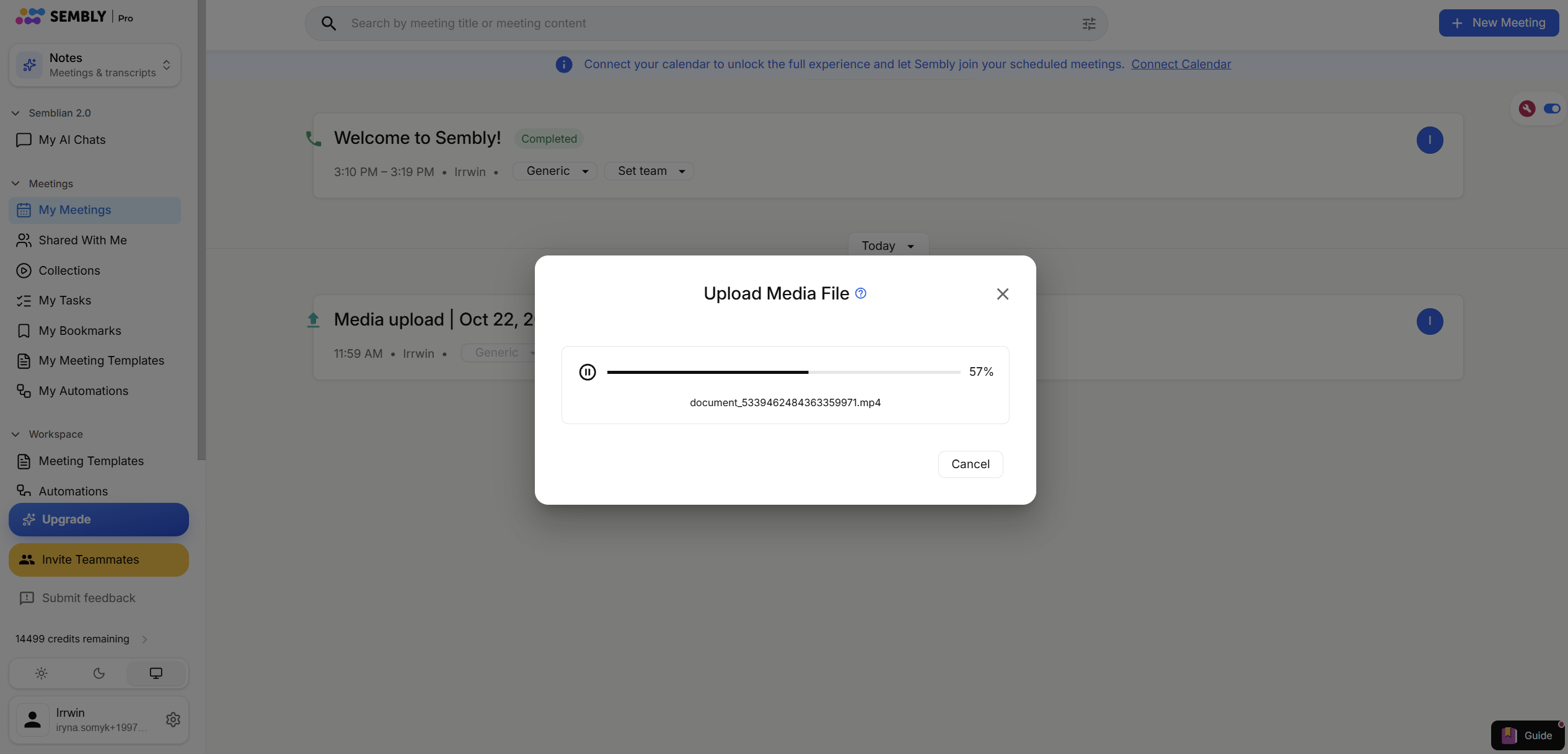
In the pop-up, you will be able to see the progress.
The meeting will remain in the Processing... status for some time. It depends on how long and how large the file is. You can open a meeting to see the approximate processing time. Once the processing is finished, you will see the Completed status in your meetings list, and you can check the meeting outcome.
The left-hand menu displays the remaining credits in your workspace. To view more detailed information, click the limits bar. Users on Pro, MAX, and Enterprise plans can view the remaining credits for all workspace members.
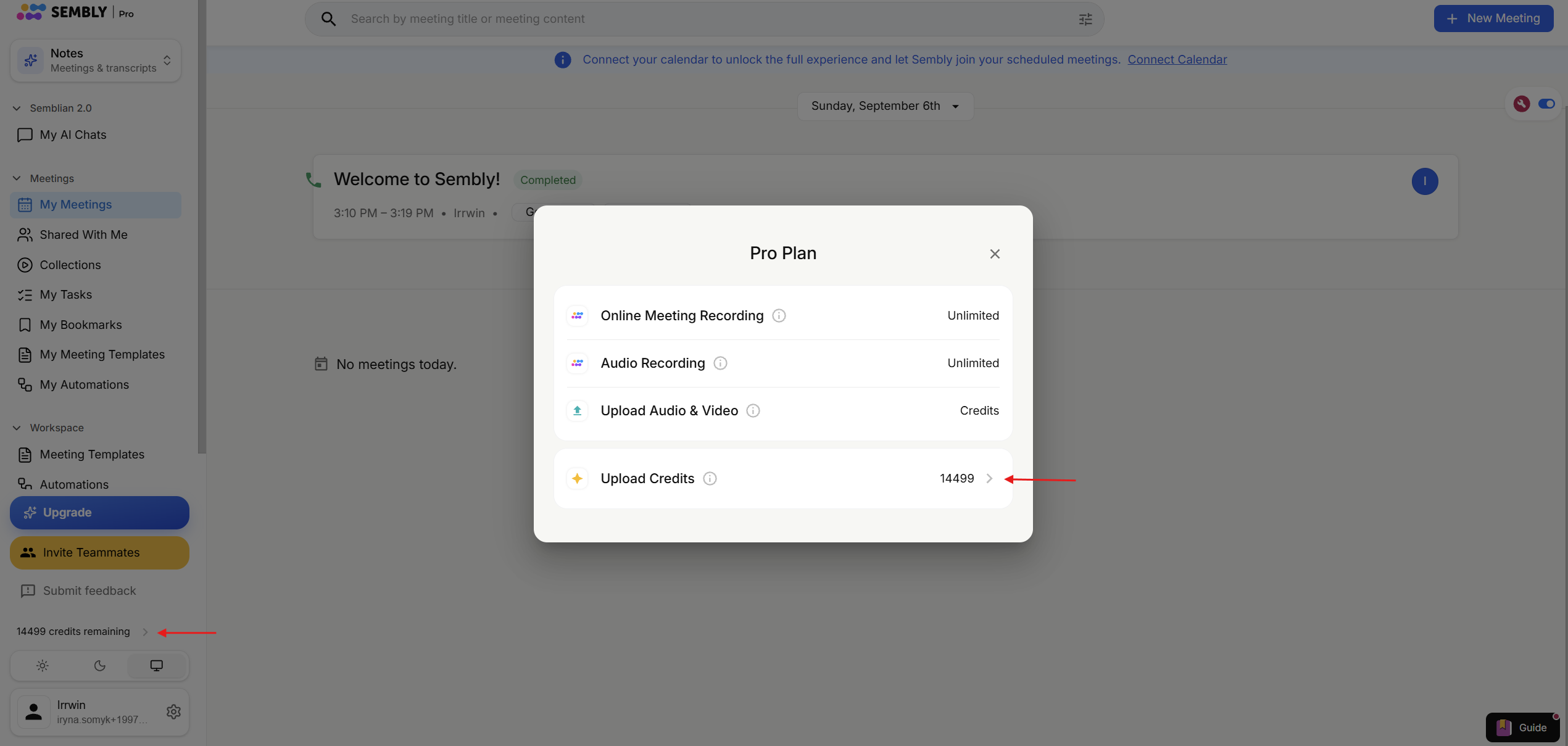
Plan limits renew at the start of each billing cycle. The billing cycle and limit renewal begin after the payment is made.
If you run out of credits, you can buy them directly from this pop-up by clicking the arrow icon. Only workspace admins can see it and therefore purchase credits for the workspace.

