

The error you're encountering indicates that you don't have access to the meeting you're trying to open. This can happen for a few reasons:
Multiple Accounts: You have multiple Sembly accounts and are logged into one (e.g., [email protected]), but the meeting you're trying to access was recorded under another account (e.g., [email protected]). In this case, please log into the account where the meeting was recorded.
Shared Access: You have multiple accounts, and you're logged into one (e.g., [email protected]), but the meeting is shared with your other account (e.g., [email protected]). Please log into the account that was granted access to the meeting.
Email Mismatch: You have one account (e.g., [email protected]), but someone shared access to a meeting with a different email (e.g., [email protected]). Please contact the person who shared the meeting and ask them to grant access to the email address registered in Sembly.
Access Removed: You are not registered in Sembly and were provided with a guest link, but the meeting owner has either removed the meeting or revoked your access. Please contact the person who shared the meeting to clarify the situation.
If none of the above applies, please contact our support team at [email protected].
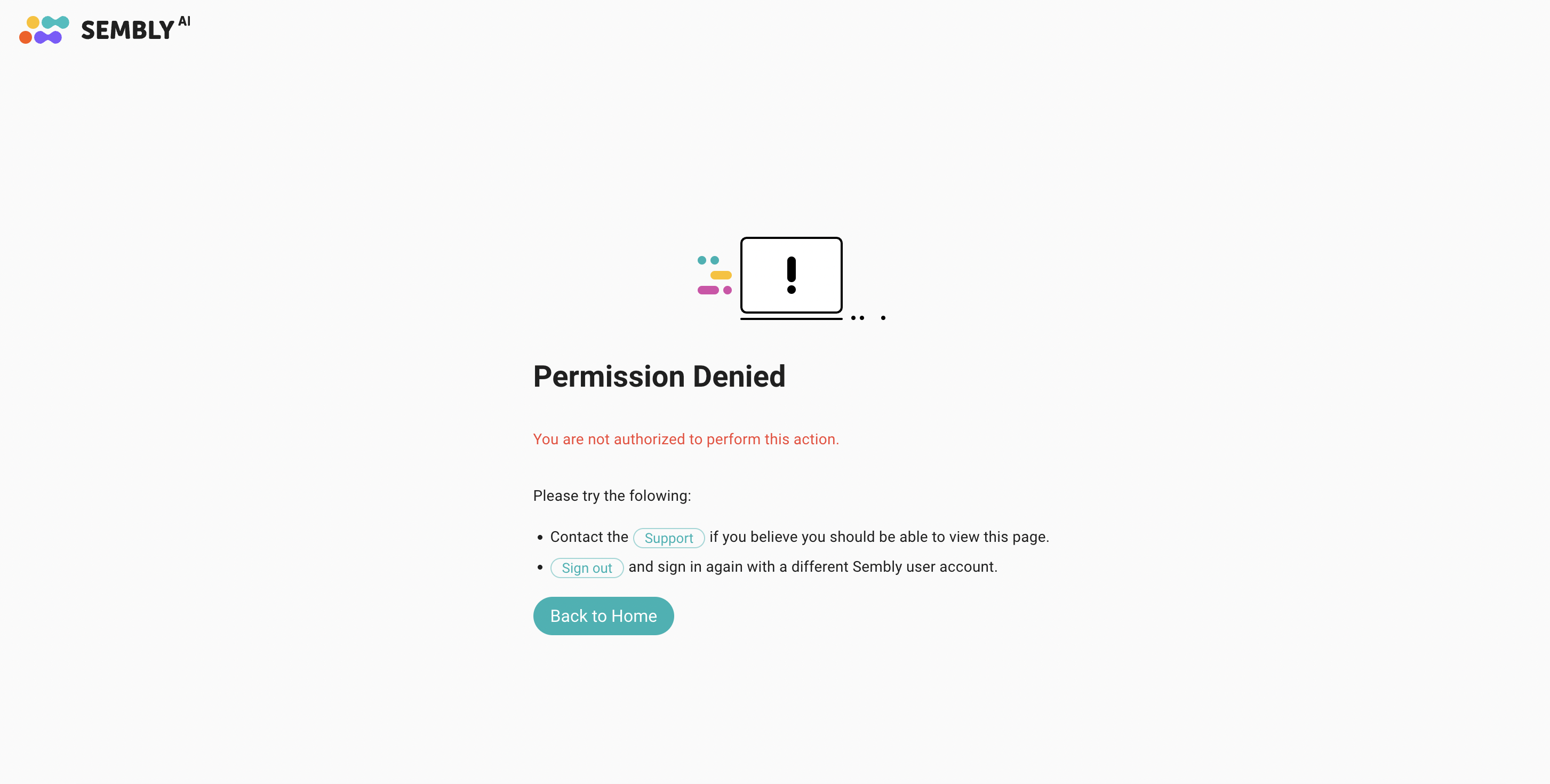
Getting "Permission Denied" while trying to access my account
If you encounter this error when trying to log in, it may mean your Workspace Admin has disabled your access. Contact your Sembly admin to find out the reason.
This error can also appear if you attempt to access a deleted account. If you previously took steps to delete your account, it’s possible the account no longer exists in our system, which would prevent you from logging in or accessing any associated data.