
If you're new to Sembly and don't have an account but have received an invitation, please follow these steps:
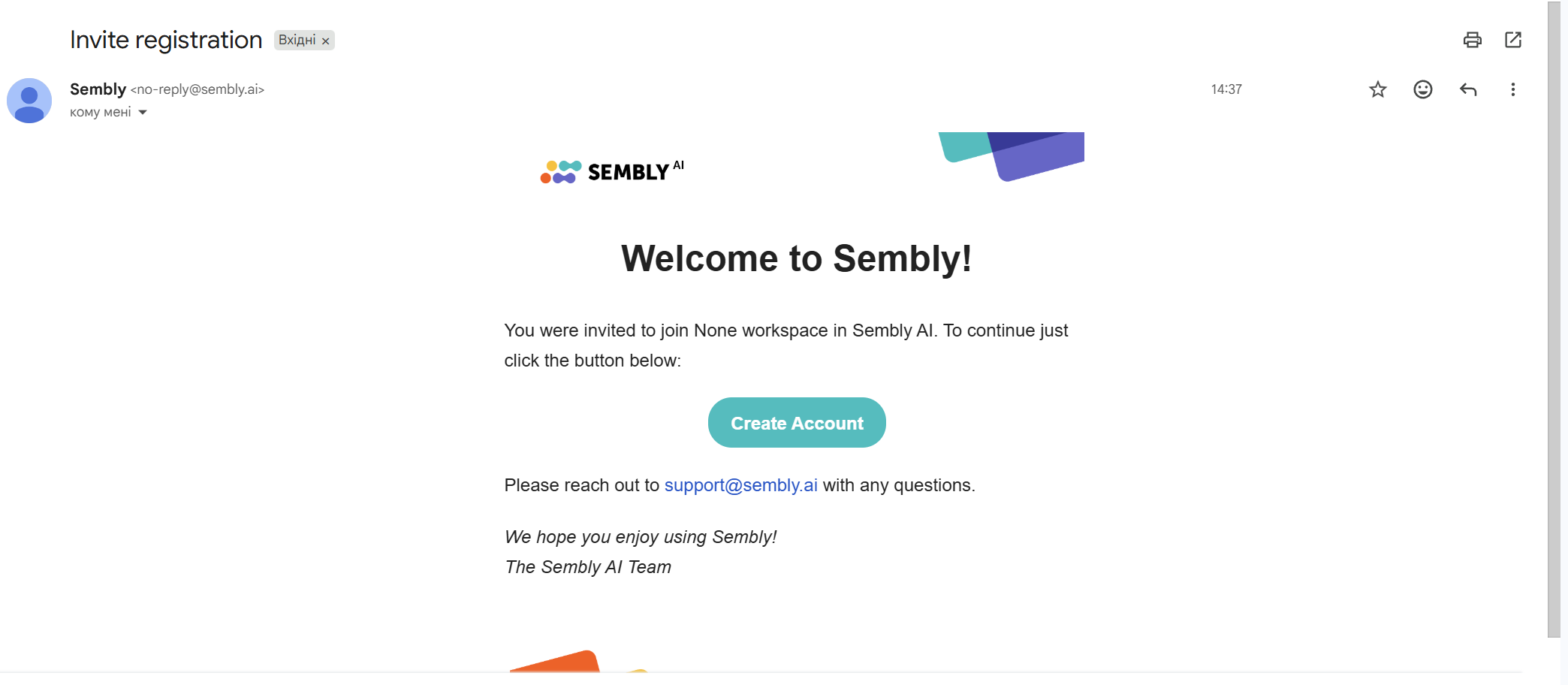
Sign up by clicking Create Account in the invitation email.
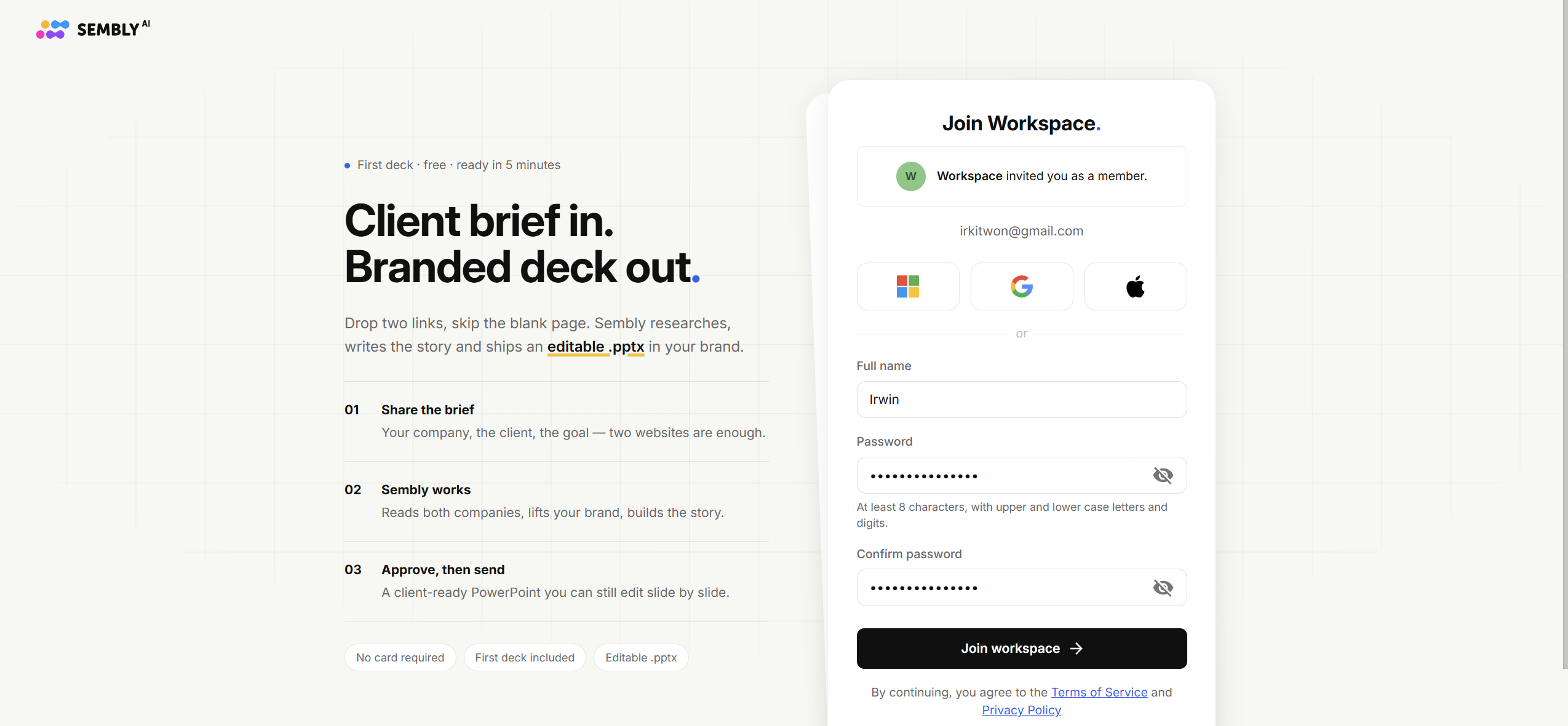
You will be redirected to the registration page for invited members, where you can enter the required information — either via SSO (Microsoft, Google, or Apple) or by signing up with an email and password.
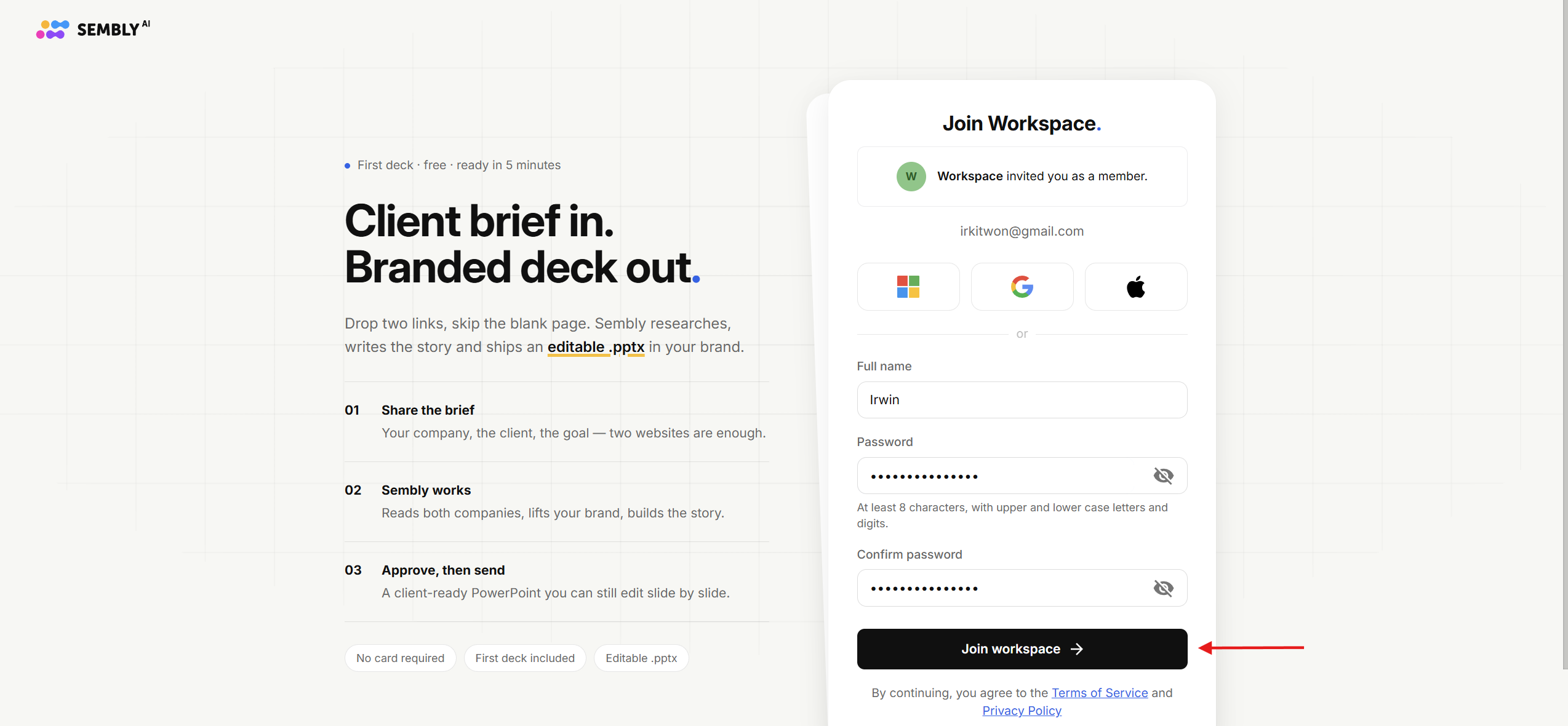
After you fill in the required information, please click Join Workspace.
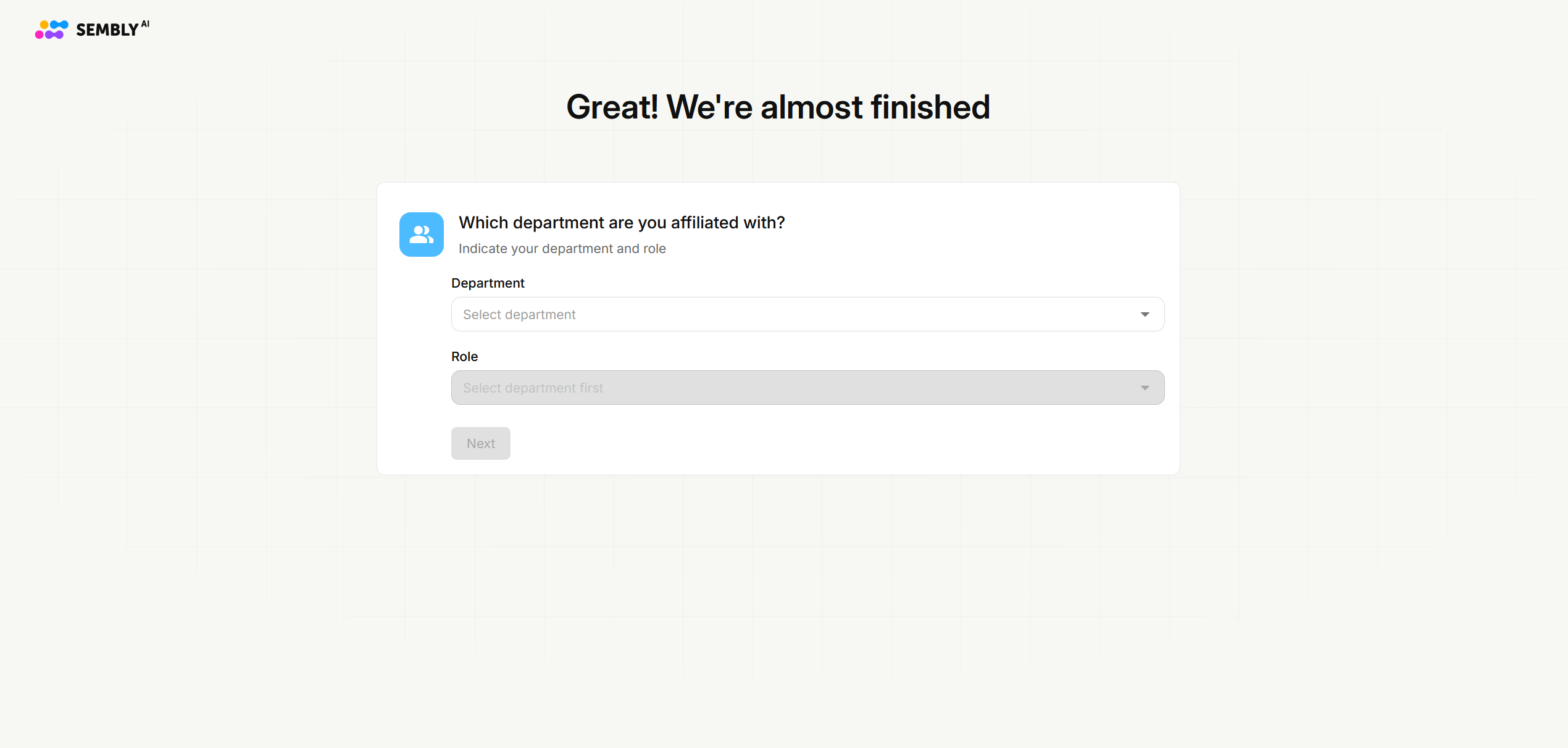
Then fill out the additional details: your Department and Role.
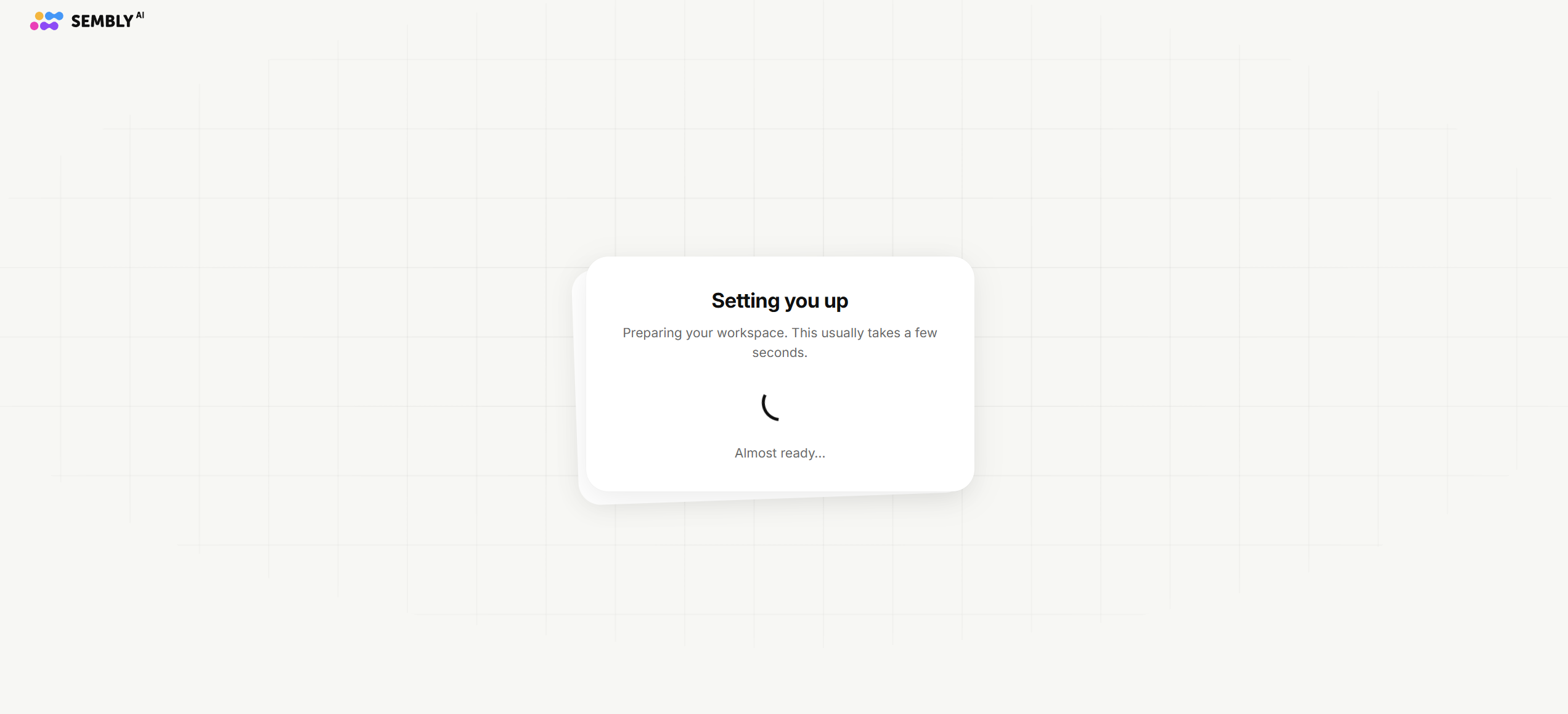
Please wait for the setup to finish and proceed to the next steps.
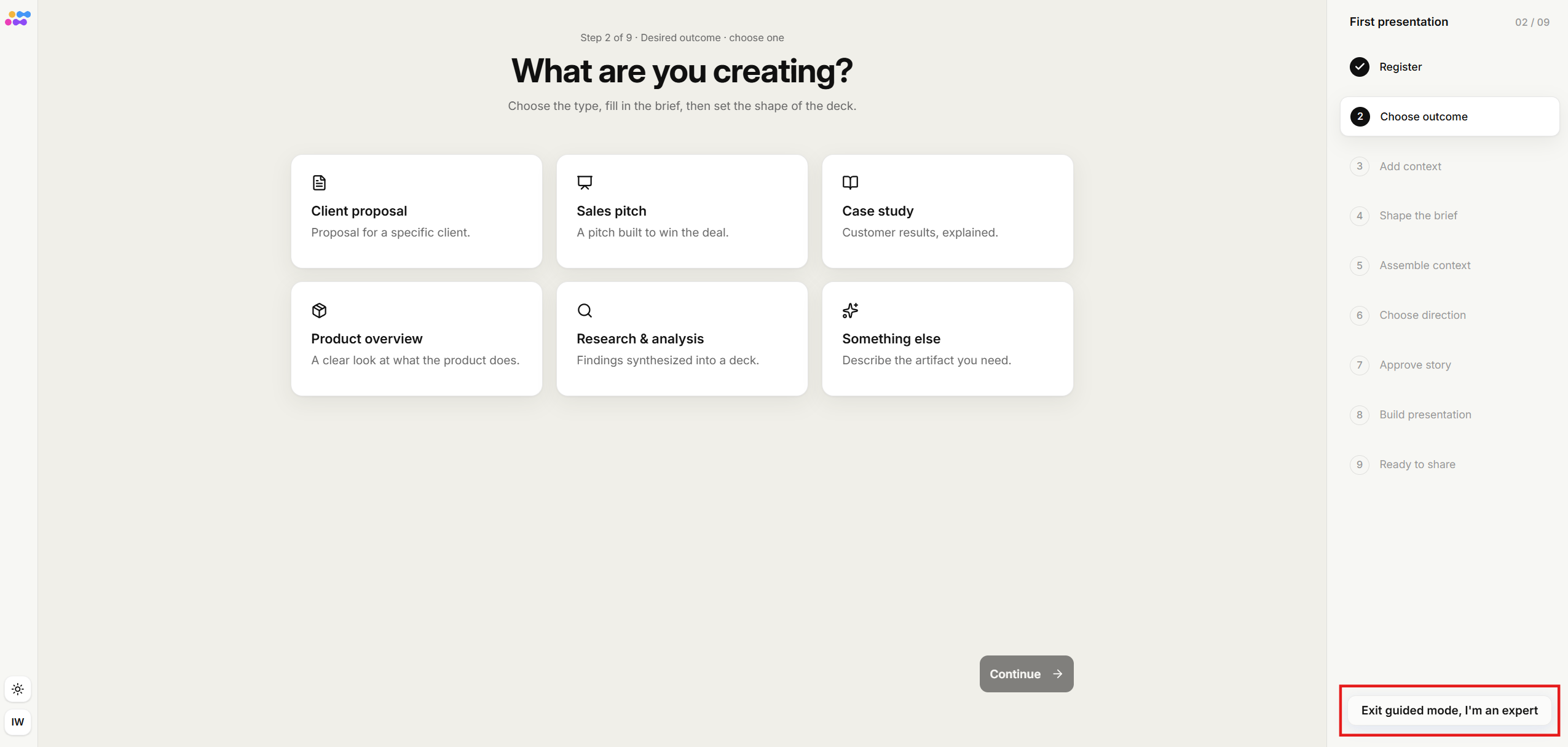
You will then be moved to the onboarding page, where you can create your first presentation. Here you have two options: either create your first deck or click Exit guided mode, I'm an expert to leave the guided flow and enter your account immediately. Please follow this guide if you want to create your first deck.
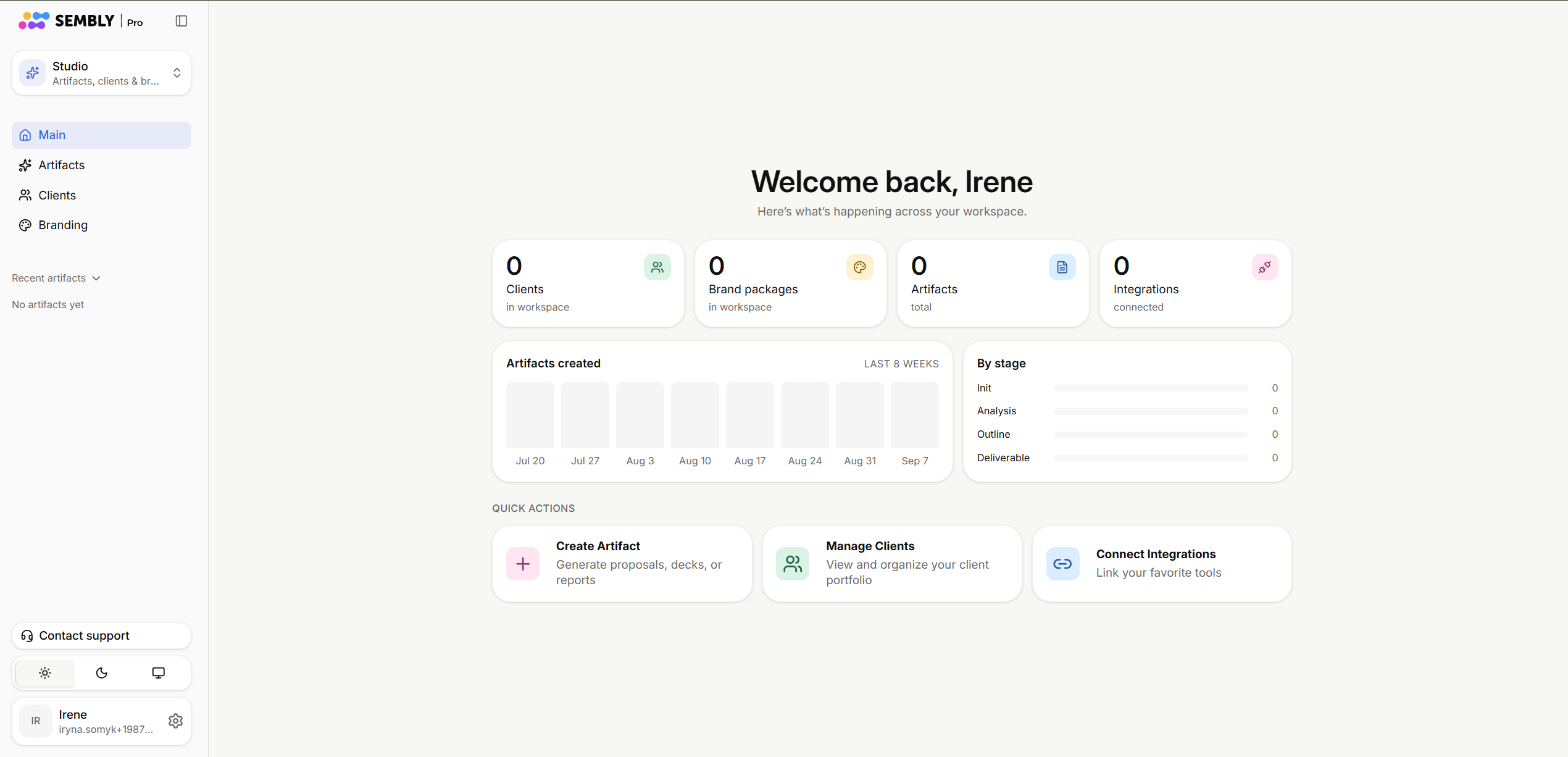
After that, you’re all set to go!

Users with existing accounts on Free trial or any paid plan can be invited to join a new Workspace on Pro, MAX or Enterprise plans. Likewise, a user already part of a different Workspace can switch to a new Workspace via an invitation.
After the transition, all recordings from the user’s previous workspace or personal account will remain unchanged. The new workspace admin will then manage billing responsibilities for the new member.
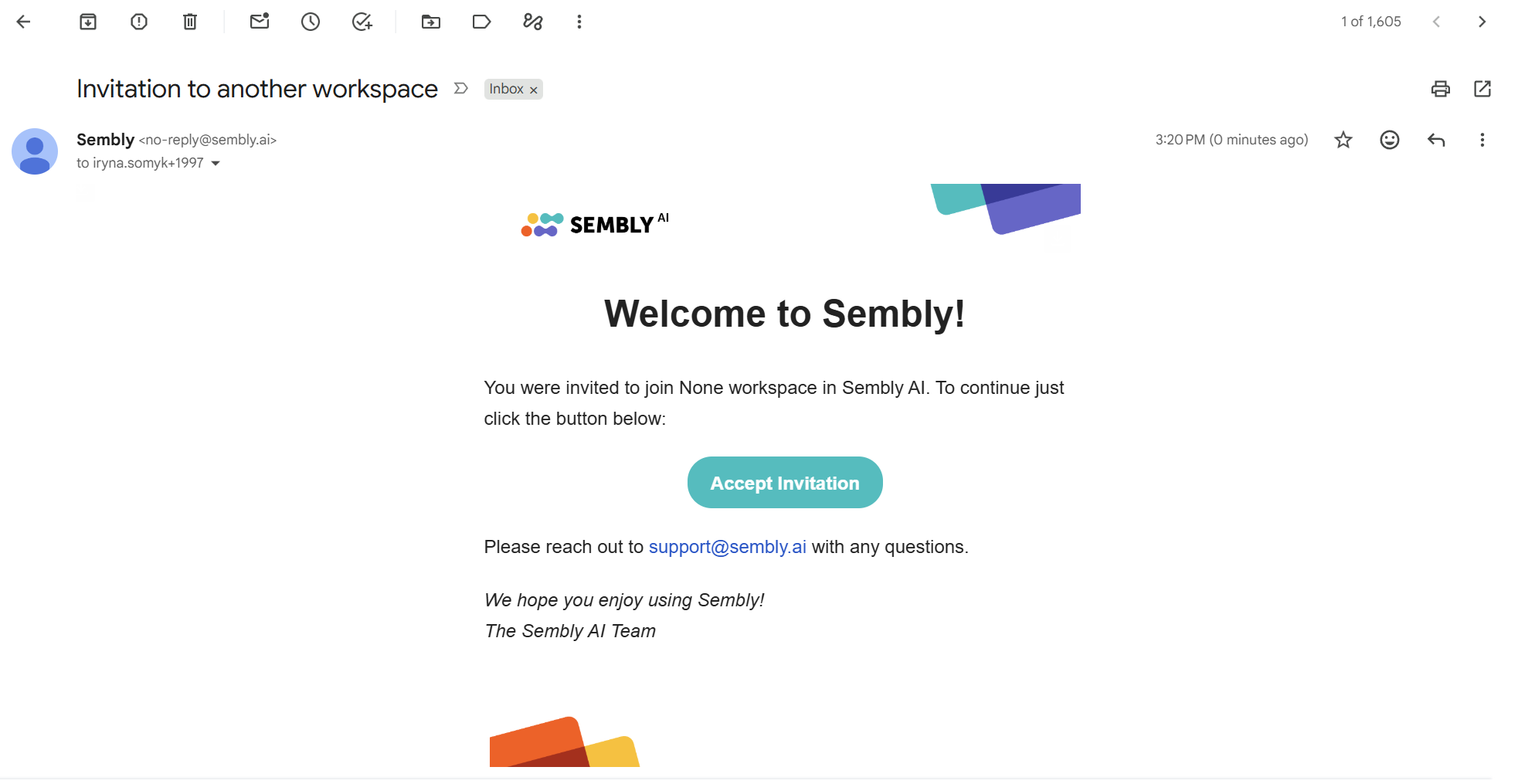
As an existing account, your invitation email will have an Accept Invitation button instead of Create Account.
Click the Accept Invitation button.
Click the Join button to accept the invitation.
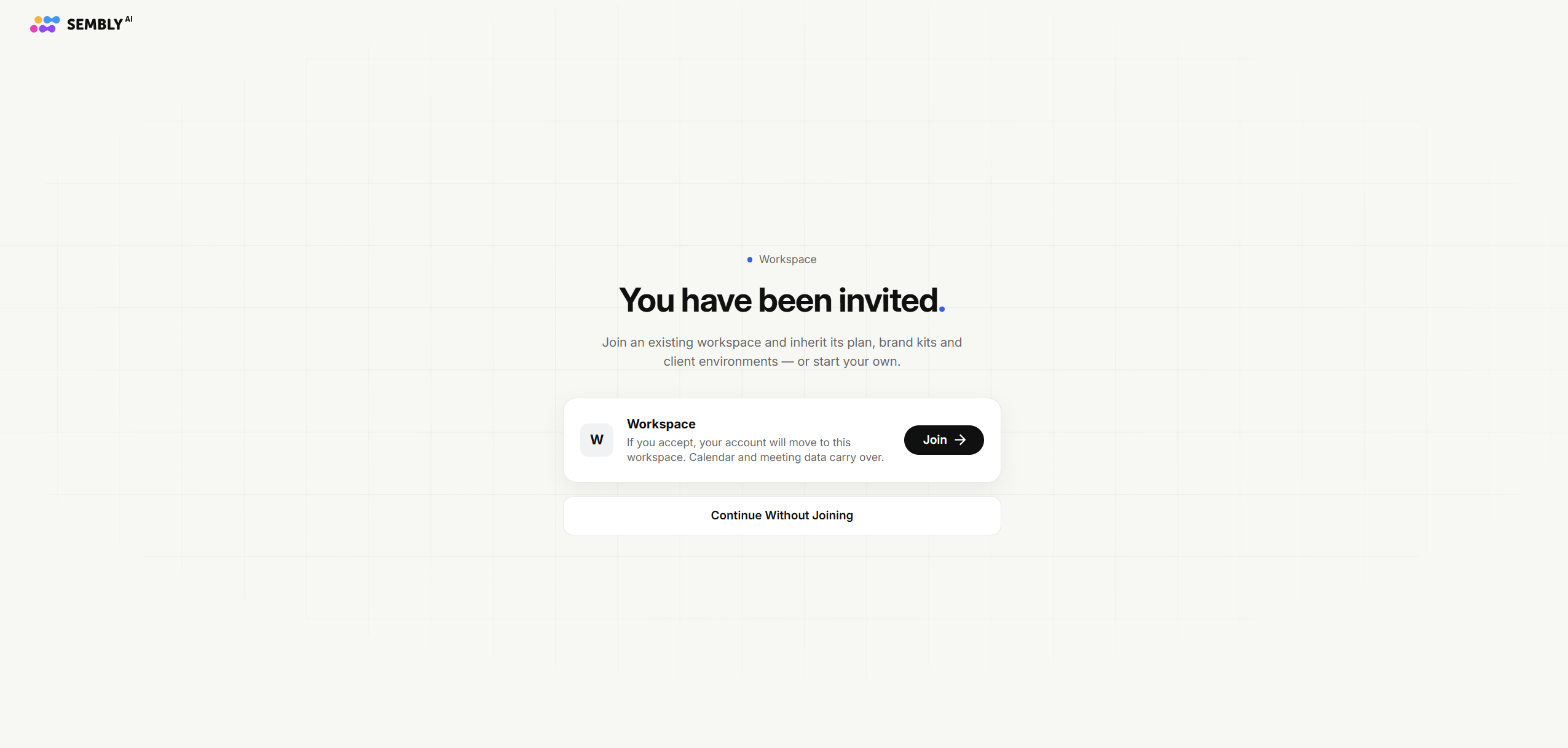
Wait a few moments for the setup to finish.
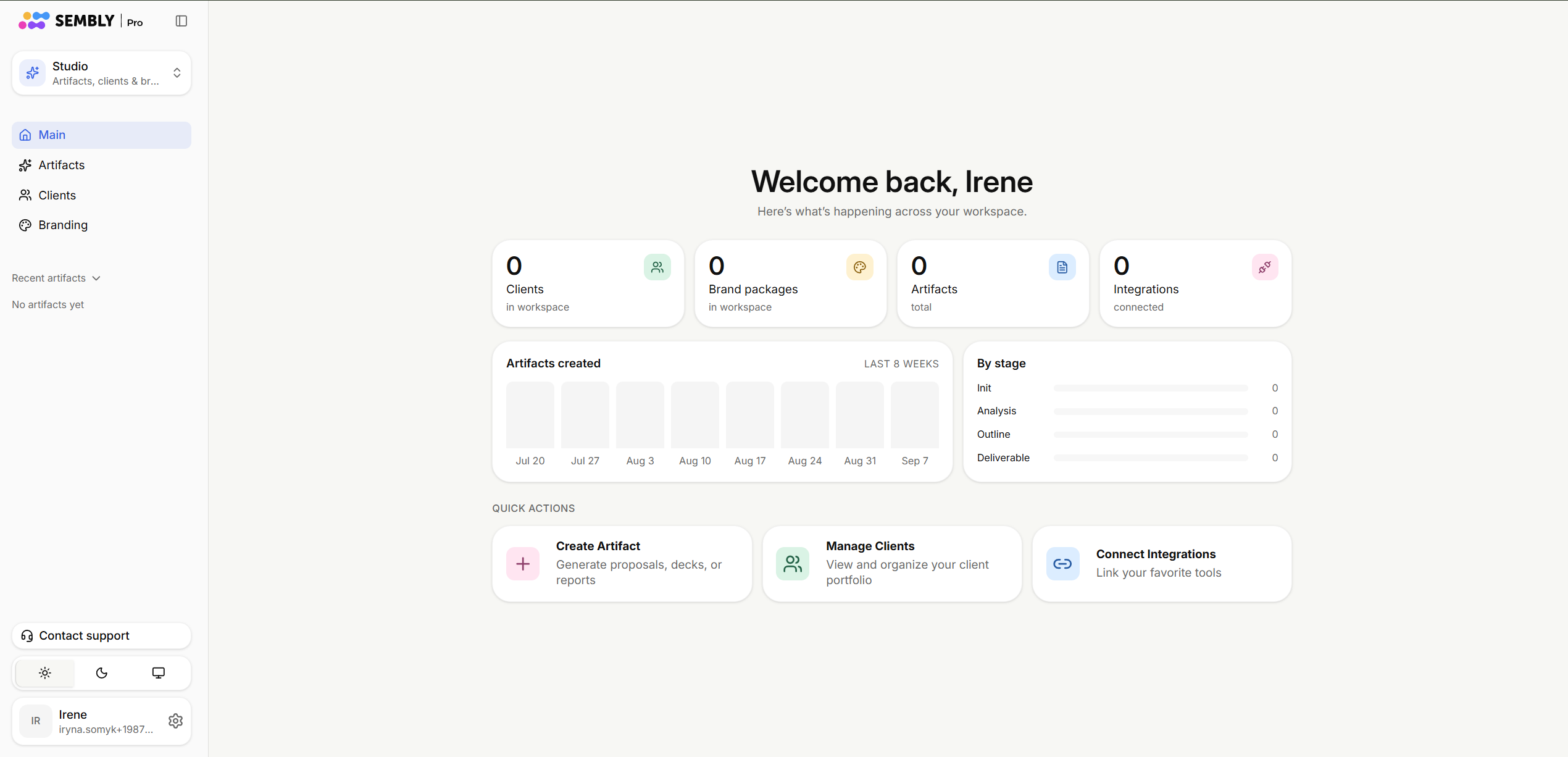
And you are good to go!
If you received an invite to a Workspace, clicked the link, and encountered an error, here’s what might be happening.
Check the button in the email: if it says Create Account but you already have a Sembly account, the issue could be a mismatch between email addresses. Contact the Workspace admin to confirm which email they sent the invite to. The invitation must be sent to the exact email registered with your Sembly account - even if you use an email alias. Using a different email or alias won’t link the invite to your existing account and may cause errors.

