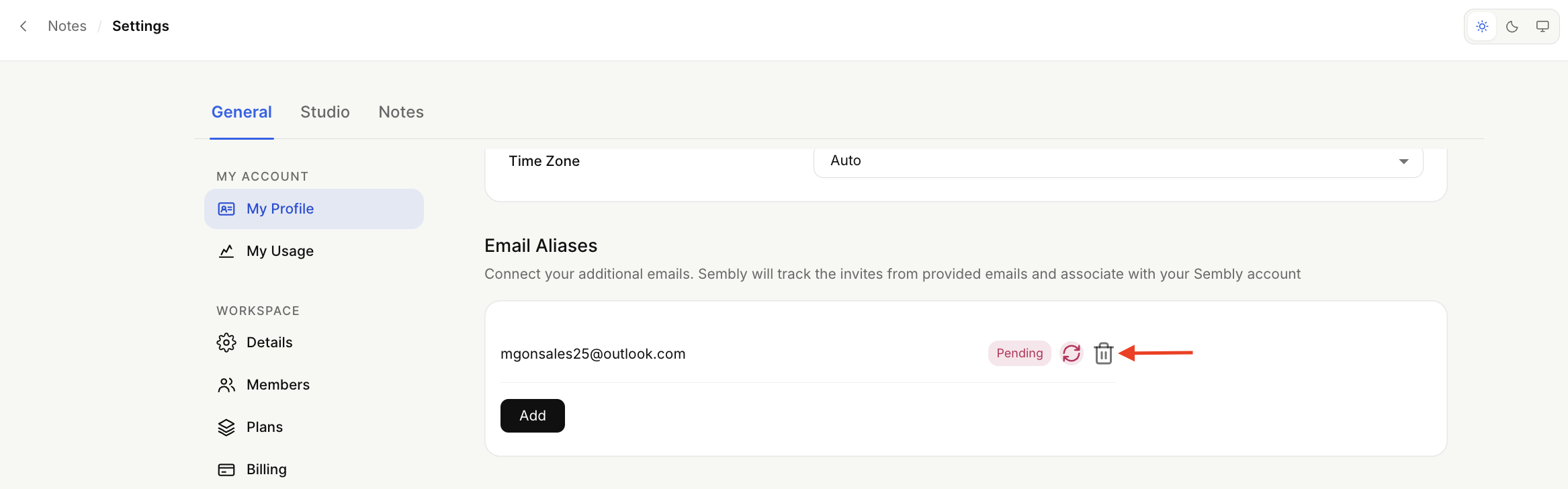
In your account, you can create an alternative email address so that you can invite Sembly using another email address. This is useful if you want to invite Sembly to meetings from various calendars.

Add an alias
To add new email aliases manually, follow the instructions below:
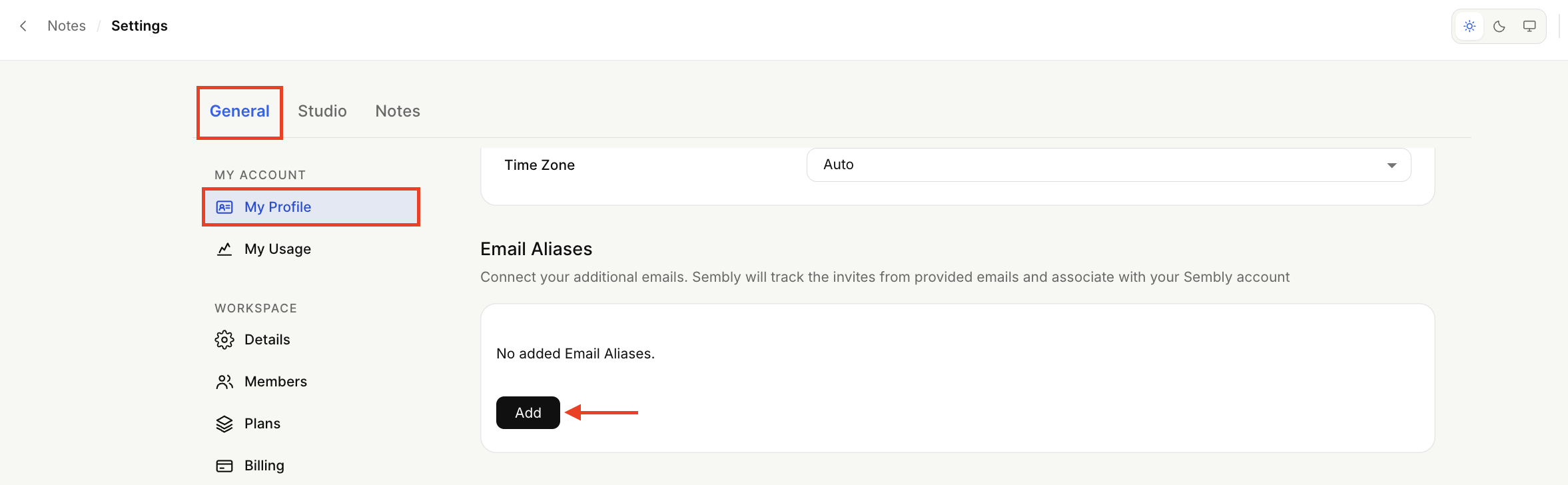
Open the dropdown by clicking your avatar at the bottom of the sidebar menu to open Settings → General → My Profile.
Scroll down the page to Email aliases (below the Time zone), and click Add. Make sure to use an email that is not yet registered or aliased in Sembly.
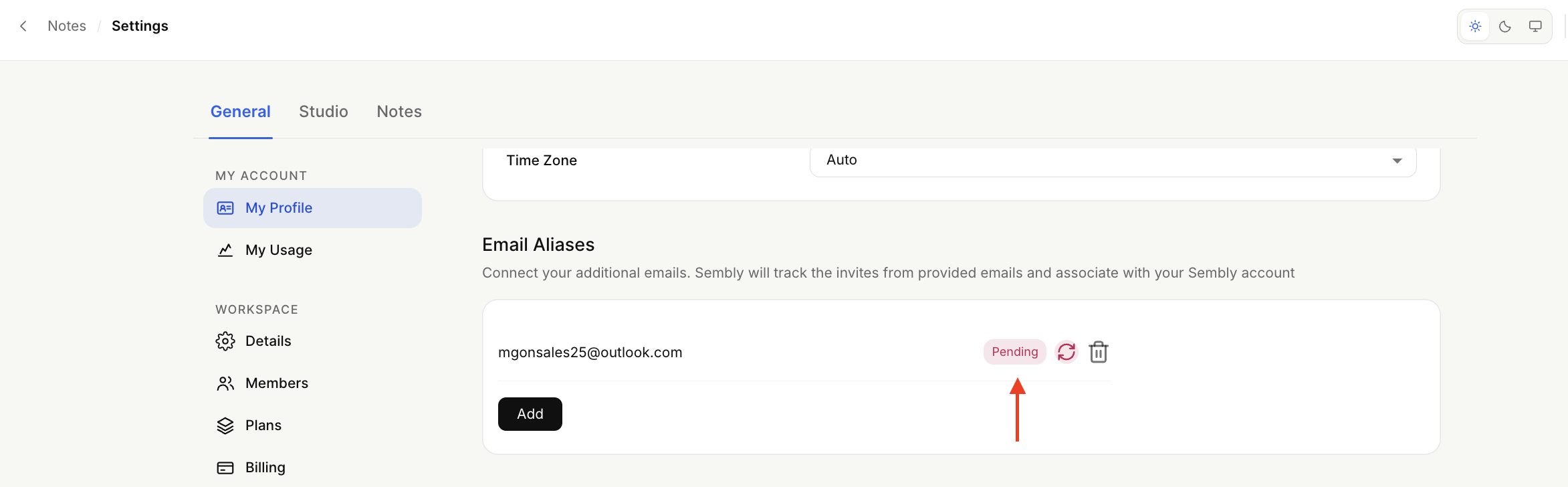
Follow the instructions in the confirmation email to proceed. The alias will be in pending status until you confirm it. If you need to resend the confirmation email, click the red arrow next to Pending.
Delete the alias
If you need your alias email for other purposes in Sembly (e.g., creating a new account), you must remove it from aliases in the current account by pressing the bin symbol.