In Sembly, you have a personal page with account details that can be set up as desired. The profile center is located under your user name in the sidebar menu on the left.
Open the dropdown by clicking your avatar at the bottom of the sidebar menu to open Settings → General → My Profile.
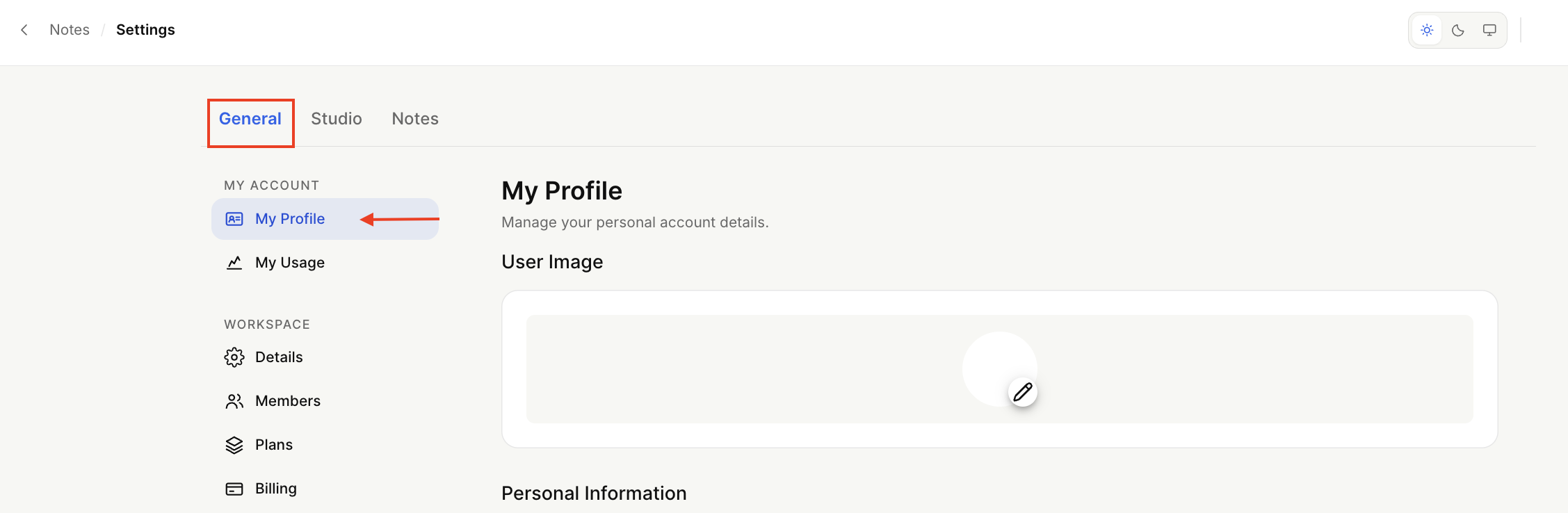
You can change your name, email, and password in My Profile and set a timezone. You can also add your professional role.
Click Change where it's available to make changes. You will receive an email with further instructions.
To change your name, click your cursor in the Full Name field and edit as usual.
You can also upload your profile picture, and the optimal image size is up to 1 Mb.
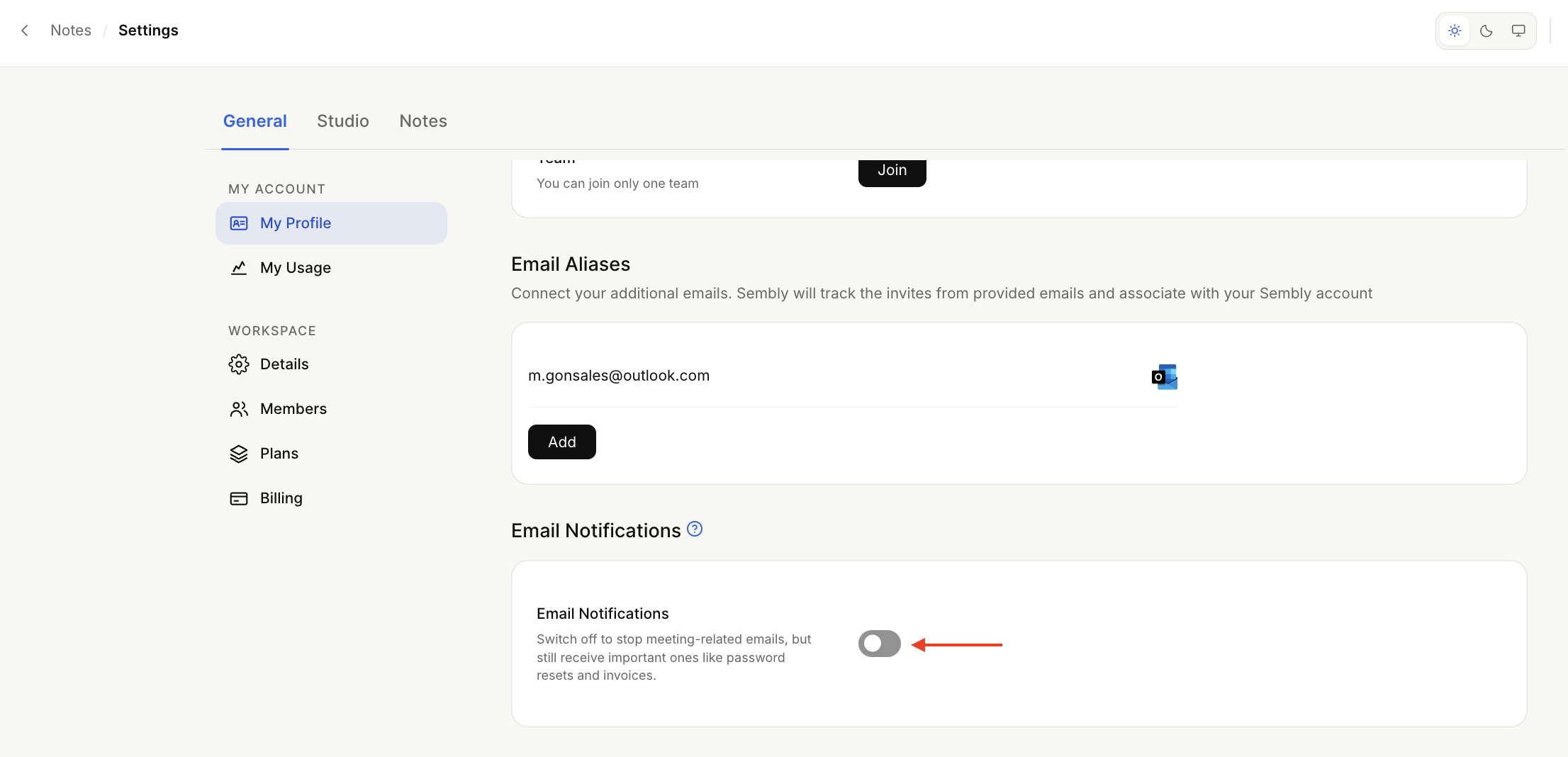
Turn the email notifications on/off
Scroll down to manage your email notifications. The notifications are activated by default.
When the toggle is off, you will stop receiving the following email notifications:
The first recorded meeting with Sembly;
Daily meeting reports;
Invalid email invitation;
You will continue to receive email notifications with other important information related to your account (password reset, trial, invoices, etc.).