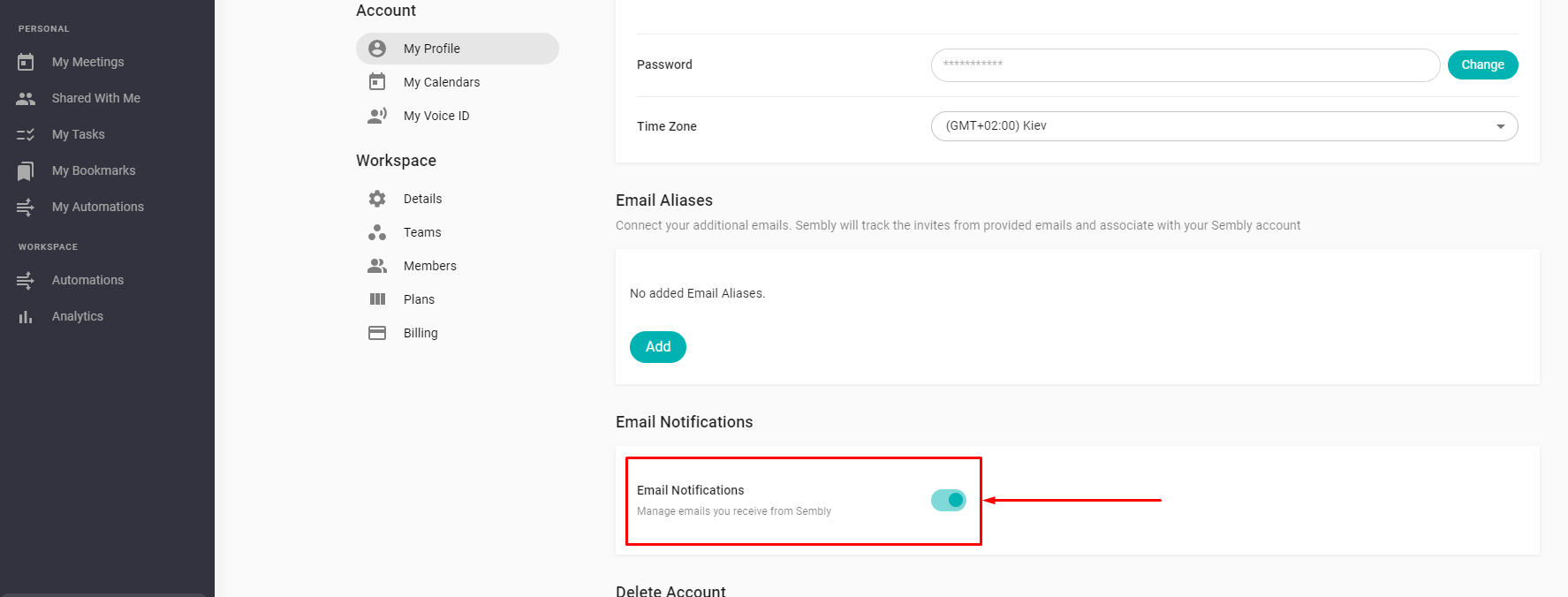
LEGACY PLAN: PROFESSIONAL | TEAM | TEAM PLUS
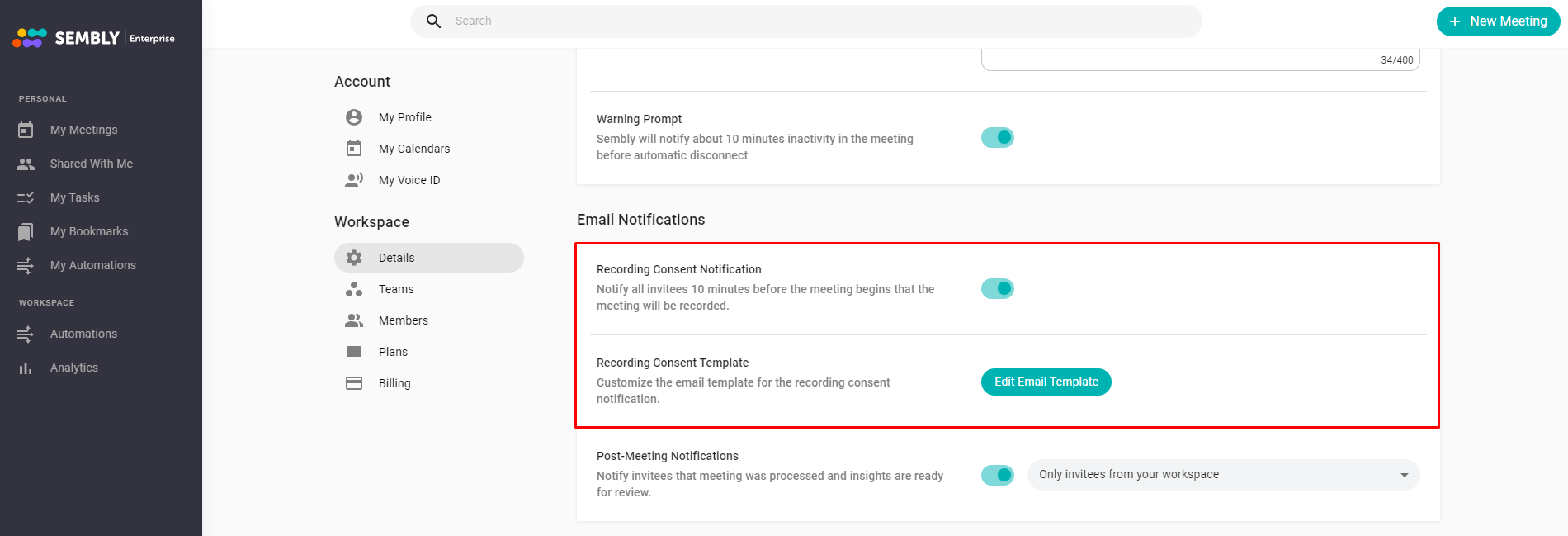
You can email the meeting attendees to let them know you will be recording the meeting. This will ensure that everyone is aware and doesn't mind your agent joining the call and capturing the information. This email is sent to all meeting invitees, except the meeting owner, 10 minutes before the call. The notification is optional and is turned off by default. To activate it, go to Workspace Details, scroll down to the relevant setting, and switch the toggle on.
Moreover, you can customize the email template for the recording consent notification by clicking Edit Email Template and editing the text in the pop-up window.

LEGACY PLAN: PROFESSIONAL | TEAM | TEAM PLUS
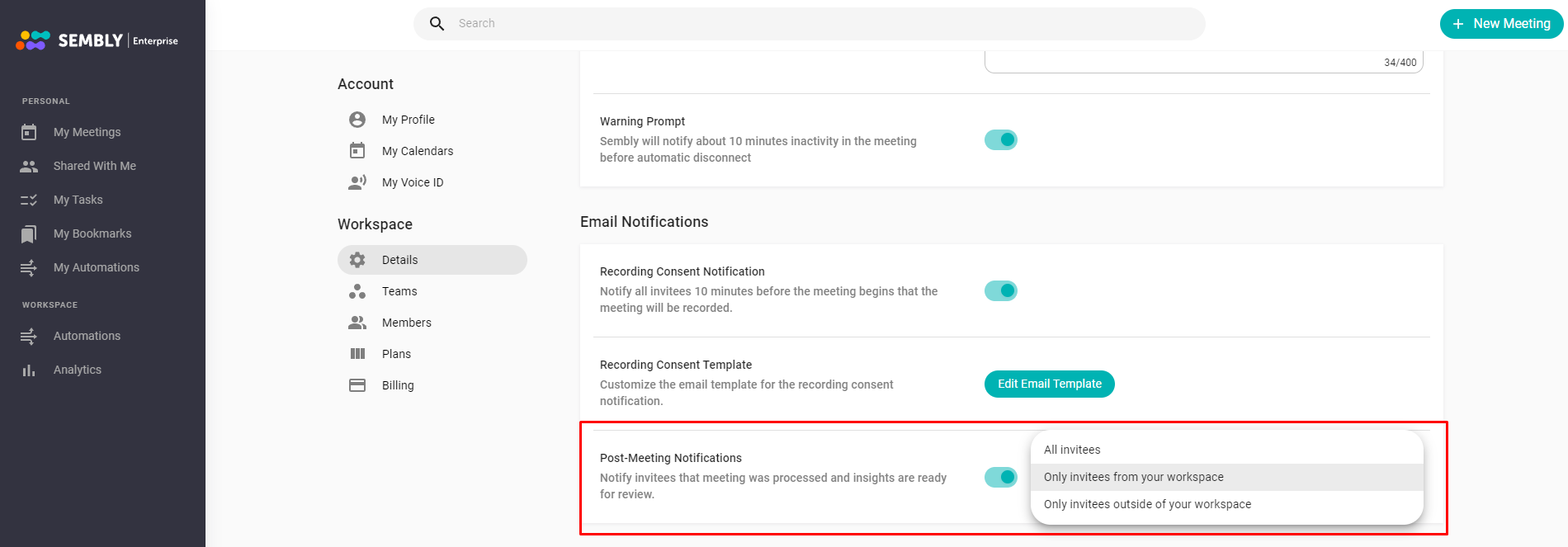
Once your meeting has been completed in Sembly, invitees can be automatically notified about it by email with the link to this meeting in Sembly. You can choose one of three different options to control who will receive the meeting insights.
All invitees - share meeting insights with every meeting invitee;
Only invitees from your workspace - share meeting insights with your workspace members;
Only invitees outside of your workspace - share meeting insights with every invitee who is not a member of your workspace.
The notification is optional and enabled by default. To deactivate it, go to the Workspace Details, scroll down to the relevant setting, and switch the toggle off.