The Sembly Mobile App lets you capture meetings on the go, recording directly from your phone and turning them into fully transcribed meetings in your Sembly workspace. It is built for speed and simplicity, so you can start recording the moment a conversation begins, wherever you are.
To record a meeting in the Sembly Mobile App, simply log in to your account and open the Local Recordings section
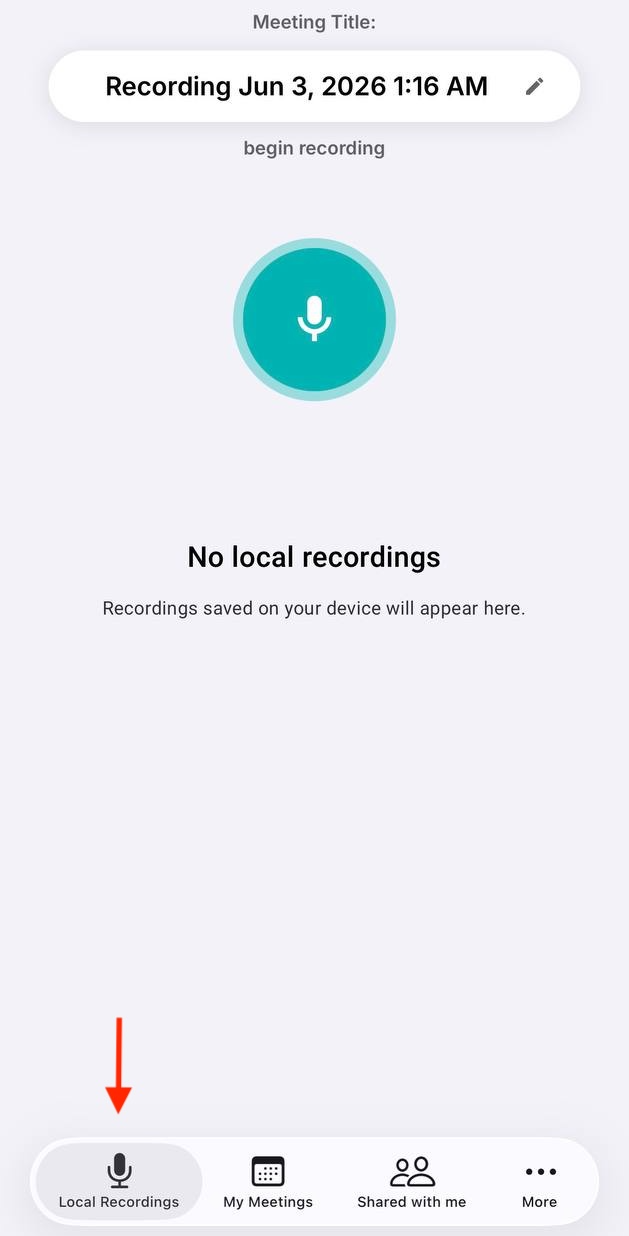
Set the meeting title as required
Tap the microphone button to begin
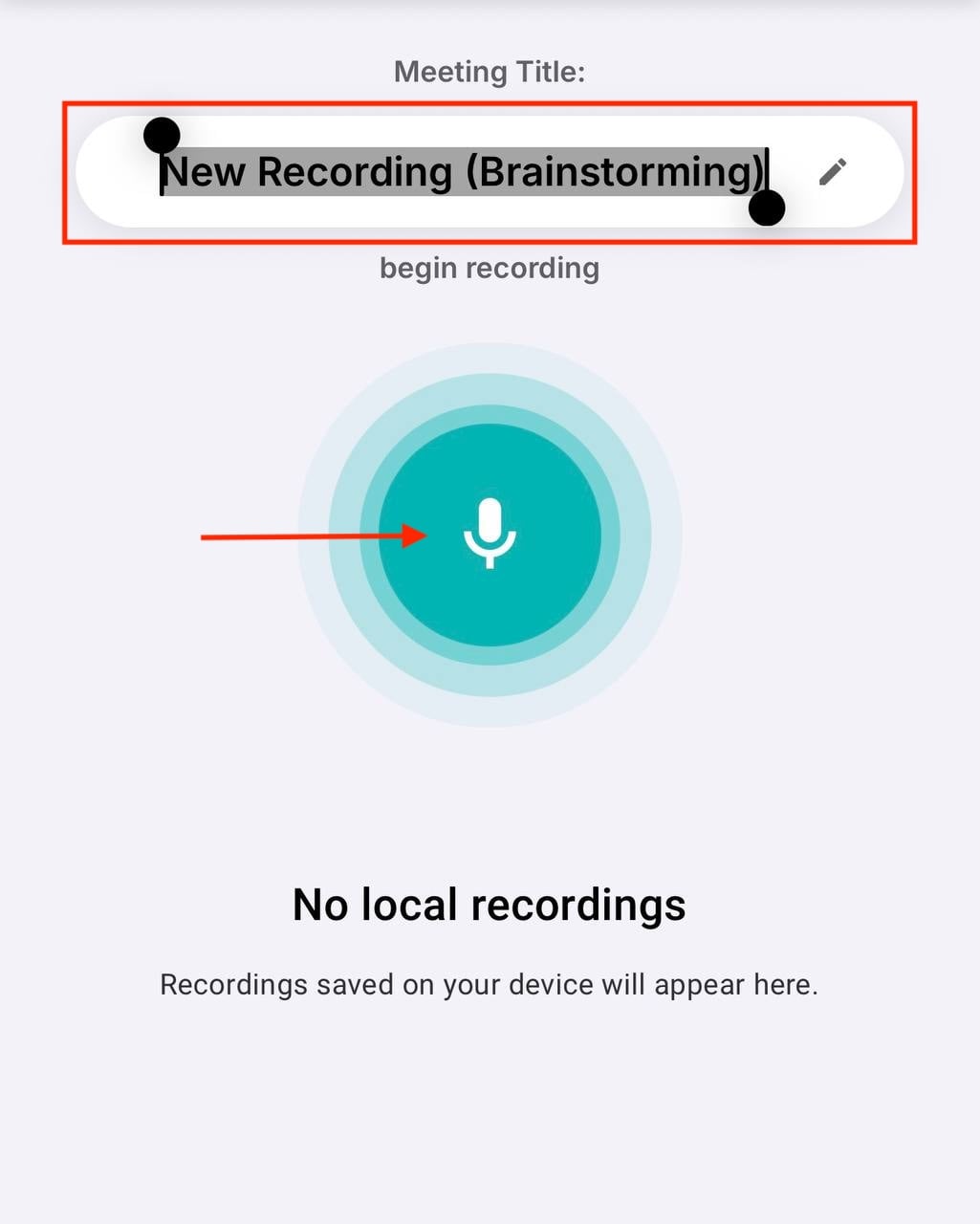
Once the recording is in progress, you can continue using your phone as usual, switch between tabs, or even accept phone calls, Sembly will pause recording while you are on call. Once call is done, press Resume button to continue recording
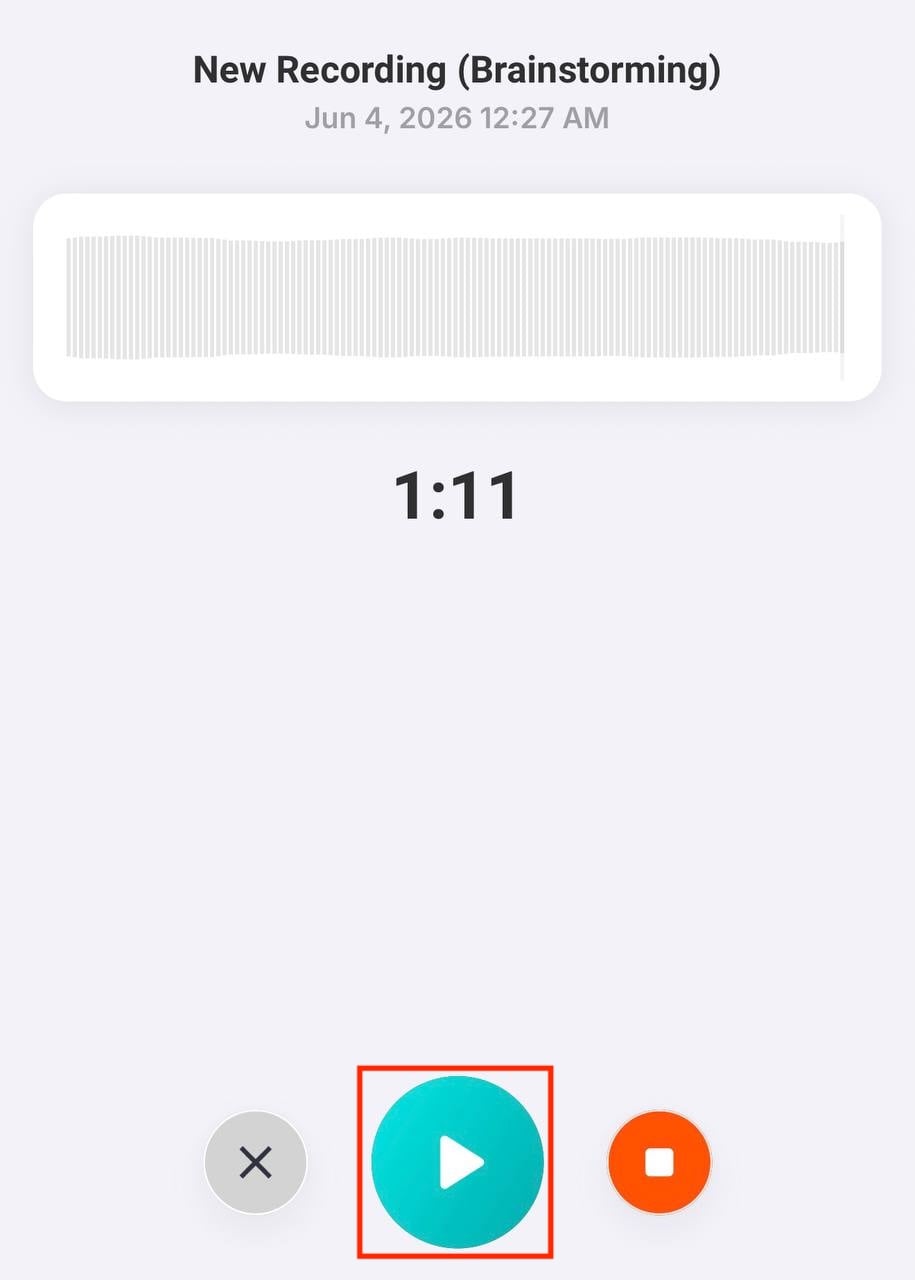
When you are finished, tap Done button to stop the recording
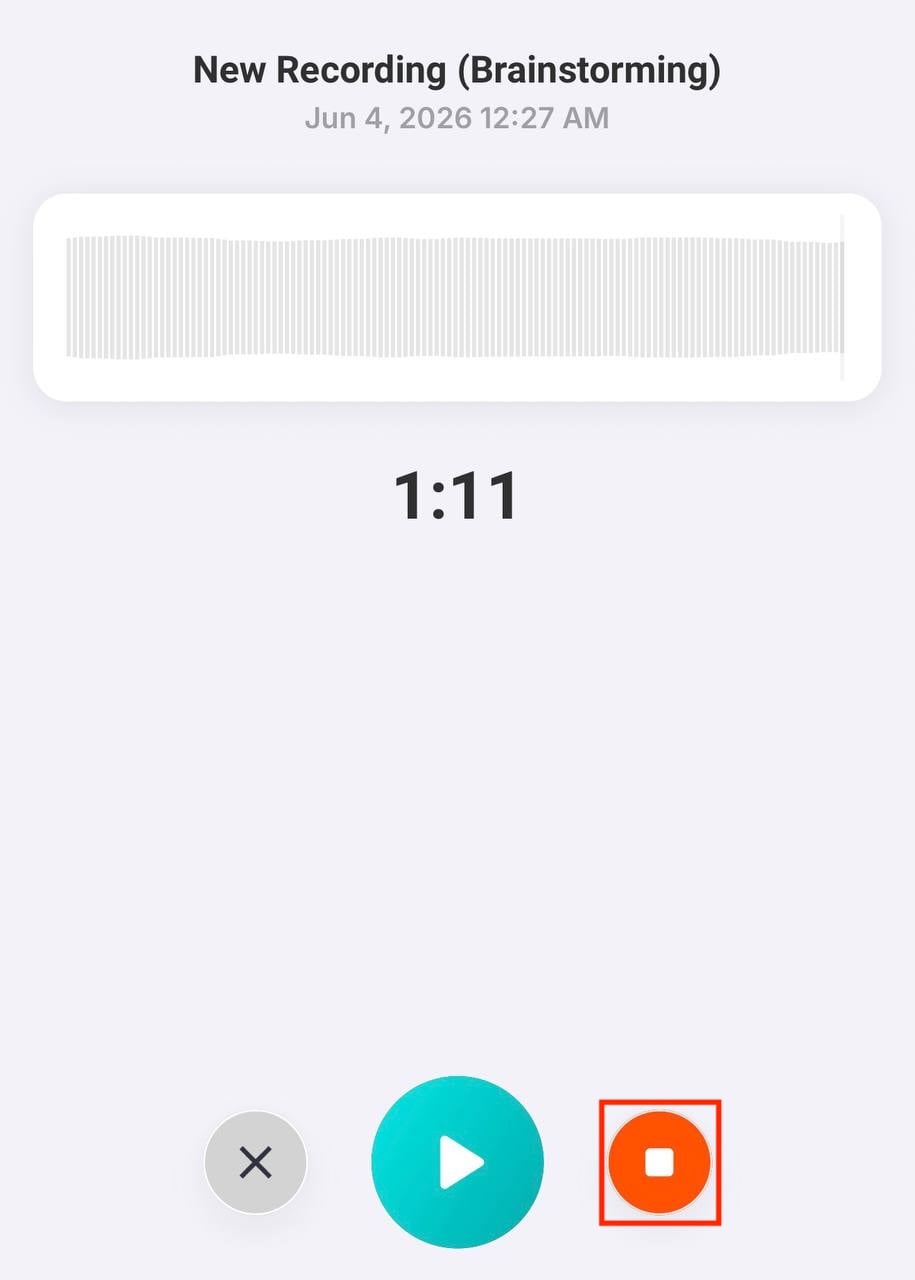
Once finished, the recording will appear in your Local Recordings list
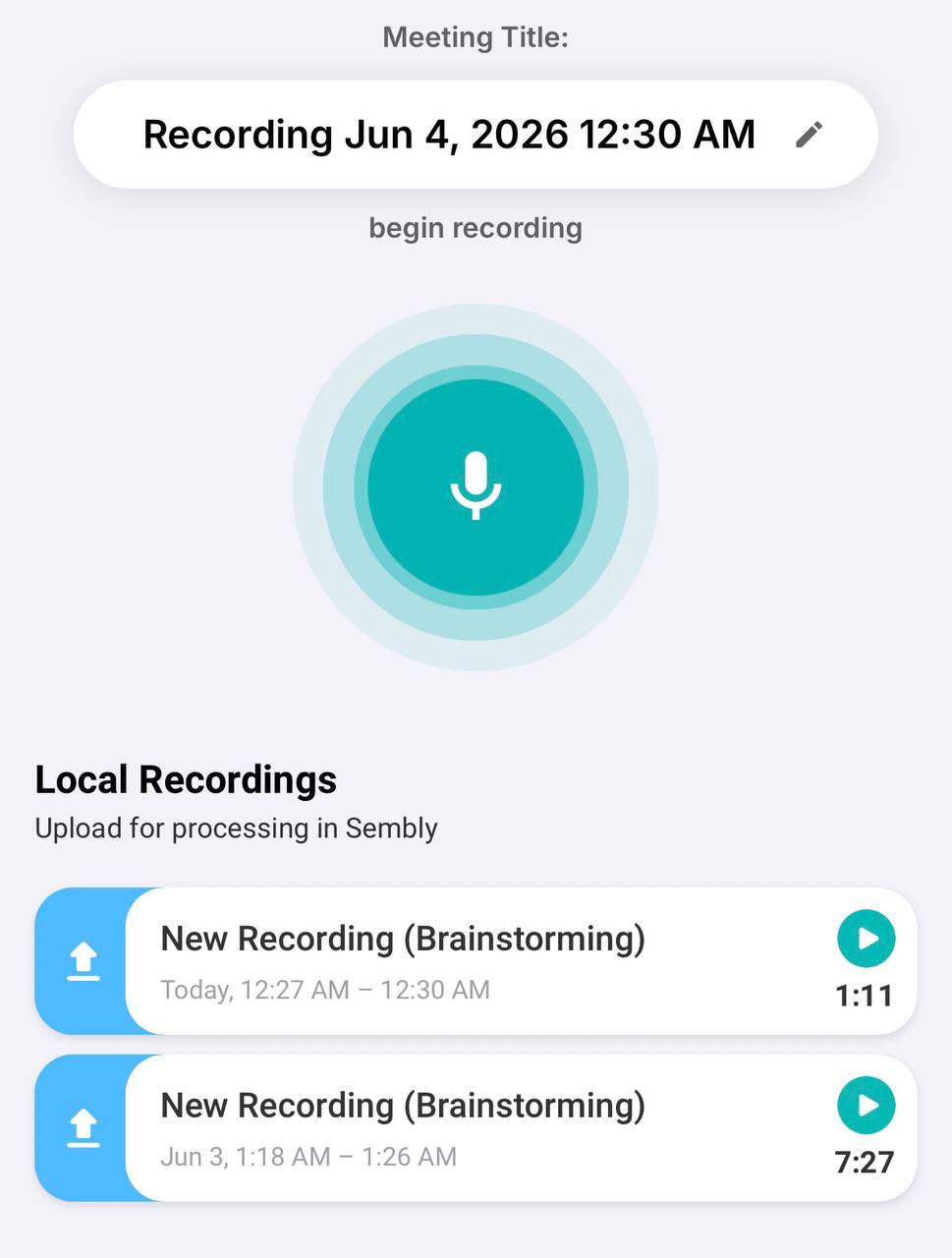
To process it, open the recording and tap the Upload to My Meetings button
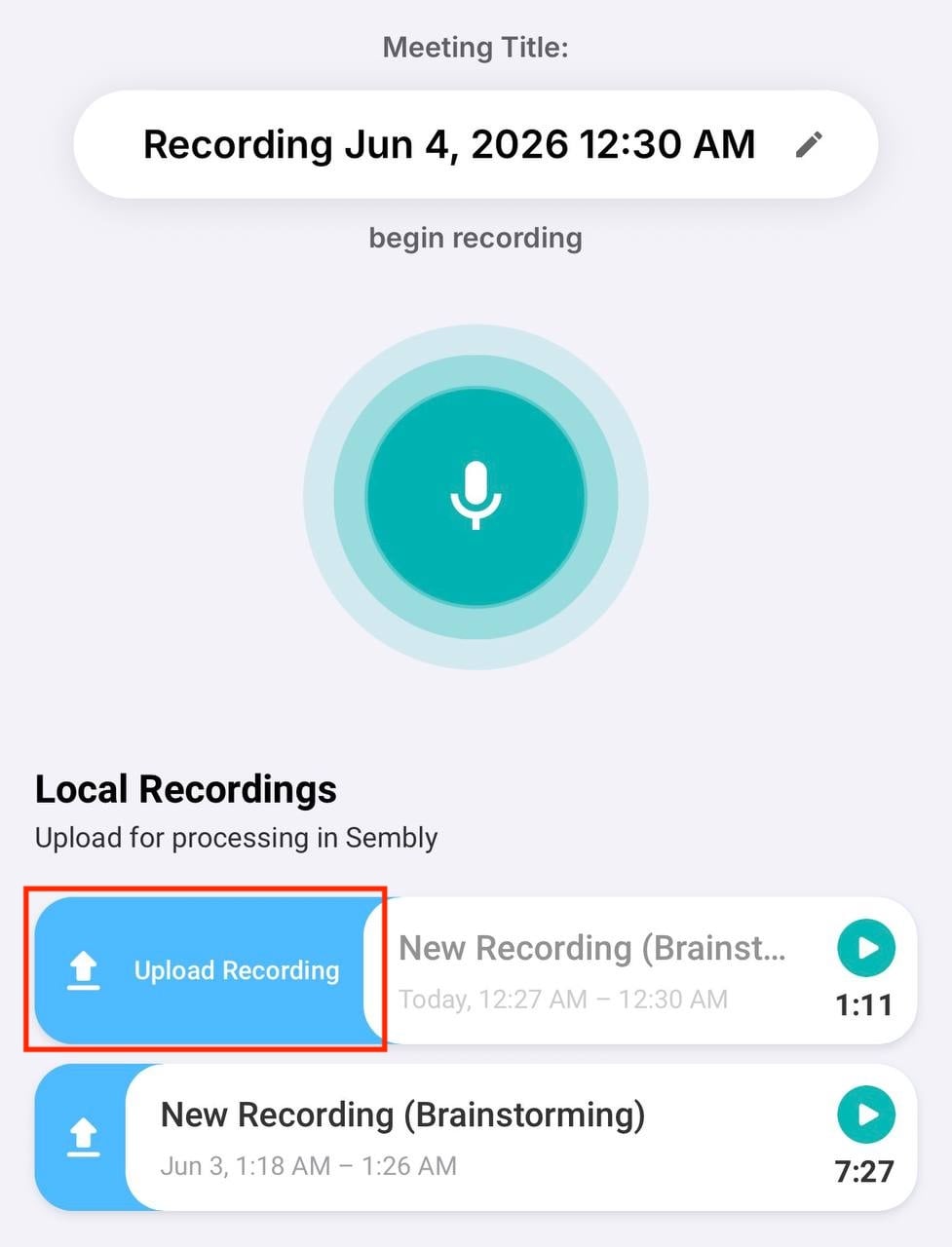
The processing will start in the My Meetings section
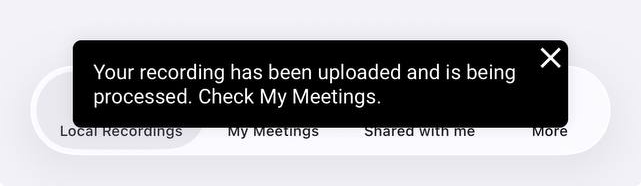
Congratulations! You can open the meeting to access the transcript
While recording a meeting in the Sembly Mobile App, you can continue using your phone without interruption. You are free to switch between apps, open other tools, or navigate your device as needed — the recording will continue in the background.
Recording in the app also works without an internet connection. However, you will need an internet connection to submit the recording to your Sembly account.
Please note that joining an online meeting and recording using the Sembly Mobile App on the same device at the same time is not possible, as the microphone cannot be used by multiple apps simultaneously.
It’s important to understand the difference between recordings and meetings in the Sembly Mobile App.
Local Recordings are recordings temporarily stored in the app’s cache on your device.
Meetings, on the other hand, are processed recordings that have been transcribed and are fully available in your Sembly workspace for review.

You can delete a local recording directly from the app.
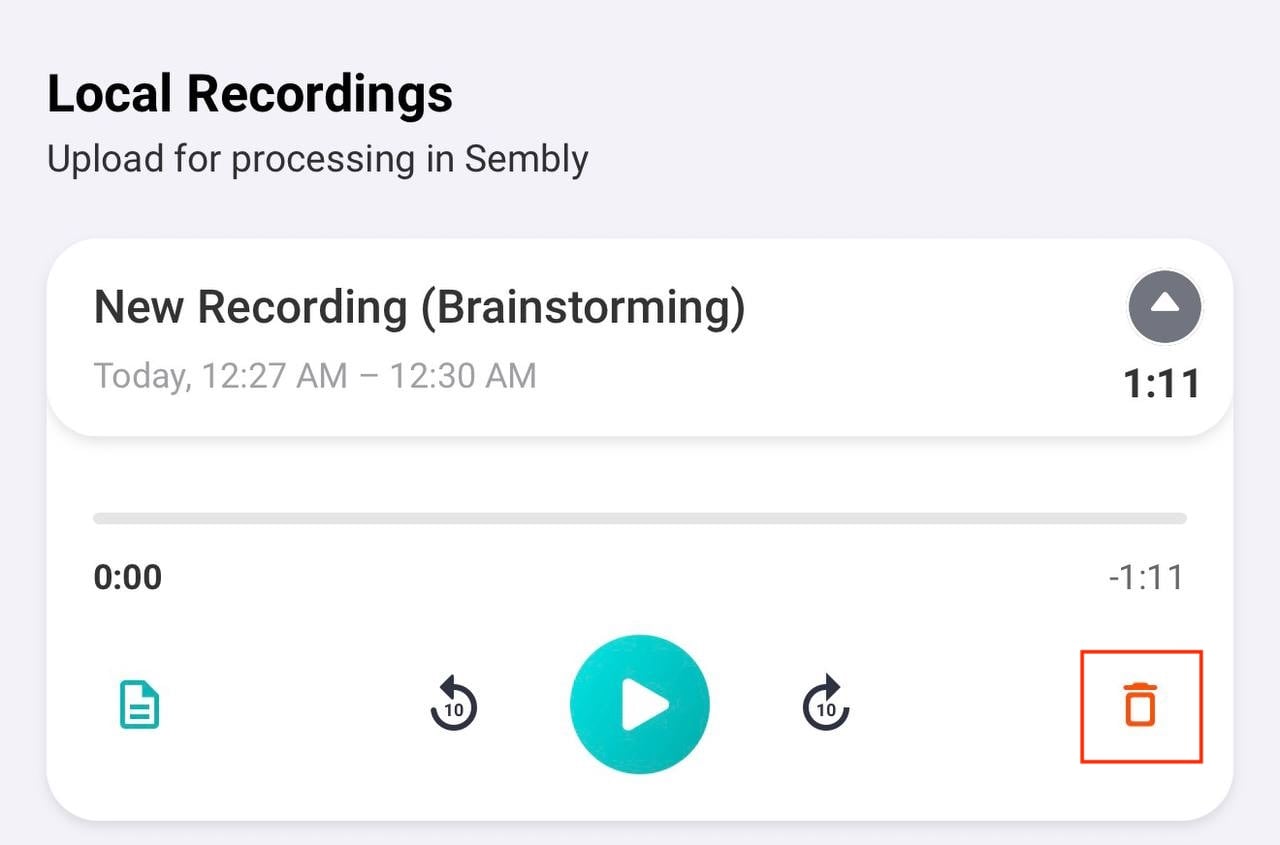
Local Recordings and Meetings are handled separately. Even if the local recording is deleted from your device, the meeting and its transcript will still remain available in your Sembly workspace.
If you still want to delete a meeting in Sembly, please follow the guide.

