

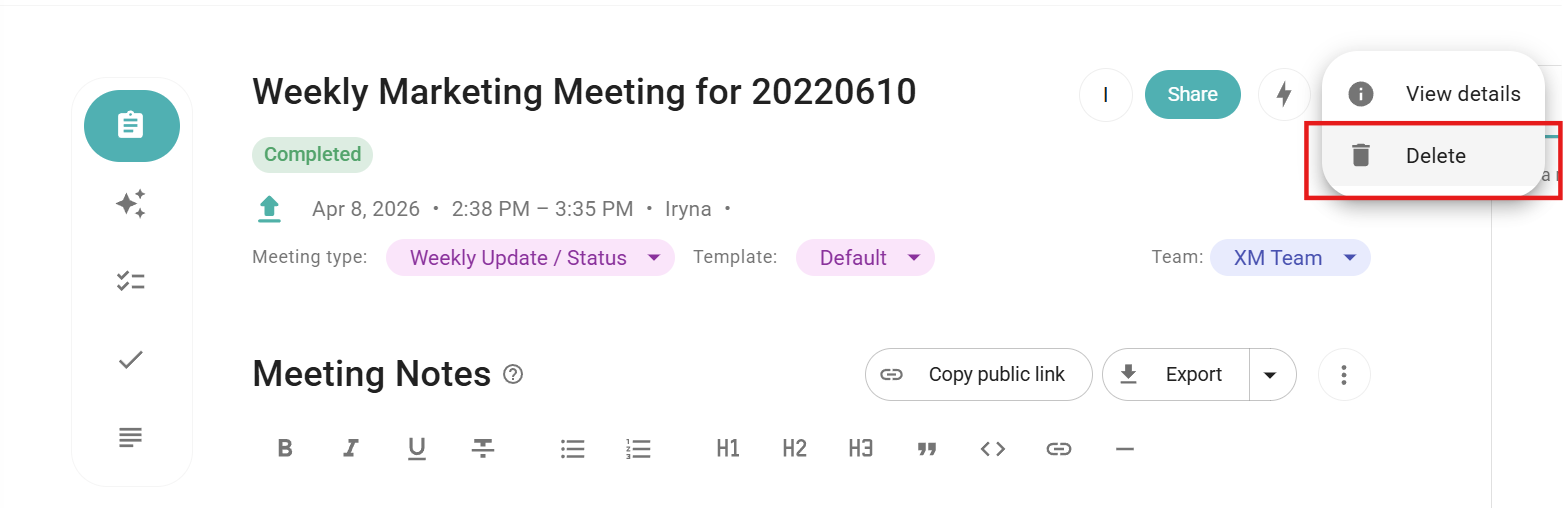
- you can delete a meeting in the meeting settings, next to the Share button;
- you can only delete meetings in no content and completed statuses;
- deleted meetings are impossible to restore;
- other users who have access to "edit" the meeting can also delete it;
- if you previously shared access to the meeting, it will be removed from the users shared with me list once you delete the meeting;
- for users within the single Workspace, the meeting will be removed from their meeting list.
Delete Audio Recording
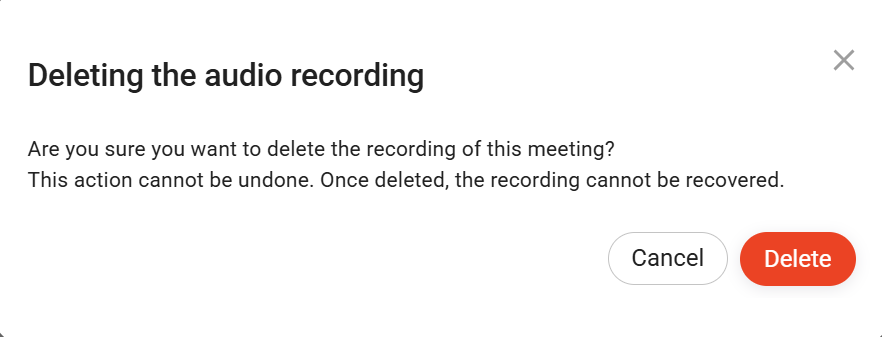
If you no longer need the audio file from a meeting, you can easily delete it. The delete icon is located next to the download button.

When you click this icon, a confirmation pop-up will appear asking if you’re sure you want to proceed. It’s important to note that once deleted, the audio recording cannot be recovered — the removal is permanent.
Delete Video Recording
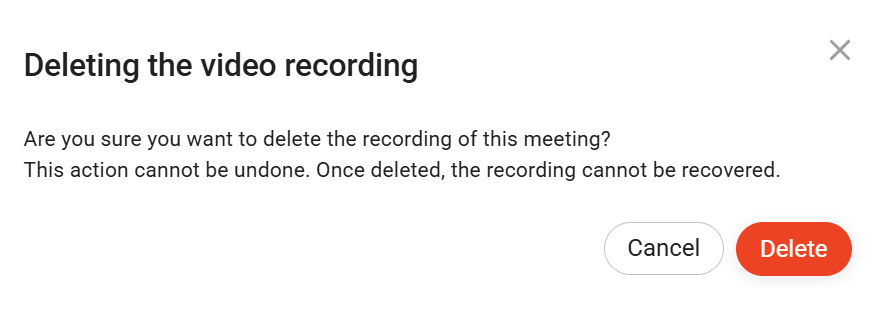
If you need to delete a video recording, you can remove it by clicking the delete icon in the corner of the Video button.

When you click this icon, a confirmation pop-up will appear asking if you’re sure you want to proceed. It’s important to note that once deleted, the video recording cannot be recovered — the removal is permanent.
Additionally, you can check our Retention Options and Policy by following this guide.