When Sembly MCP is enabled for the workspace, all users can create, delete, and manage their MCP tokens and review their usage.

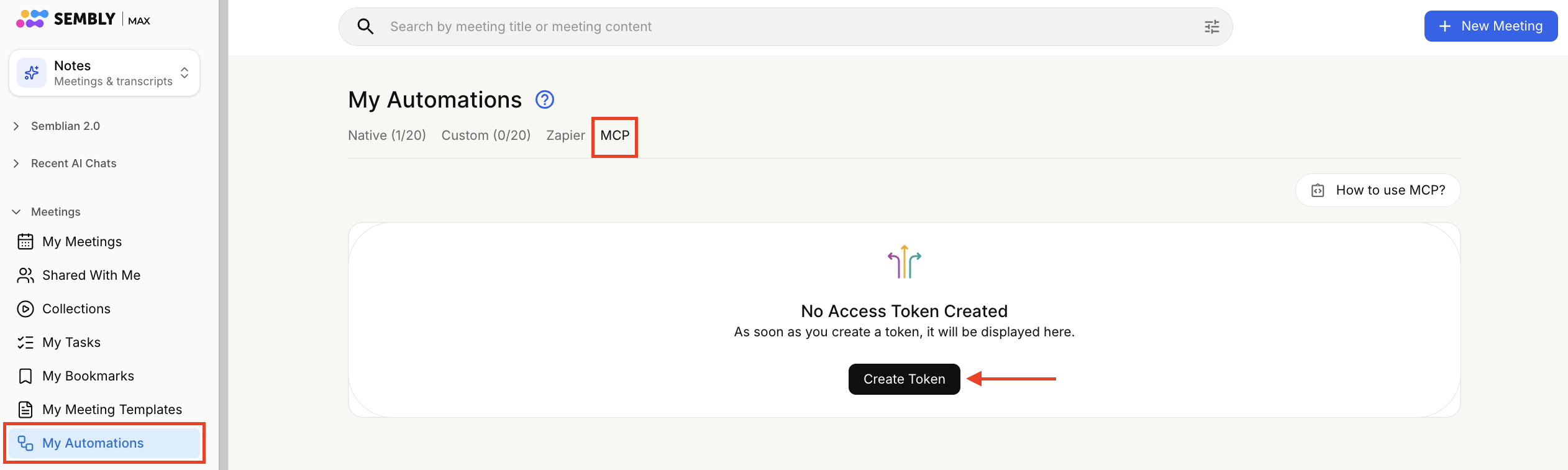
Go to My Automations → MCP tab.
Click the Create token button.
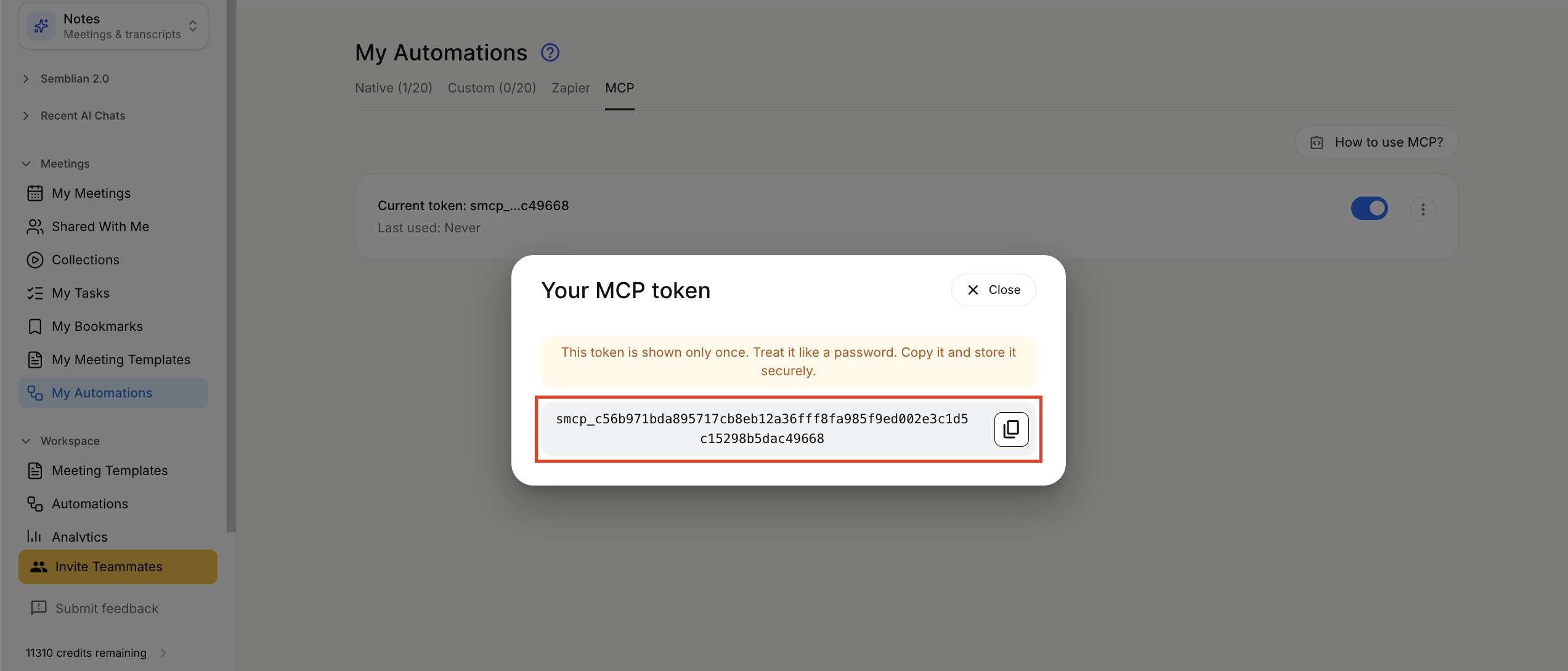
Copy the generated token and store it securely, as it grants read-only access to all meetings you can access in Sembly. Please note it's shown only once.

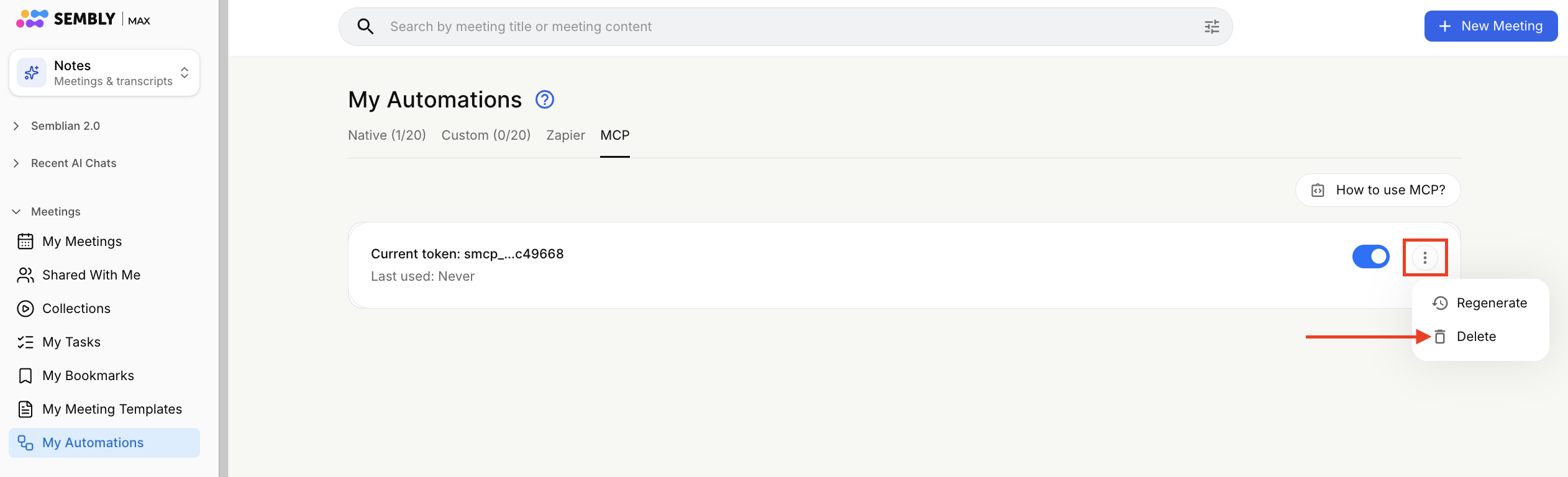
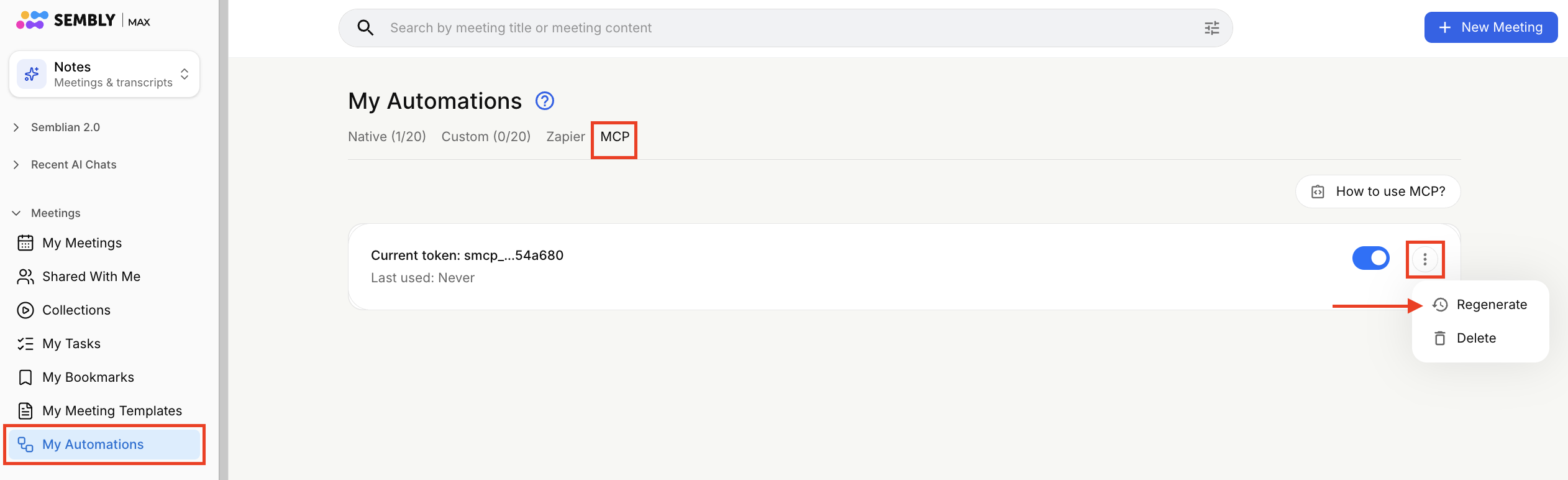
Click the My Automations section, open the MCP tab, and click the ⋮ icon near the token card, then click Delete.
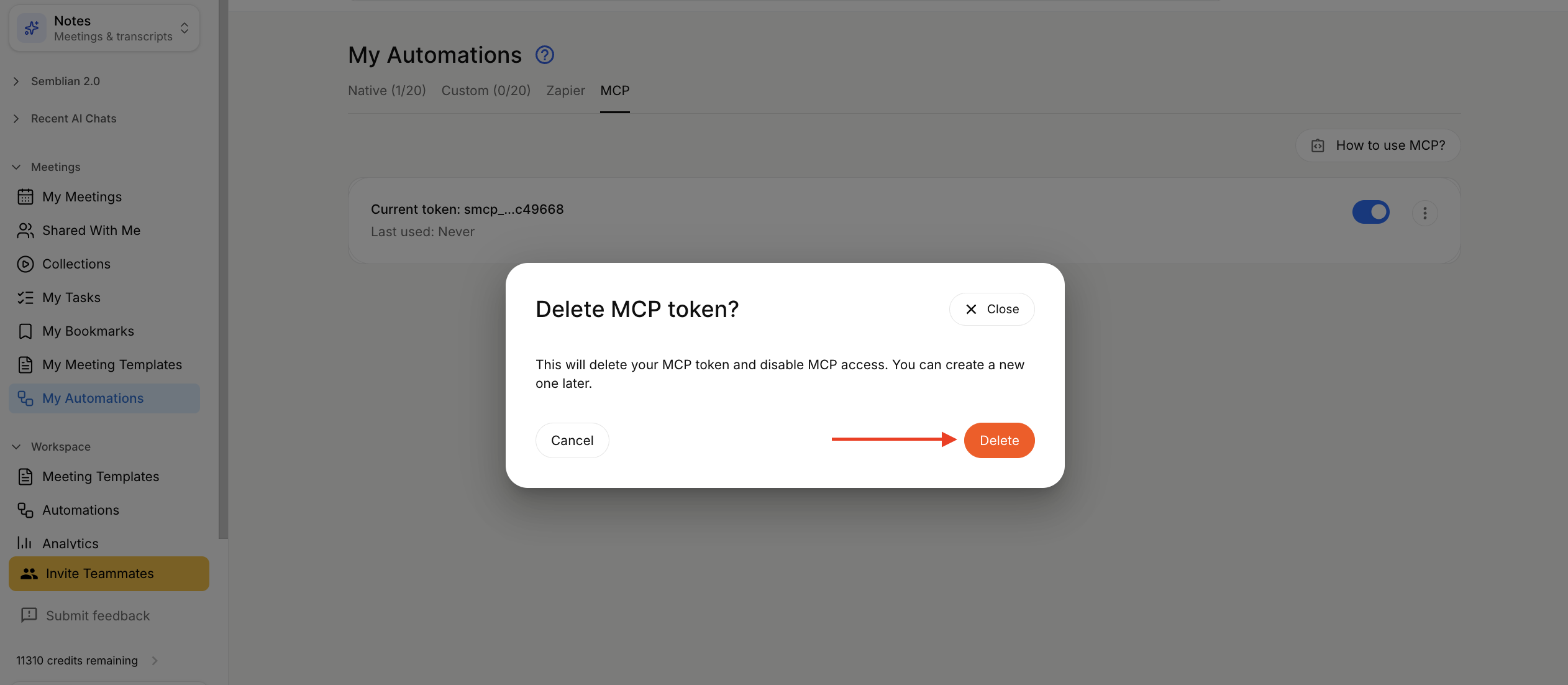
Press Delete to confirm token deletion.
Wait for the deletion process to finish successfully.
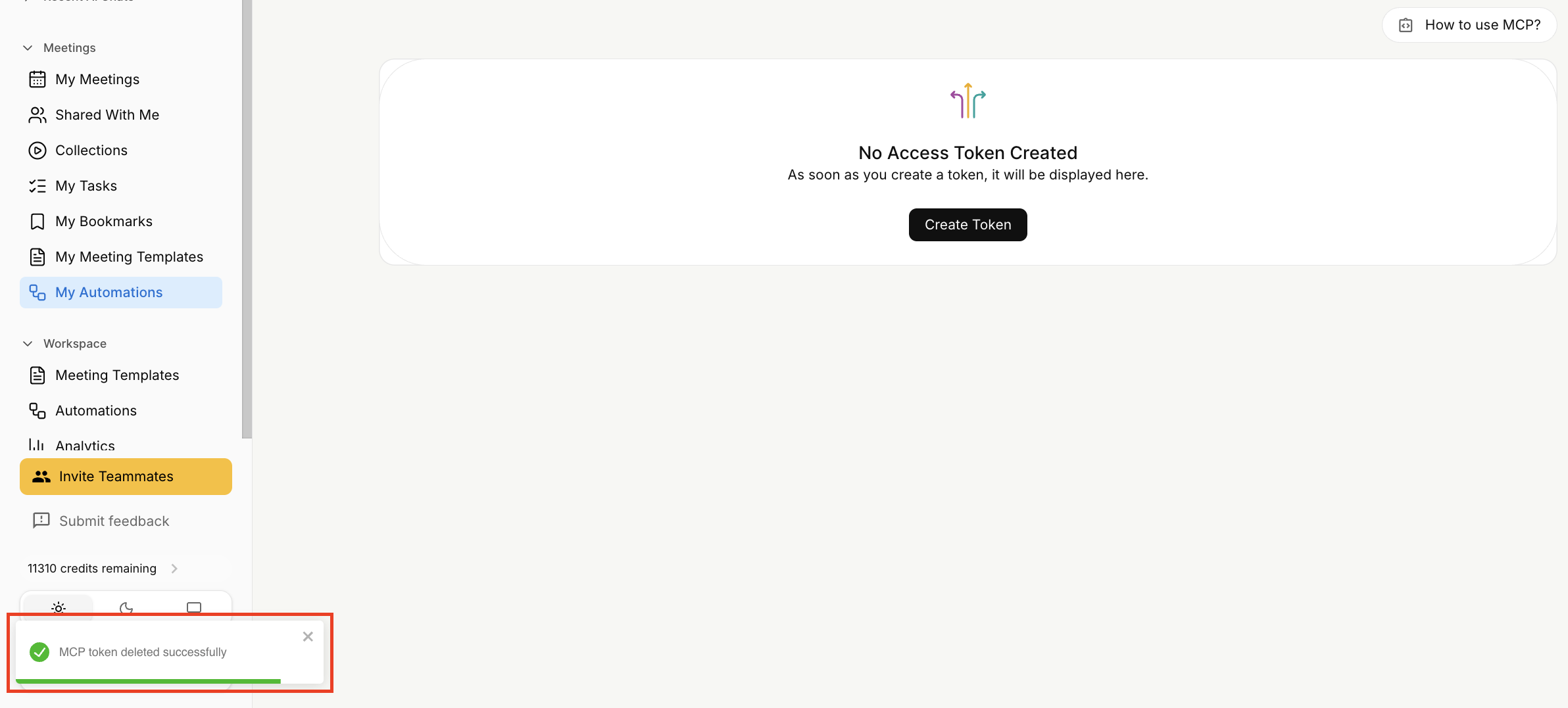
You can delete and create a new token at any time when Sembly MCP is enabled. When a token is deleted, the information associated with it, including token usage, is removed as well.
If you want to replace an old token with a new one, you can regenerate the token as a shortcut instead of a delete-create operation. The old token will be deleted, and a new one will be created in its place.
Click the My Automations section, open the MCP tab, and click the ⋮ icon near the token card, then click Regenerate.
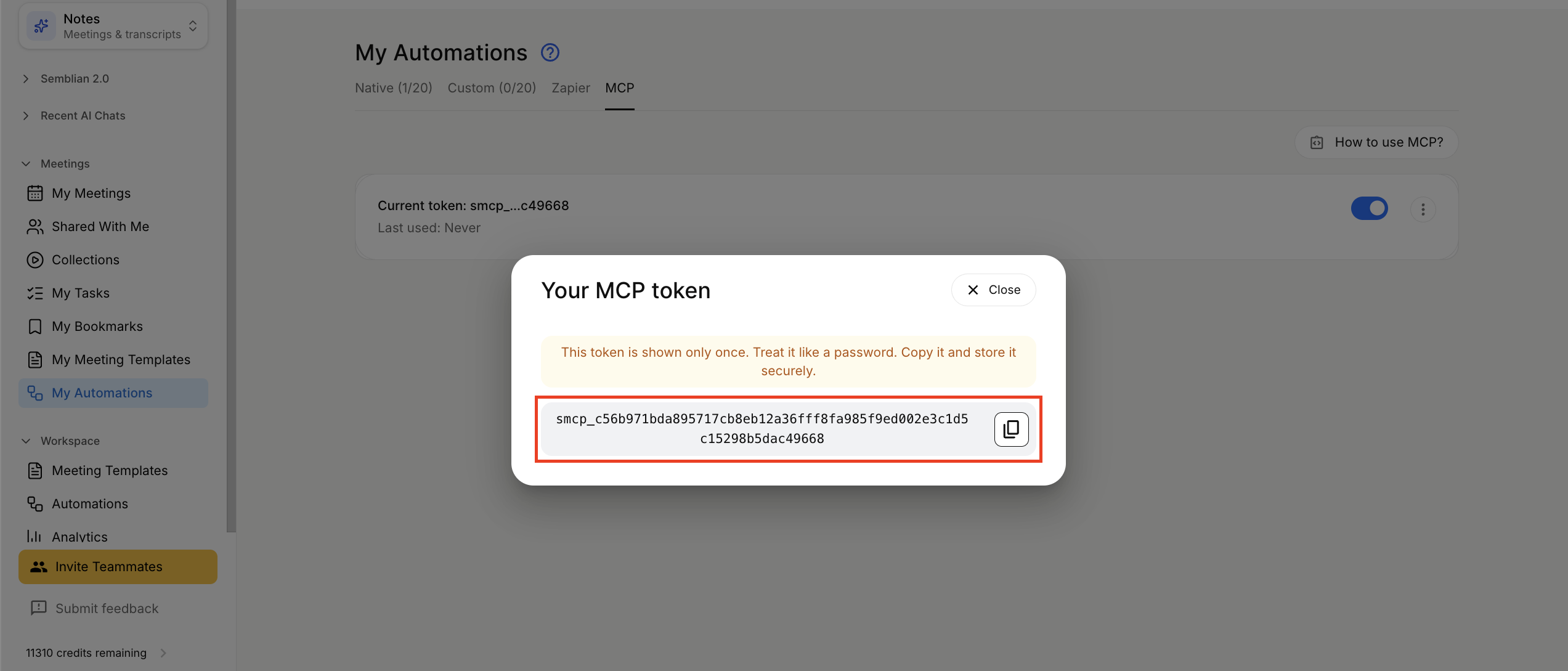
The web app will display a one-time token for use in MCP clients. Please copy and store it securely, as it grants read-only access to all your Sembly meetings.
You can regenerate a token at any time when Sembly MCP is enabled. When the token is regenerated, the information associated with the old token, including token usage, is removed as well.
You can disable the token to prevent its use in MCP clients, while keeping the token and its usage details unchanged.
Click the My Automations section, open the MCP tab and disable the toggle on the token card.
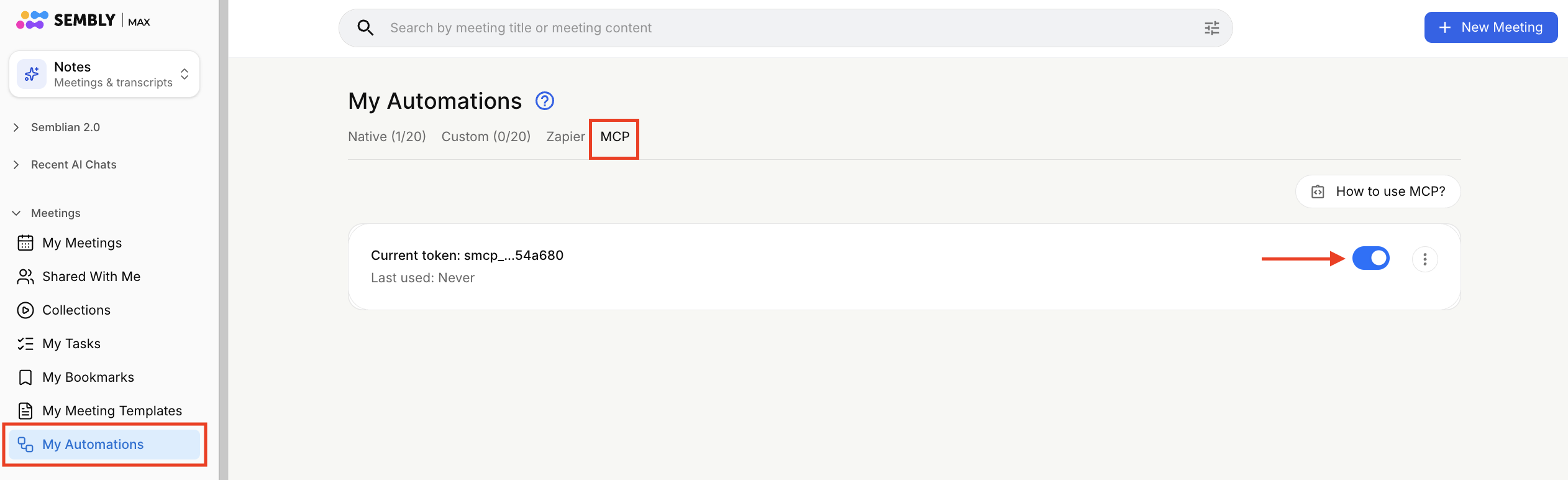
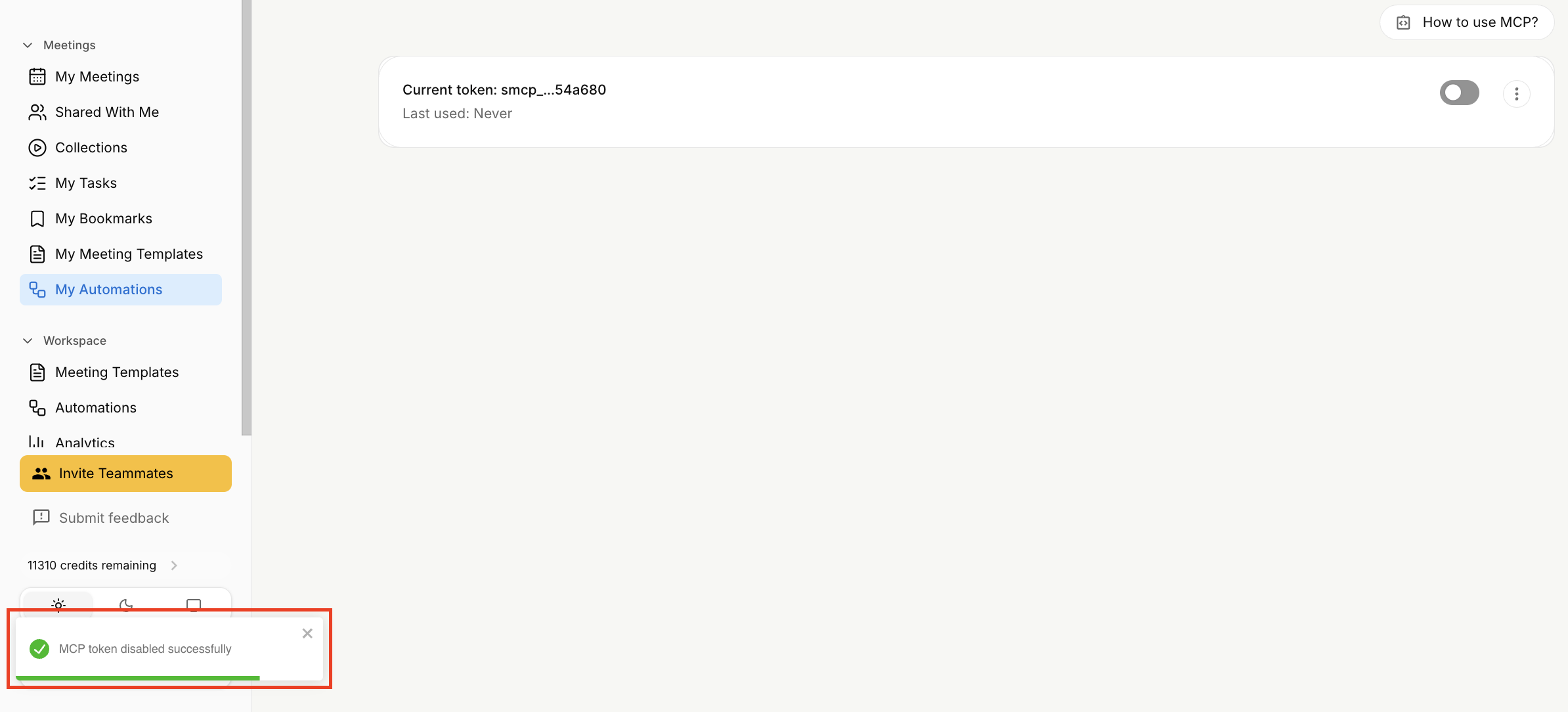
Wait for the confirmation.
Click the My Automations section, open the MCP tab, and enable the toggle on the token card.
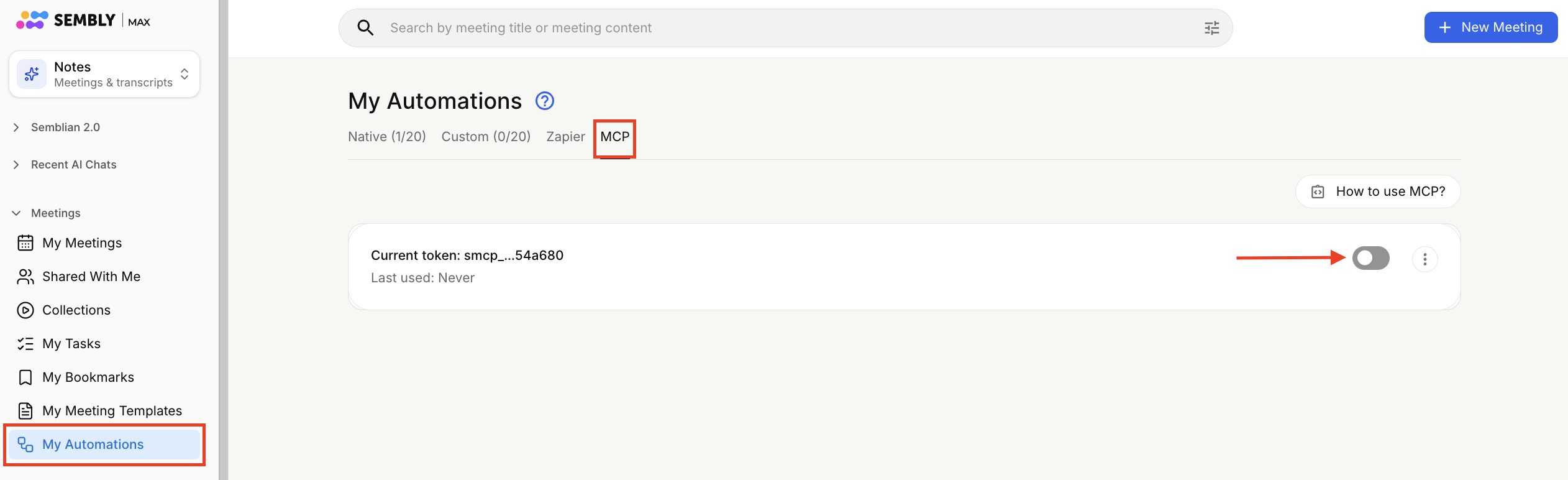
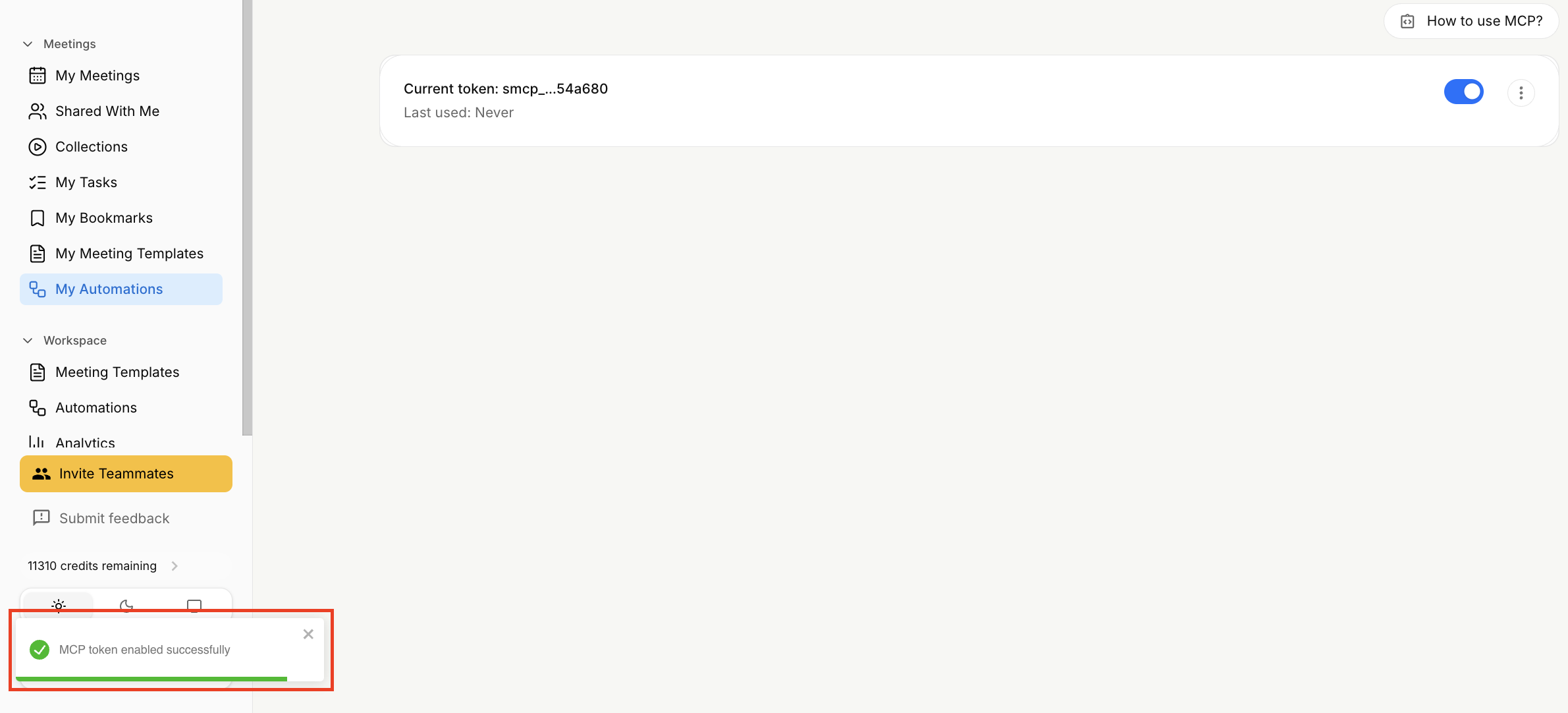
Wait for the confirmation.
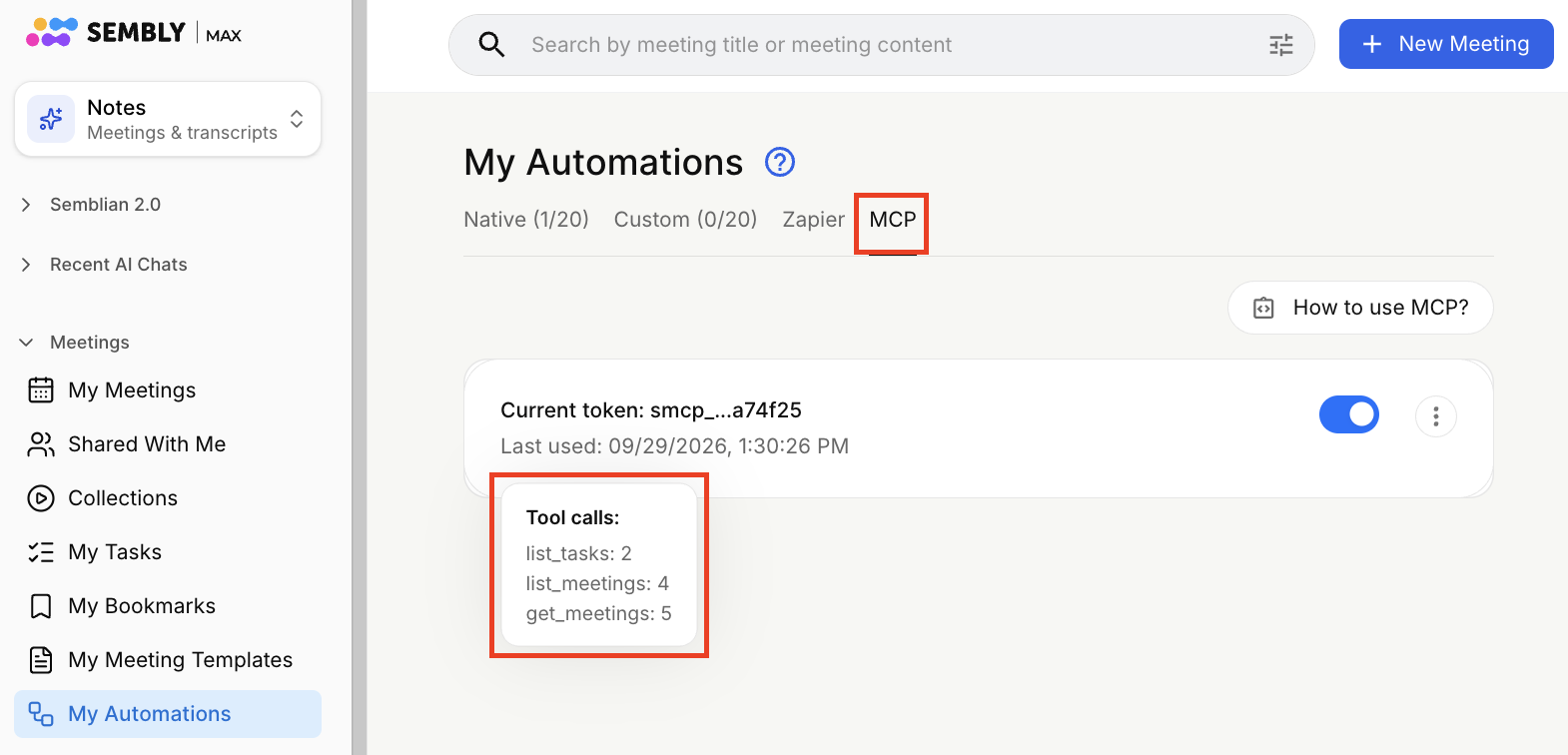
You can review the token’s activity by checking the last usage time and the total number of tool calls made by MCP clients with this token.
Click the My Automations section, open the MCP tab and hover over the token name.
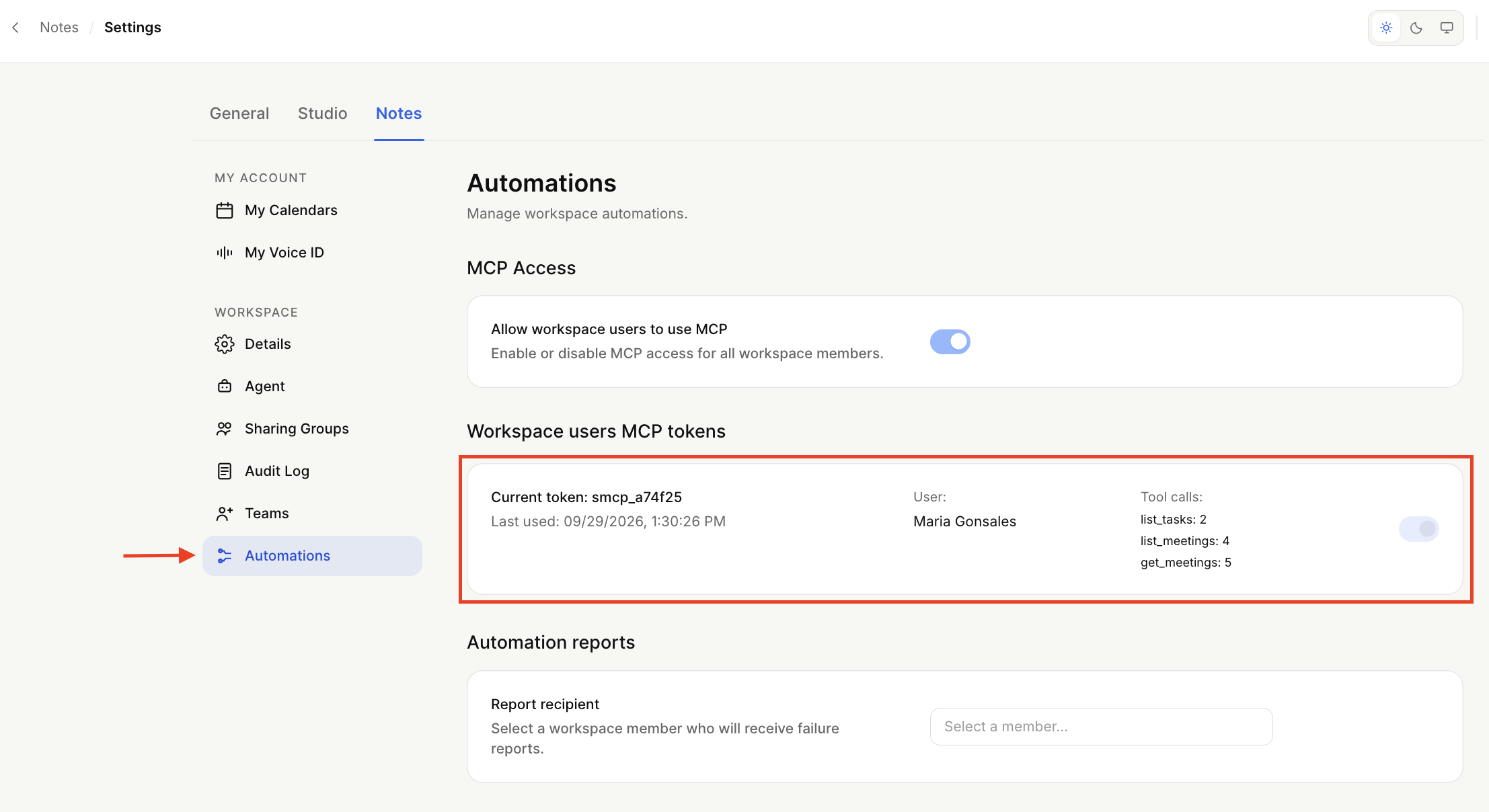
Workspace Admins can view all tokens created by workspace users, including their status and usage details.
Log in to your US or EU Sembly account and click the gear icon next to your name to open Settings.
Open the Automations section and scroll to the Workspace users MCP tokens section.