

An account is required to start using Sembly in MS Teams. Sign In can be done with a Microsoft account (SSO) or with an email and a password.
Sign In with an E-mail address
A good old way to log in is to use your usual e-mail address.
Choose your Data Hosting Region US 🇺🇸 or EU 🇪🇺 that suits you best
Fill in your e-mail and password
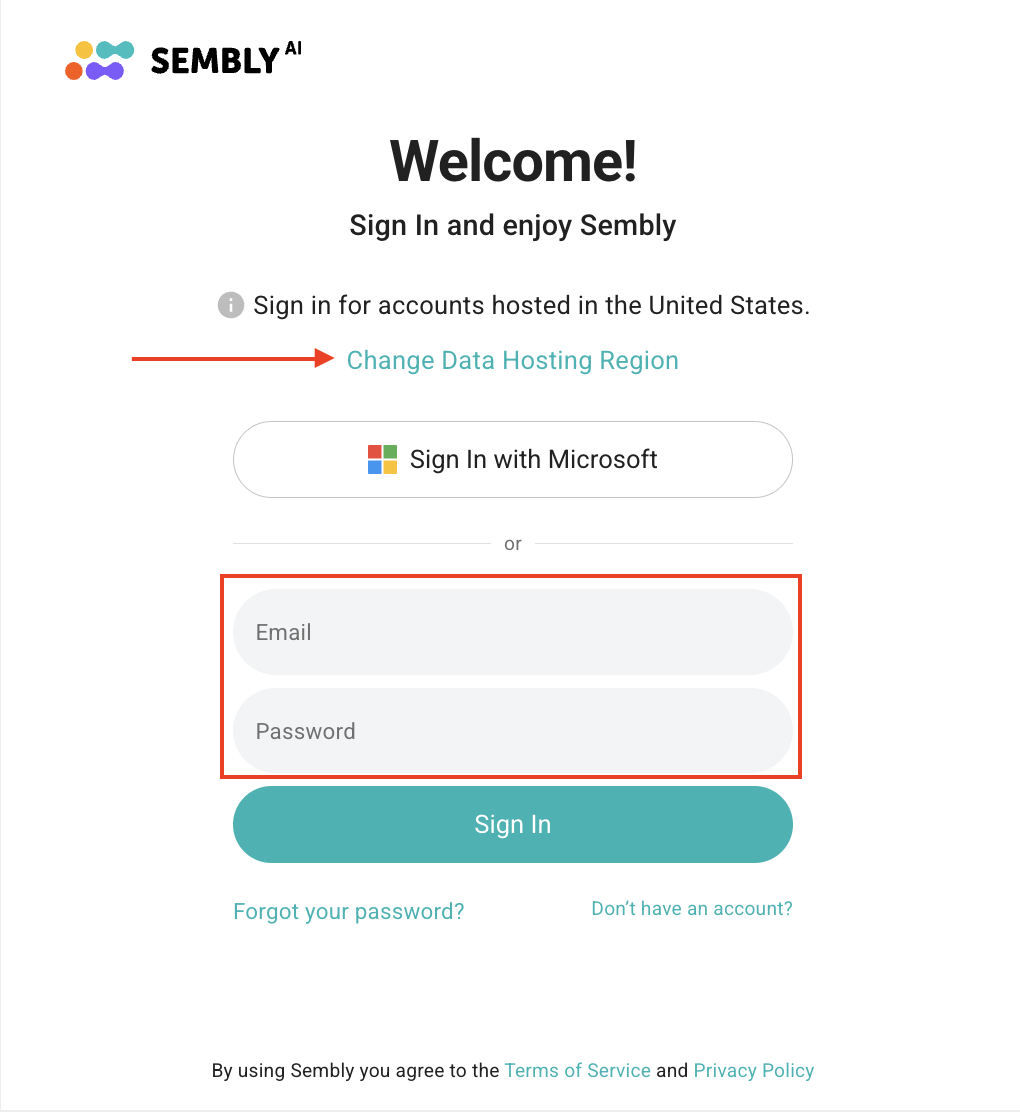
Click Sign In
Microsoft SSO Login
Only available if the Outlook calendar has been synchronized with the Sembly account.
Choose your Data Hosting Region US 🇺🇸 or EU 🇪🇺 that suits you best
Сlick Sign In with Microsoft
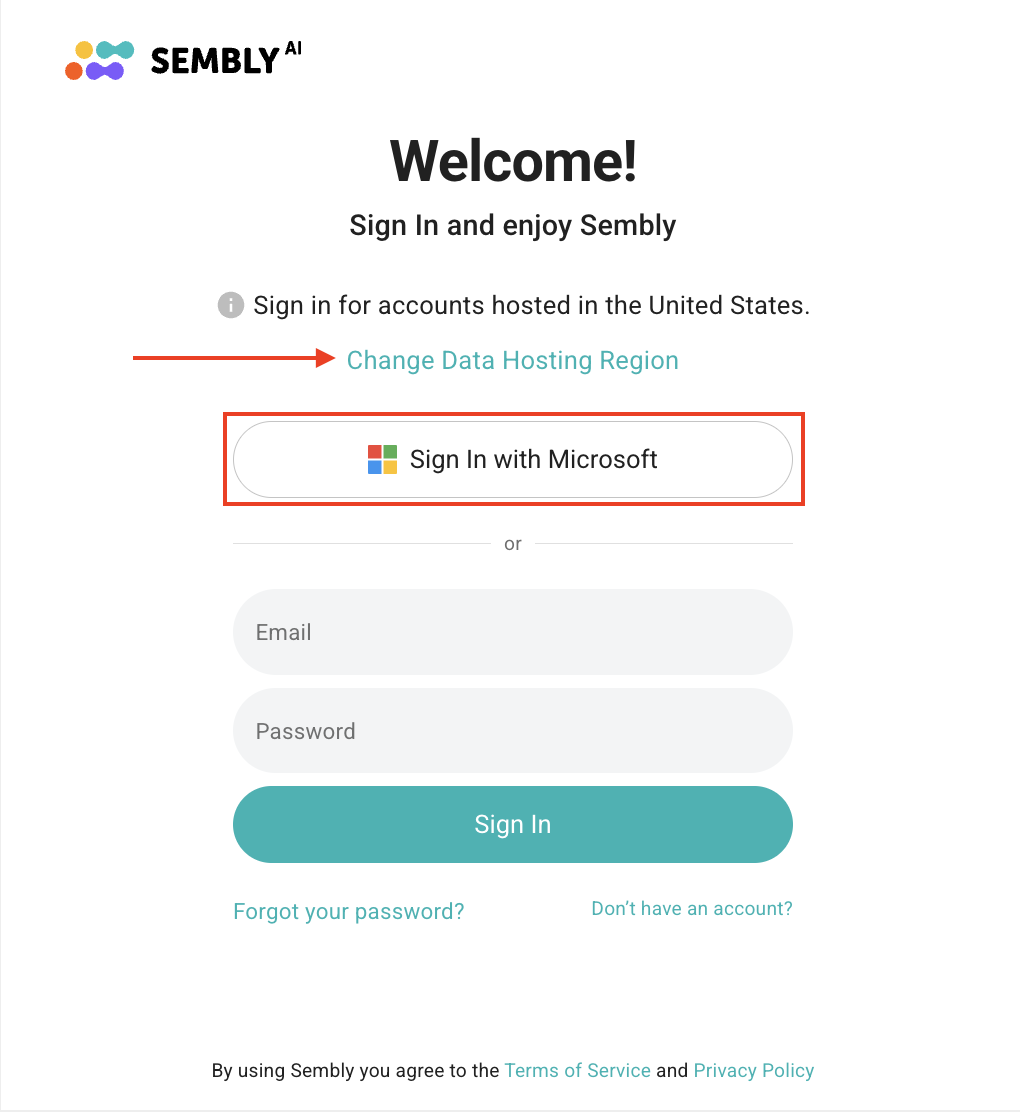
The Microsoft login form will appear. Choose the account you want to be logged in with in Sembly
You're all set! No filling in details and no confirmation needed

If you experience issues when signing in with Microsoft SSO, please refer to the troubleshooting guide.