LEGACY PLAN: TEAM | TEAM PLUS
Use the meeting Analytics dashboard to track your team's activity and view overall meeting statistics. Metrics are based on the time period you select in the filter.
Tracking meeting metrics over time helps teams spot trends, assess meeting effectiveness, and make changes to improve engagement.

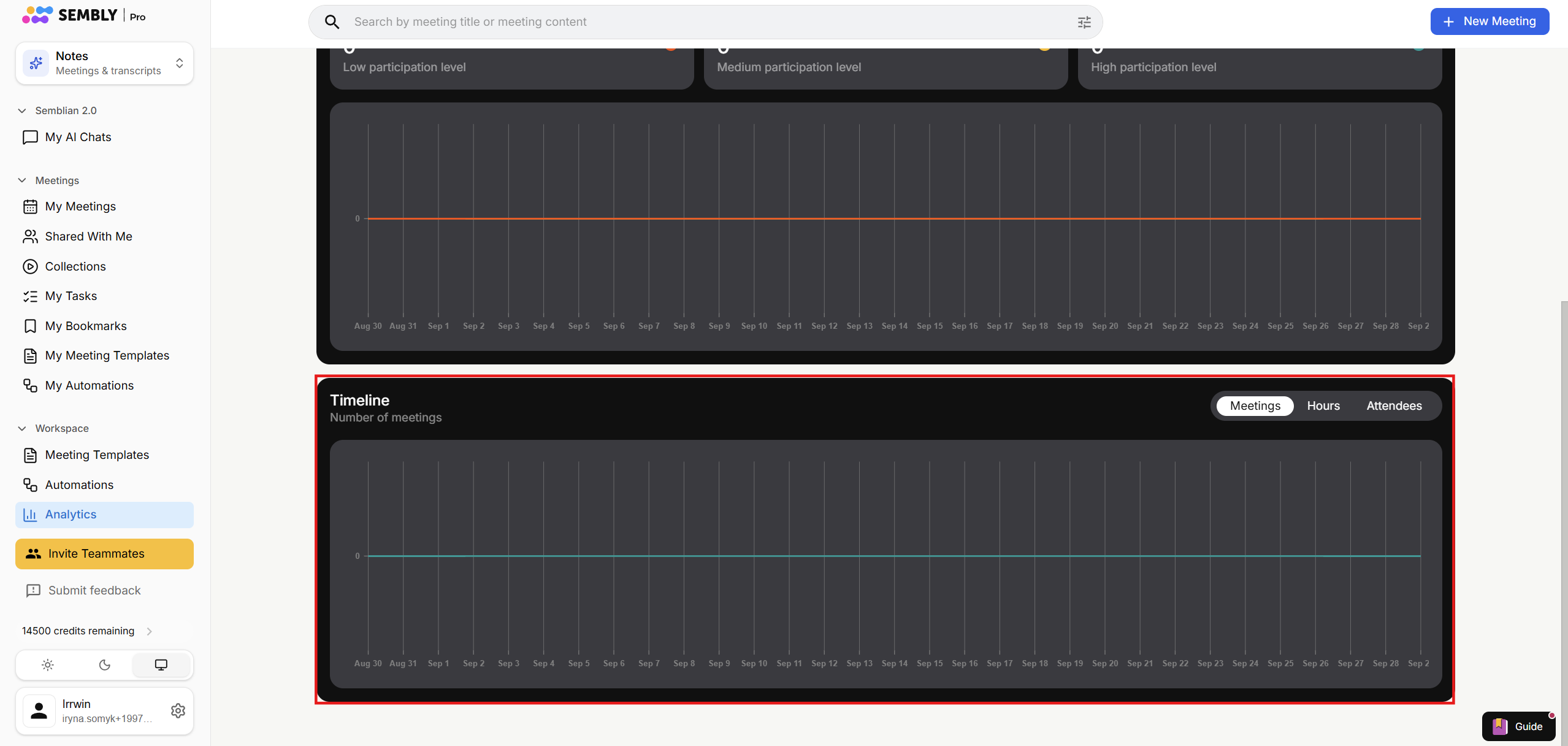
The dashboard is in your Sembly account, in the Notes view, under the Workspace tab in the left-side menu.
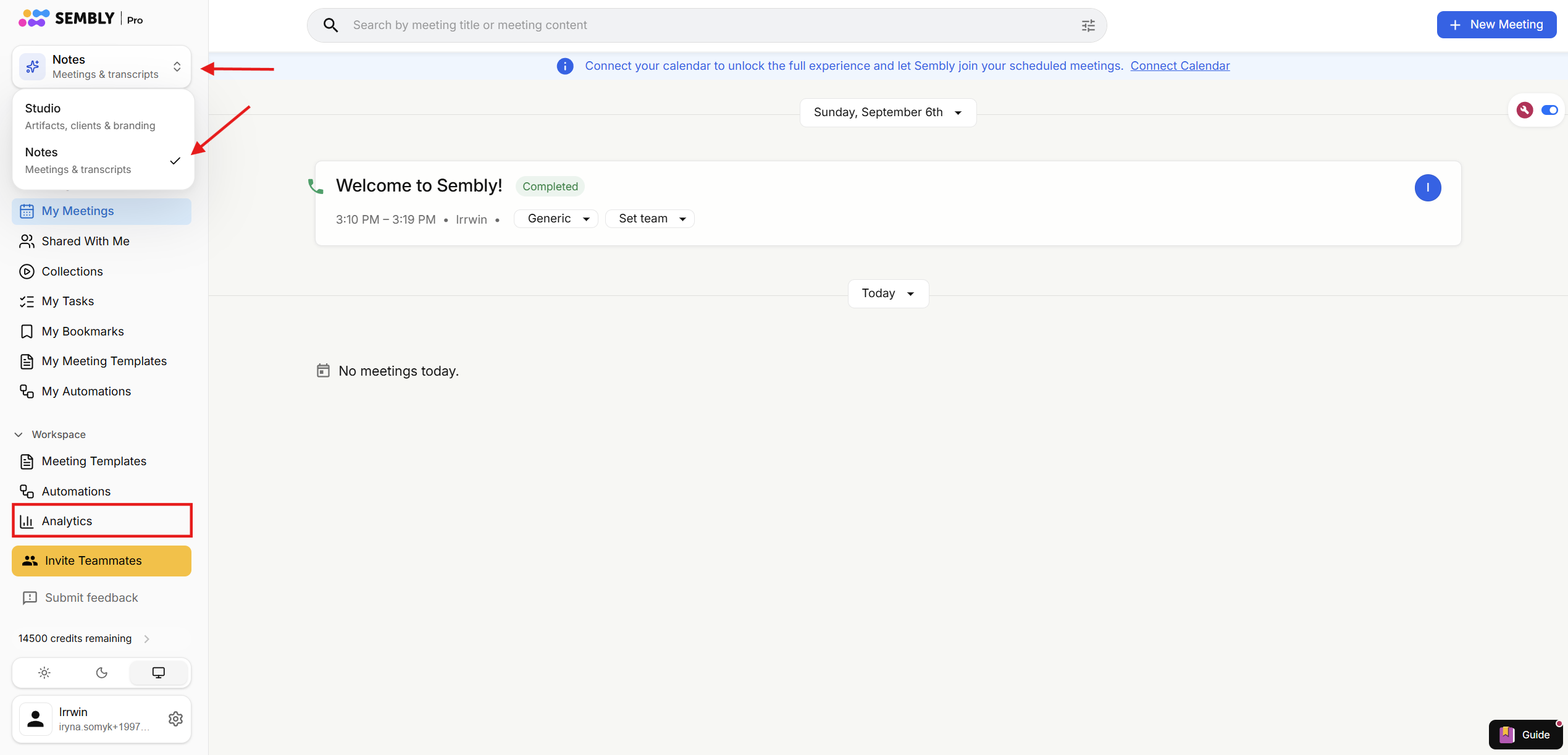
To select a period for which you wish to view the statistics, use the filter on the upper-right side of the window.
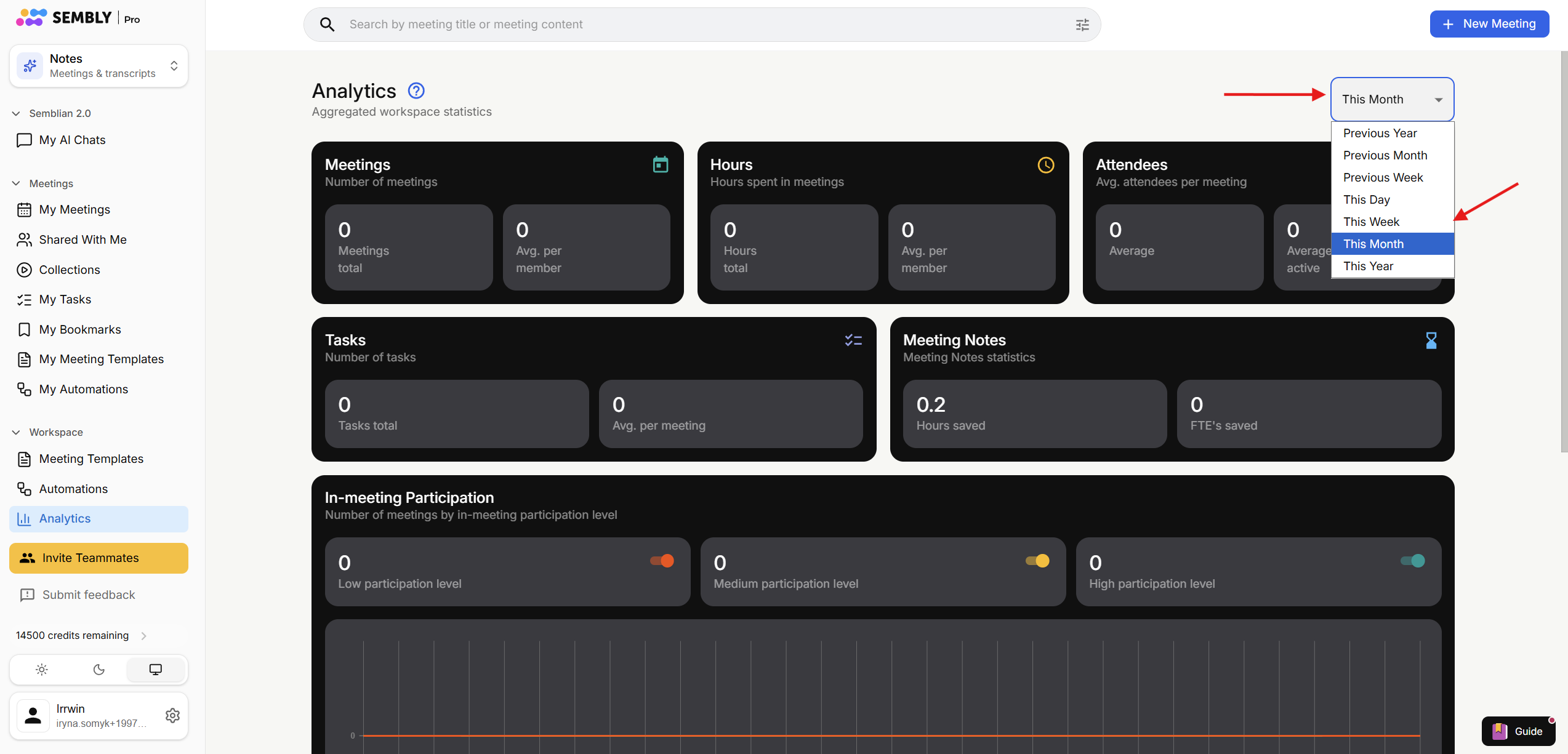
Previous Year/Month/Week covers the period from the same date last Year/Month/Week, but one Year/Month/Week ago. For example, if today is November 20, the Previous Month includes the time from October 20 to September 20.
This Year/Month/Week covers the period from the same date last Year/Month/Week to today. For instance, if today is November 20, This Week covers the period from November 20 to November 13.
This Day covers the 24 hours leading up to the current hour.

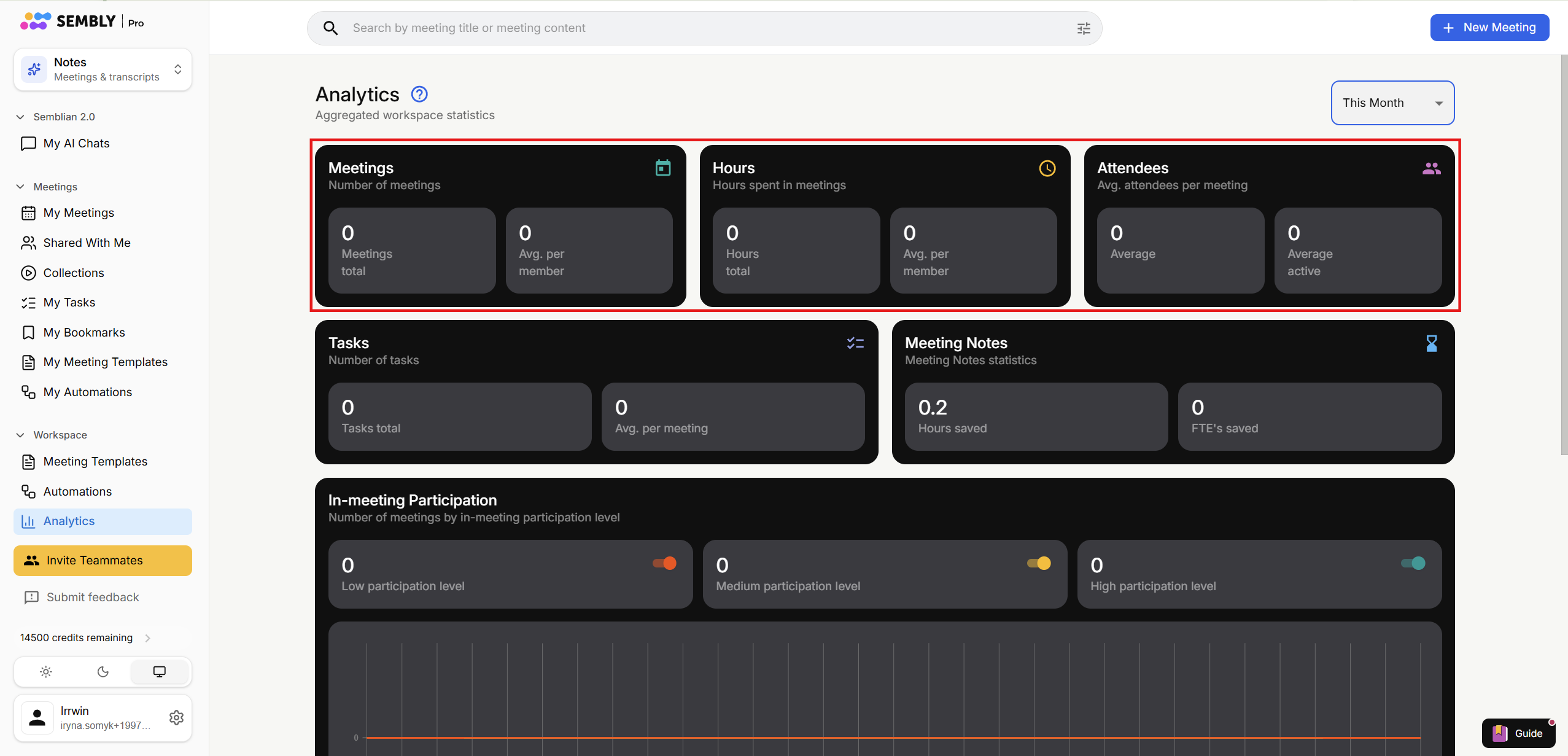
Meetings:
Meetings total: all meetings in the workspace
Average Meetings per Member: refers to the average number of meetings that each member participates in within a given timeframe. This metric can provide insights into how actively members are participating in meetings and can be useful for assessing team collaboration and communication frequency
Hours:
Hours total: adds up the total hours each workspace member spent at the meetings in the selected period
Average Hours per Member: refers to the average amount of time that each member spends on meetings within a specified period
Attendees:
Average Attendees: the average number of attendees per meeting. This metric provides insights into the typical level of engagement or participation in meetings
Average Active Attendees: the average number of people who actively participated and spoke in the meetings. This metric provides insights into the time commitment and contribution of individual members
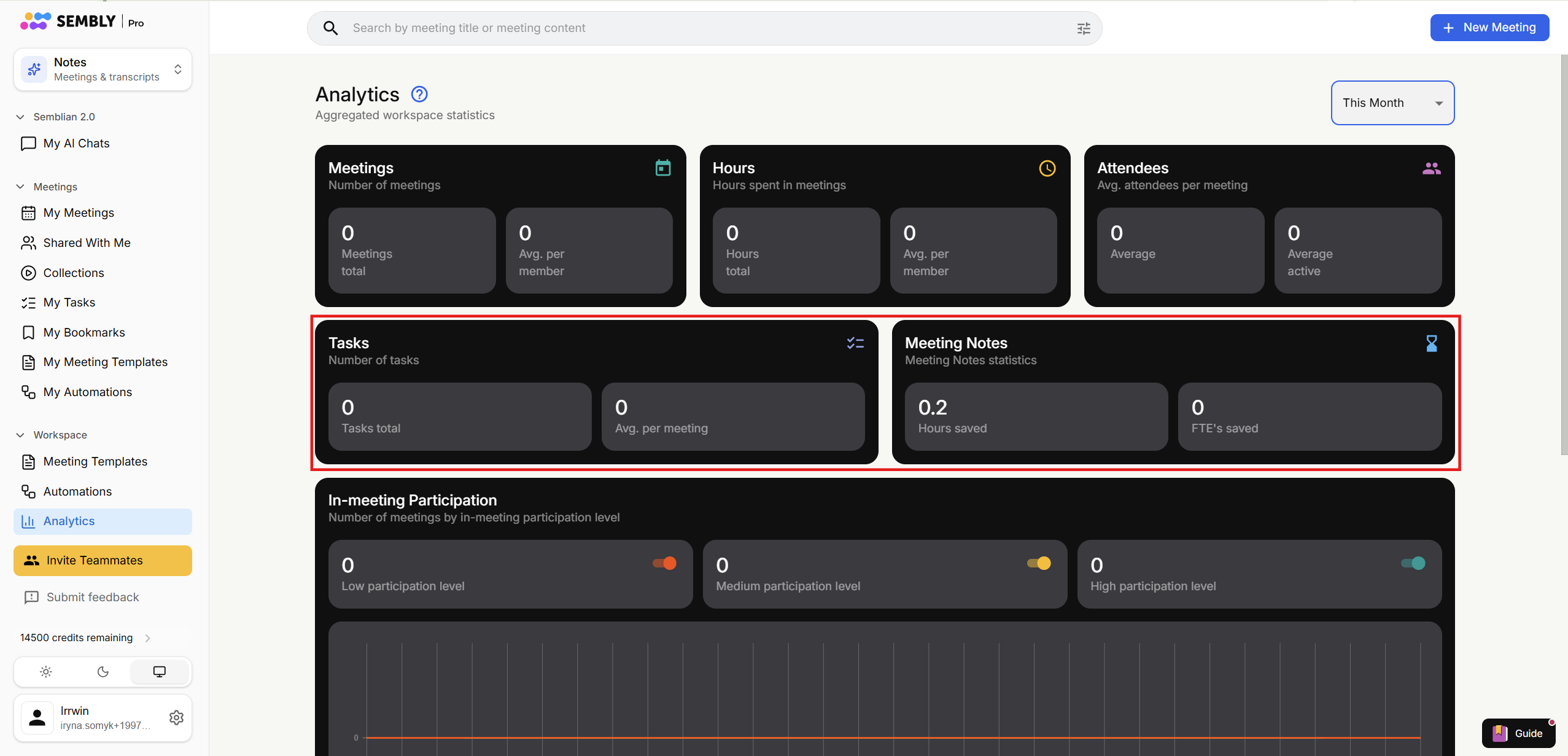
Tasks:
Total Tasks: the overall number of Tasks across the workspace
Average Tasks per Meeting: the average number of tasks of each workspace member
Meeting Notes:
Hours Saved: shows how many hours you save with Sembly vs producing Meeting Notes by hand. This calculation represents 33% of the overall meetings length.
FTEs saved: this metric represents the Full-Time Equivalents (FTEs) saved based on the hours saved on meeting notes. Hours Saved are divided by 8 (average daily business hours) and multiplied by the number of working days in the selected time period (e.g., 5 days for a typical business week). This provides an estimation of the number of full-time employees' hours that have been saved by using meeting notes, assuming a standard 8-hour workday
In-meeting Participation:
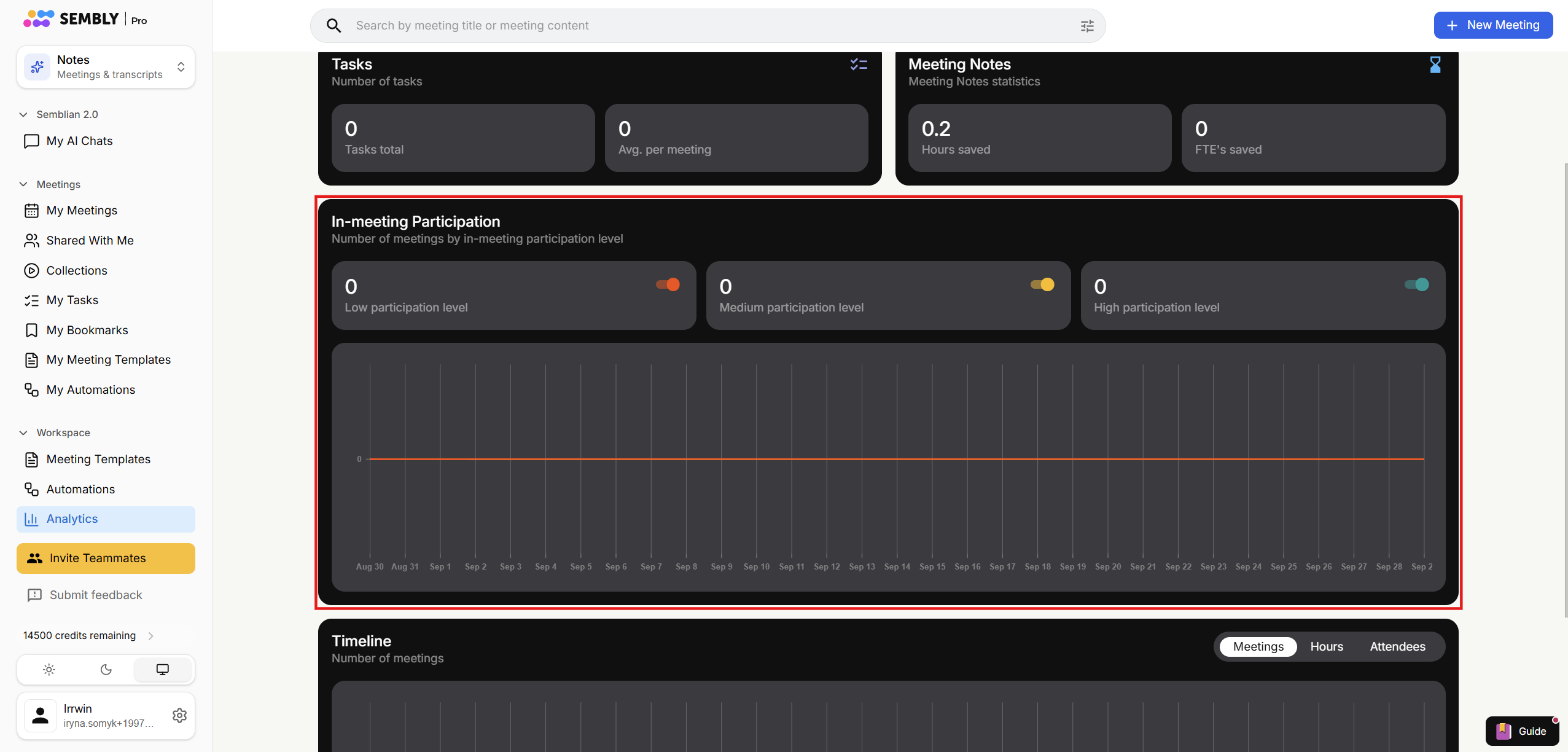
Calculate the number of meetings with Low, Medium, and High participation levels:
Low participation level: 0-25% of people spoke in the meeting
Medium participation level: 25-75% of people spoke in the meeting
High participation level: 75-100% of people spoke in the meeting
Timeline: number of meetings, hours, and attendees over the selected period