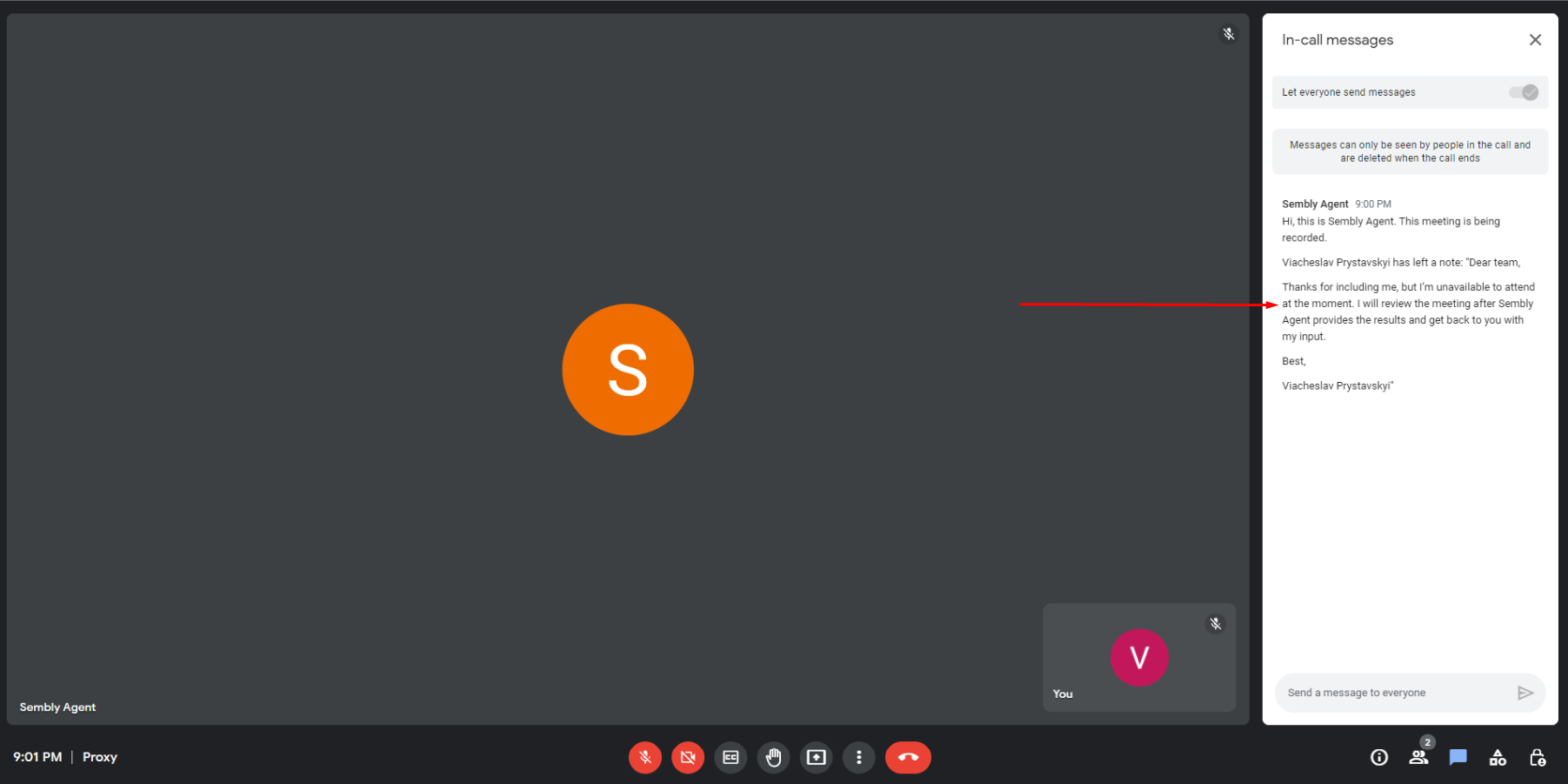
How many times have you had a hectic schedule and been unable to attend meetings, only to feel like you missed so many important things? Or you came back from vacation, missed all the meetings, and are now out of the loop. Well, you have Sembly, which can attend meetings for you, record them, and deliver the meeting summary, insights, and more while you are having a coffee break (just joking, we know you are very busy).
In the Sembly meeting list, you can indicate whether you’re attending and send a message to the other attendees with an explanation. We recommend including in the message that Sembly will join instead of you, so the attendees don’t kick your agent from the call.
By default, you are attending the meeting. To send Sembly instead of you and inform everyone that you are not attending, follow the steps below:
Log in to your Sembly account.
In your meeting list, find a meeting that you are not going to attend.
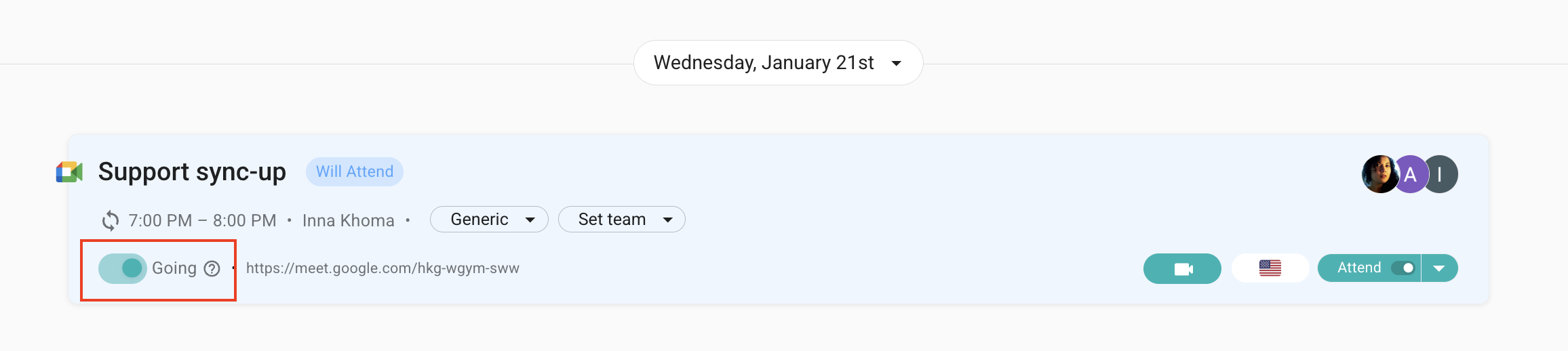
In the meeting slot next to Going? switch the toggle off (by default, all meetings are set to attend mode).
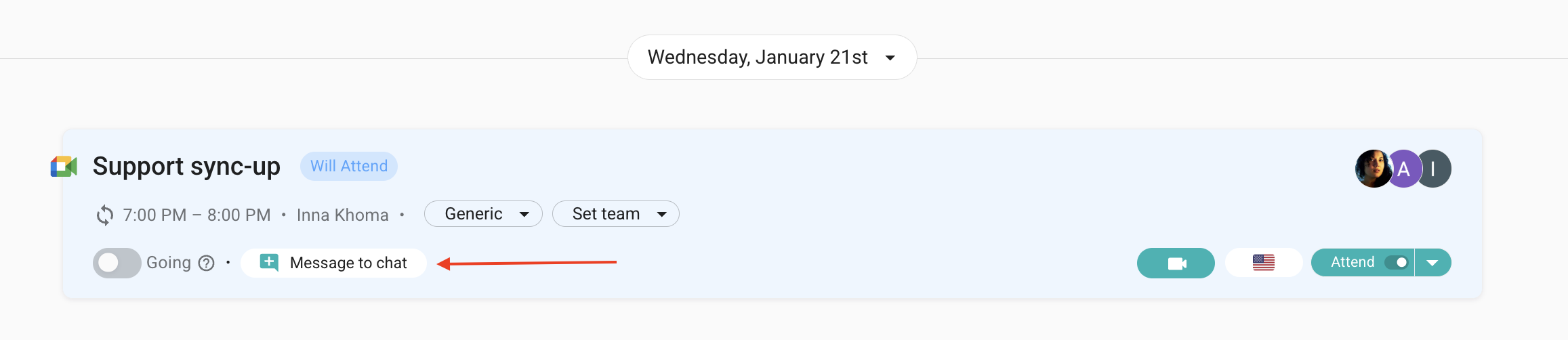
Select Message to chat. You can use a message template or type your own text. Click Done.
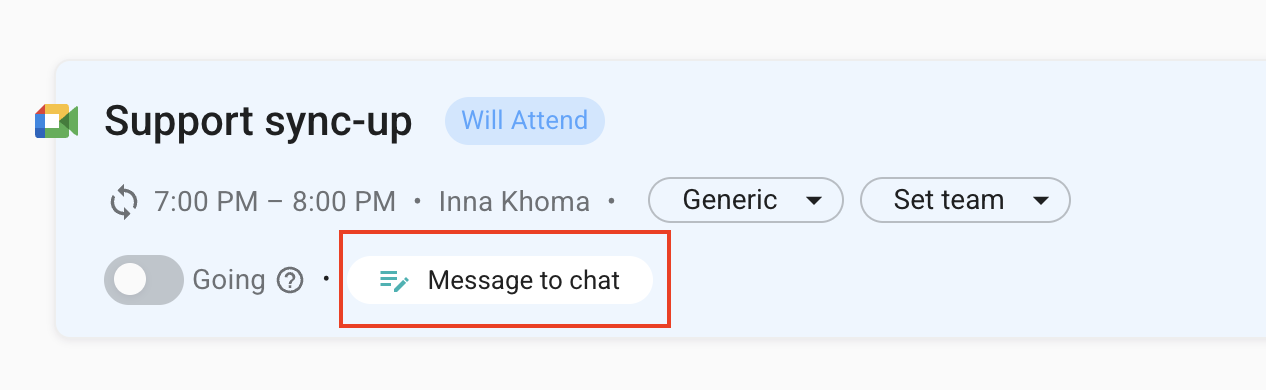
The saved message is shown with an updated icon next to Going? You can open the text and edit it if needed.
When a meeting starts, your message will be shown in the meeting chat.