On July 17th, 2023, Zoom announced a series of updates to establish formal guidelines for meeting bots.
A key aspect of these updates is the implementation of bot compliance requirements for all bots on Zoom. Since Sembly AI uses a bot (Sembly agent) to record meetings, we must comply with these regulations.
The requirements for our agent are the following:
Bots must follow the Zoom meeting permissions requirements to livestream or record.
Every app must've been verified in the Zoom marketplace.
Bots must get recording permission and display the standard Zoom recording disclaimer.

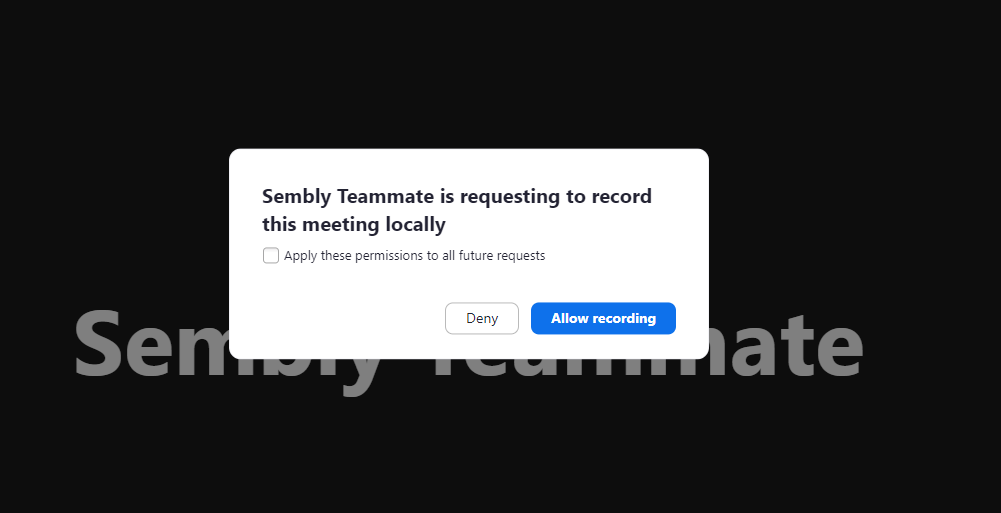

All bots must announce themselves by voice message and then text message to inform all others that the meeting will be recorded.
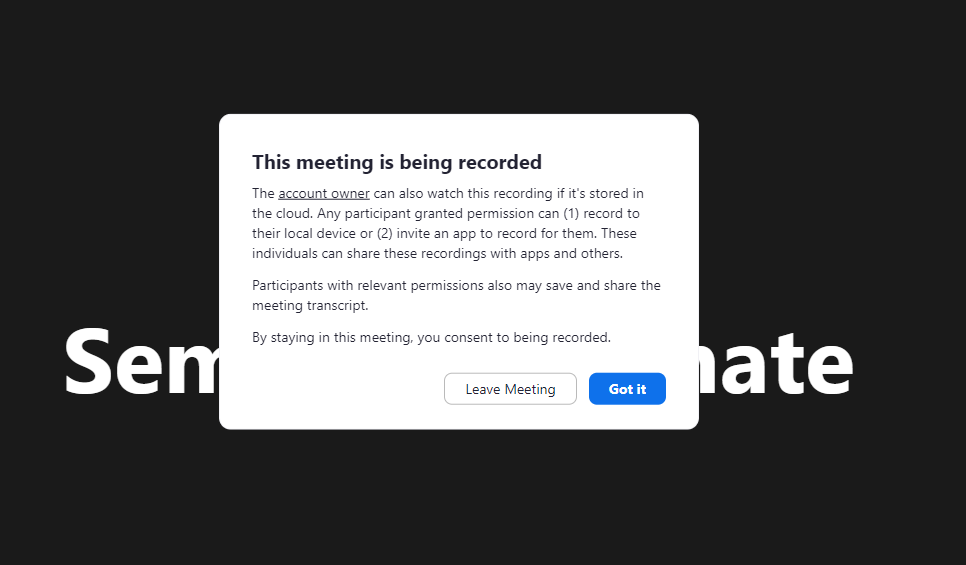
However, you can turn off that announcement yourself in your Zoom account settings.
Please note that the Sembly agent has limitations:
Breakout Rooms, Zoom Rooms, and end-to-end encryption are not supported.
Zoom settings that require authentication for guests (as the Sembly agent joins as a guest). You can disable this in your Zoom account settings.
Dial-in calls are not supported. Only URL-based invites work.