

When you sign up for Sembly, you will see an introductory pop-up with a video tutorial and links to helpful resources. If you close it, don’t worry—the same information is available in the resource center, which you can open by clicking the Guide button in the bottom-right corner.
In the introduction pop-up, you can watch Sembly’s short tutorial videos. We keep adding new videos so you can learn about all the features. If you prefer reading or can’t find a tutorial you need, check our articles in the Help Center.
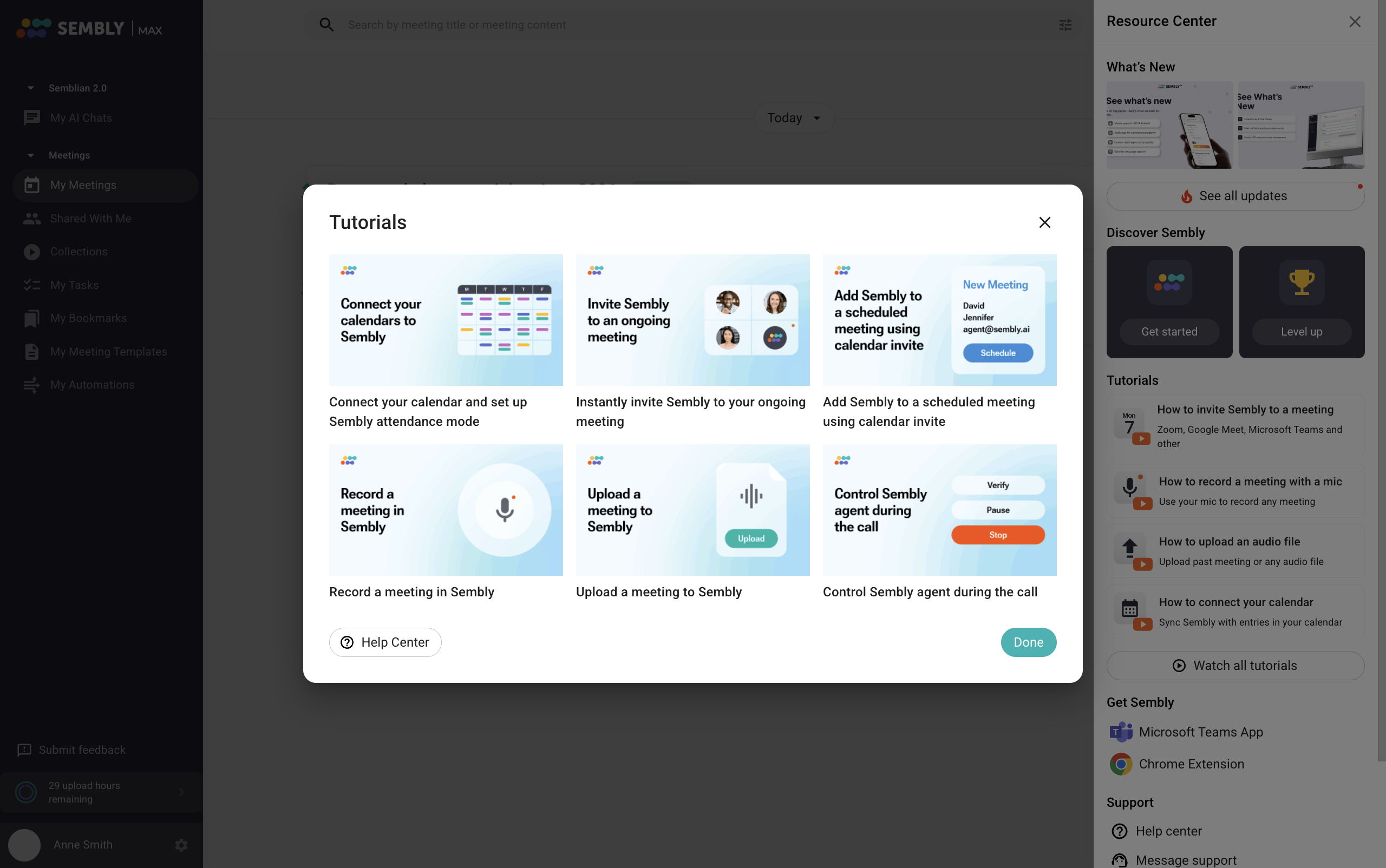
As soon as you close the pop-up, you can access it again in the Resource Center. Hover over the Guide button to unhide the resource center, which includes the introduction popup and other tools explained below in this article.

In the Resource Center, you can find the following:
✅ Video introduction to Sembly. New users who watch a short intro to Sembly are able to use full Sembly power to make their meetings more productive. Click Get started to open a welcome pop-up.
✅ Level up. Our suggestions for becoming an expert at using Sembly. Click Level up to open a pop-up window with the recommendations.
✅ Video tutorials. Our videos show you how to use the platform. You can click Watch all tutorials to open a tutorial pop-up.
✅ Release updates. Click See all updates to activate a pop-up with recent features and enhancements.
✅ Links to available apps for the MS Teams app and the browser extension.
✅ Links to our help center and social networks. Follow Sembly on social media and be the first to see all announcements!