LEGACY PLAN : PROFESSIONAL | TEAM | TEAM PLUS
Add your corrections to the transcript or listen to the audio record at any point in the dialogue. You will learn how to do all of this and more in this article! You will find the full transcription of your meeting after the call finishes processing in the transcription section in the context menu on the left.
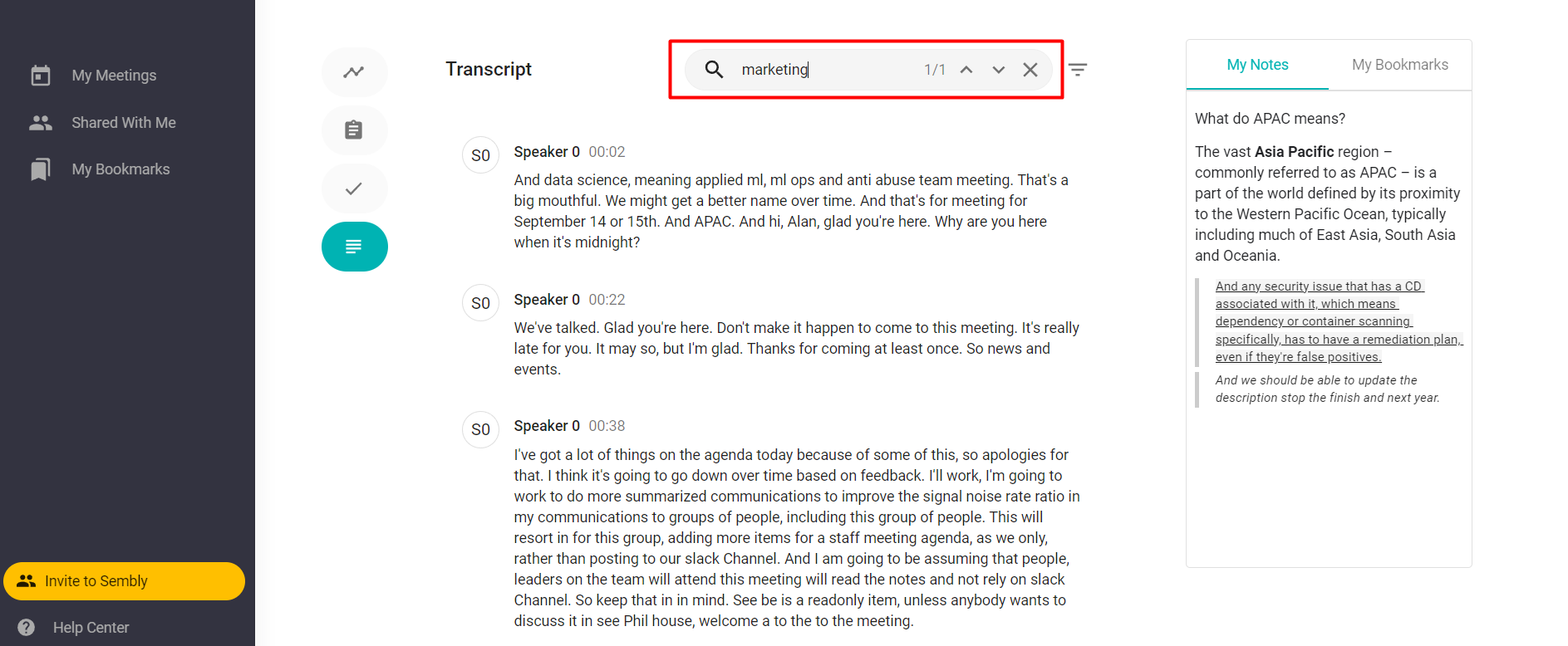
In the upper-right corner of the meeting transcript, users can search using keywords. Click Search and type in the words you are searching for.
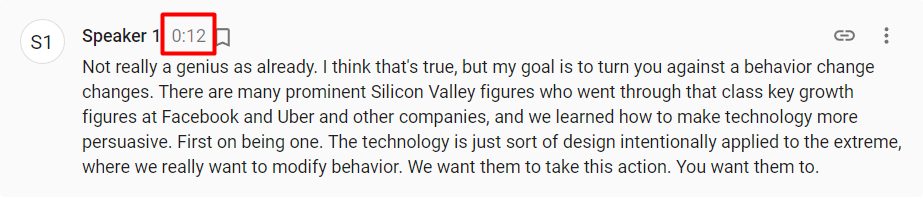
Click any utterance timecode, meeting audio starts at the time when the utterance begins.
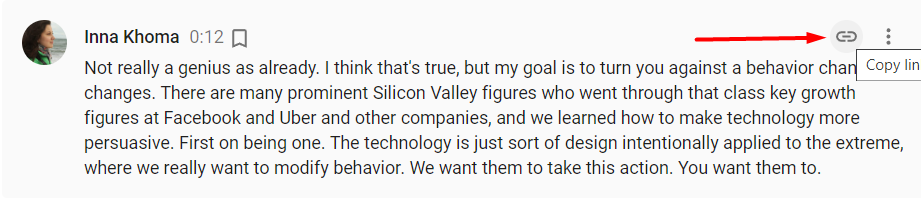
As you review the meeting, it is important to engage in continued dialogue even after the meeting is complete. Instead of starting the conversation from scratch, start directly from where you left off at any point during the meeting by sharing a moment. Send a link to a moment to a teammate.
Hover over an utterance to unhide the “link” iсon in the upper-right corner. Click to copy the link to your clipboard. The link is ready to be shared with people who have access to this particular meeting.
You can fix the transcription if there are any inconsistencies. Editing features are available for each utterance.
To Edit text: click anywhere in the utterance and insert your changes. Click outside of the utterance to save changes.
To Remove text: hover over the utterance and click more to open the context menu. Click Delete. This action only removes text from a transcript, it doesn't impact an audio record.
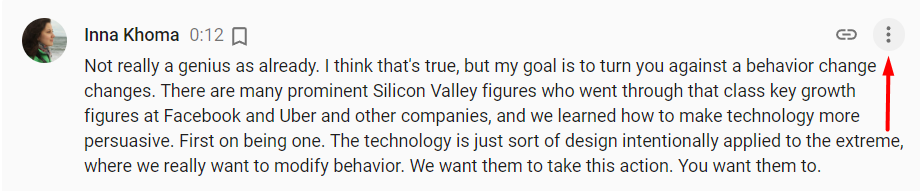
Each utterance can be saved as a bookmark. To do so, hover over the utterance and click the bookmark icon above it. The bookmark will change its color to orange, it will be available from the MyBookmarks section on the right of the meeting and in MyBookmarks on the left of the menu.
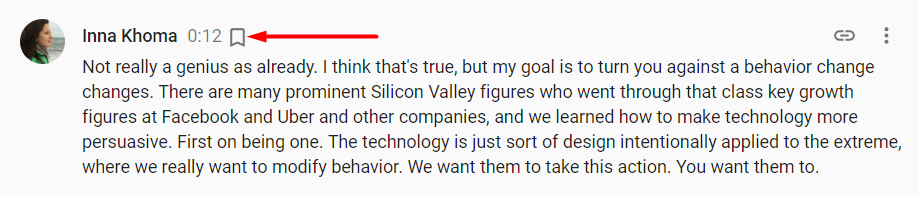
Each bookmark has a link that can be copied and shared with people who have access to this particular meeting. Note that bookmarks are the personal setting. No one can modify what you add to the Bookmarks section.
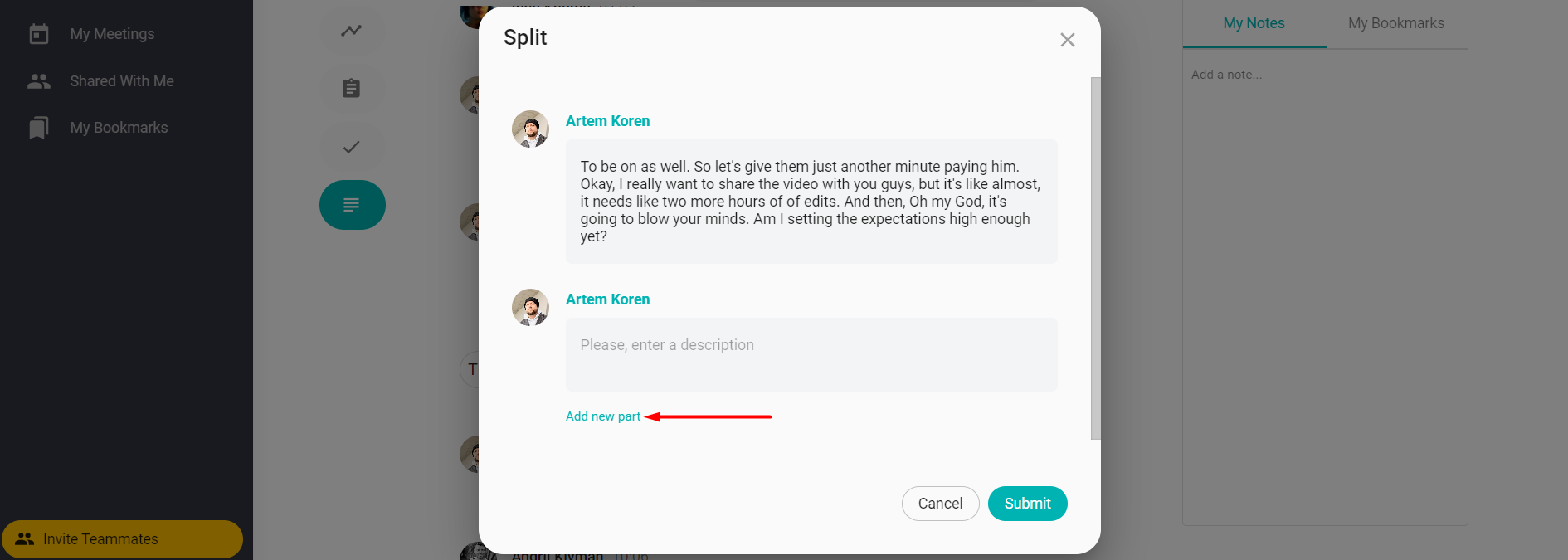
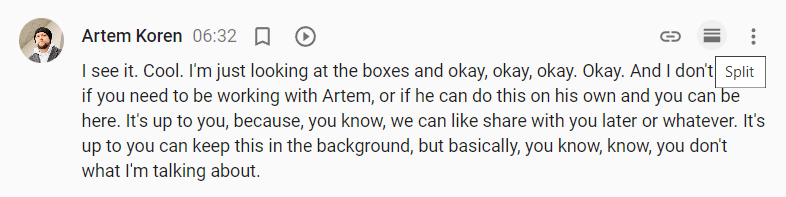
You can also split an utterance for two or more speakers if you notice voice overlaps.
Hover over the utterance and click the split icon
In a popup cut the text from the field above and paste it into an empty field
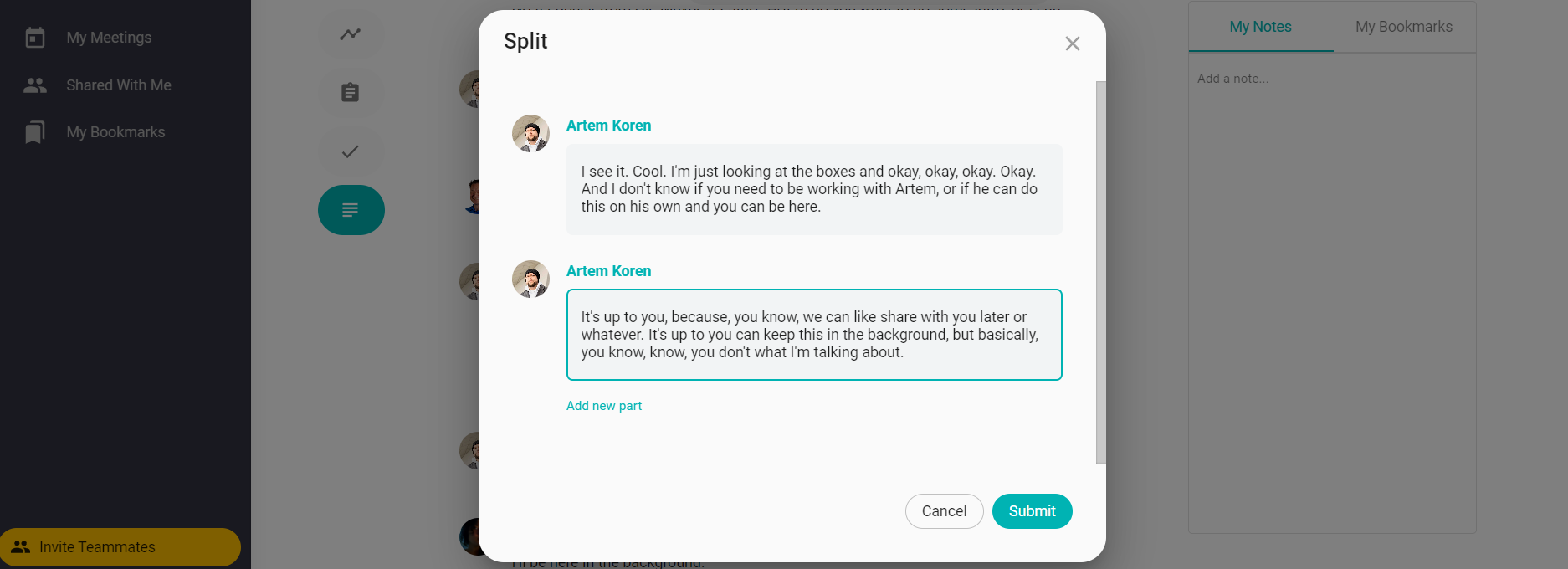
Click the speaker's name to change it to another
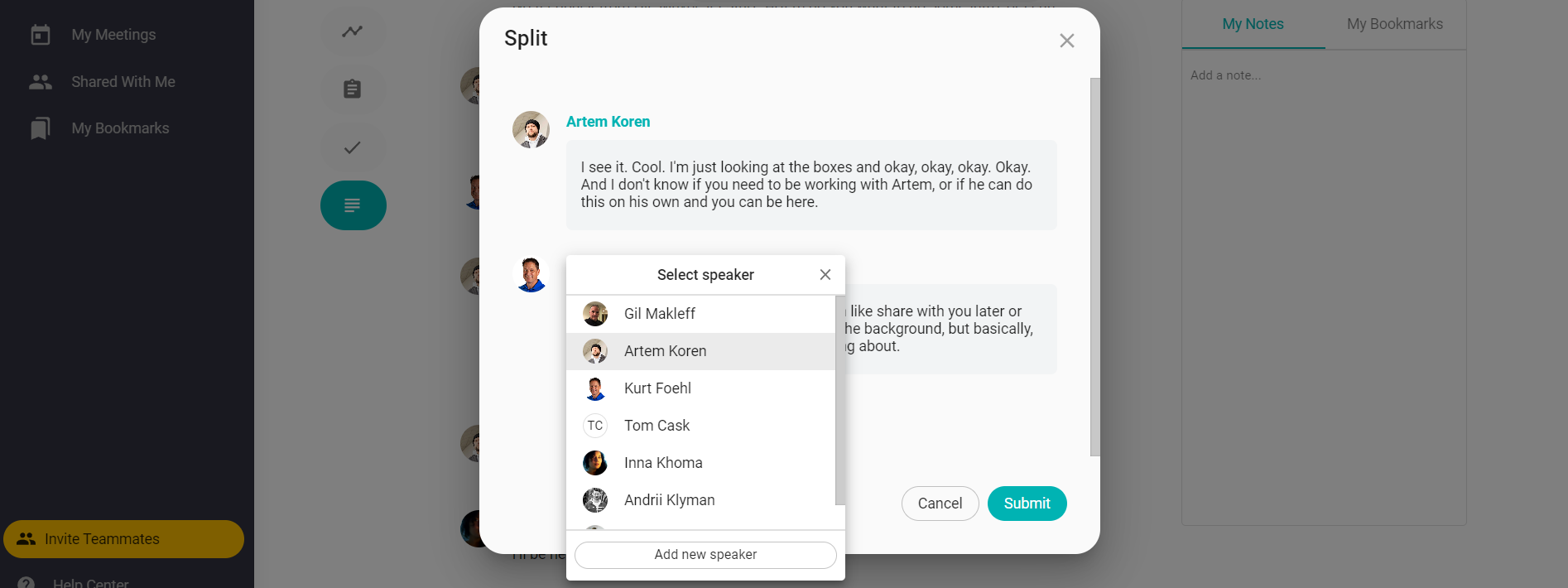
Add more utterances if needed and click Done