In your account, you can connect your own tools for private imports into artifact chats. These personal connections are only yours, they are not shared with your company or client scopes. This is where you can also control whether Studio is allowed to use your Sembly Notes.
To open this section:
Log in to your account.
In the bottom-left corner, click the gear icon next to your name and click Settings.
Choose Studio → Personal integrations from the menu.
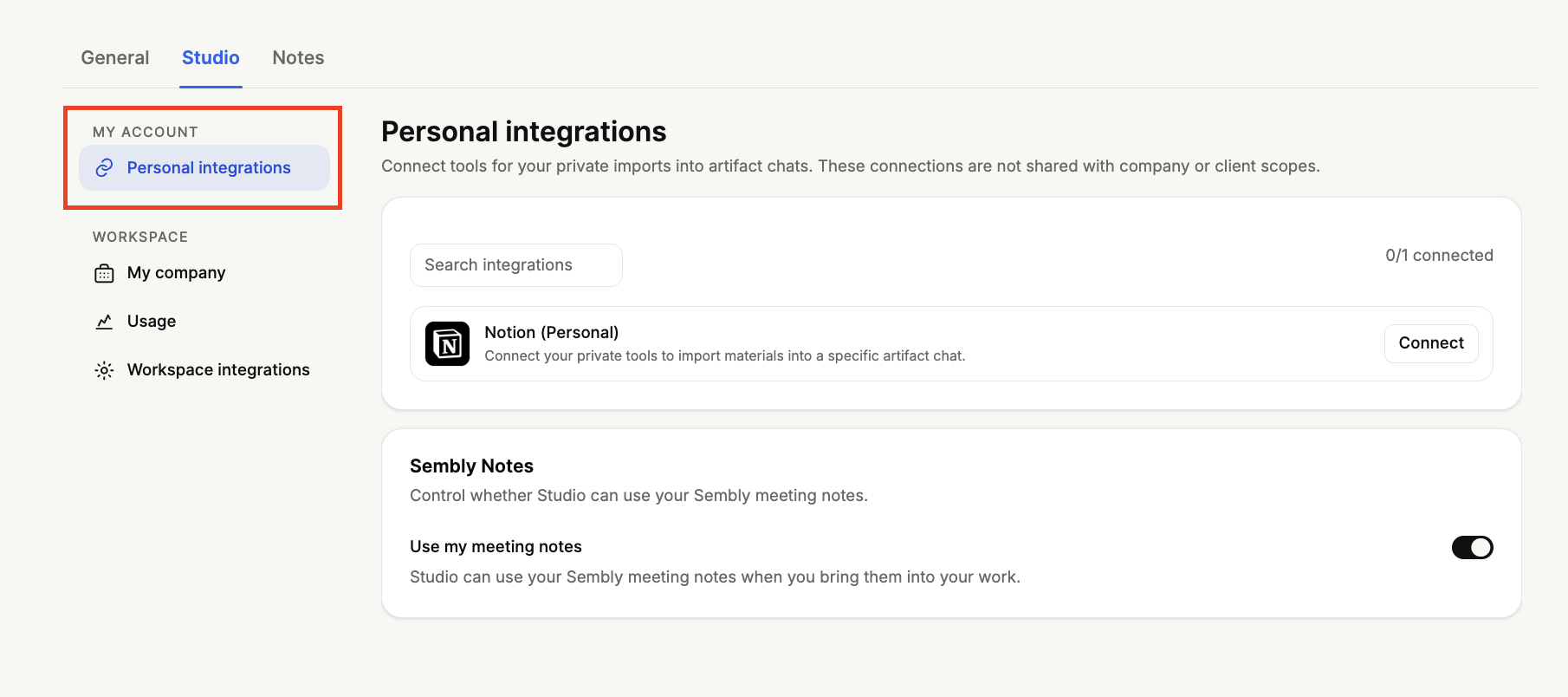
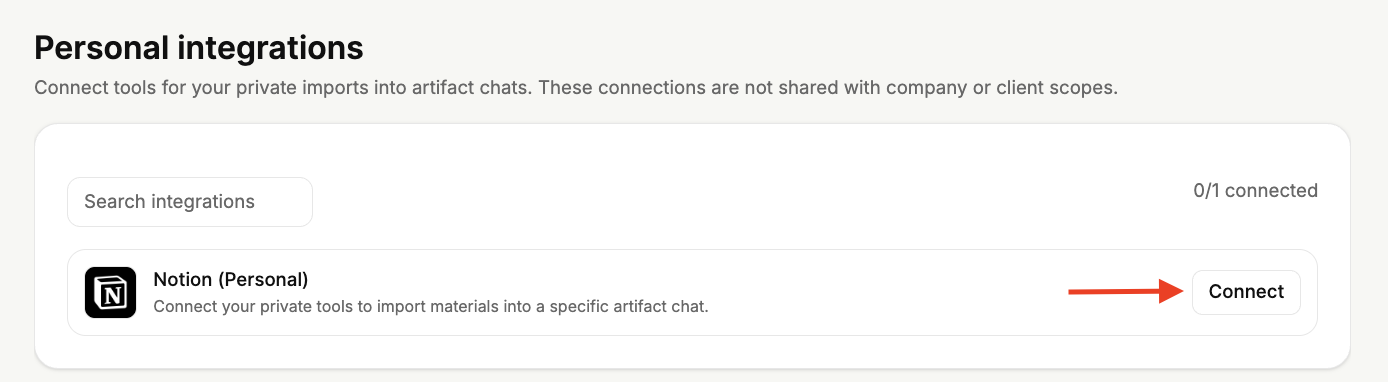
Using Personal integrations, you can connect tools to import your private materials into a specific artifact chat. These connections stay private to you and are not shared with company or client scopes. To do so:
Locate the Notion integration in the list.
Click Connect next to it.
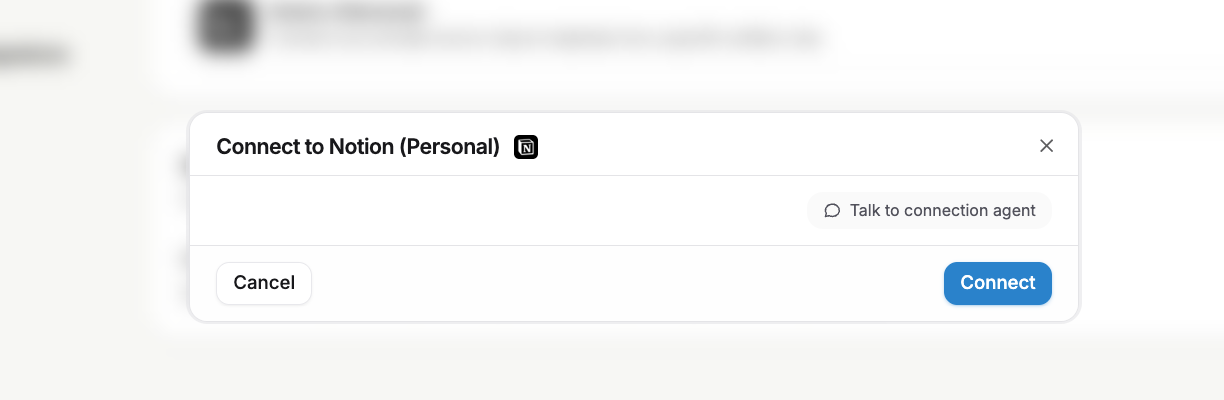
A pop-up window will appear that prompts you to connect the integration; click Connect.
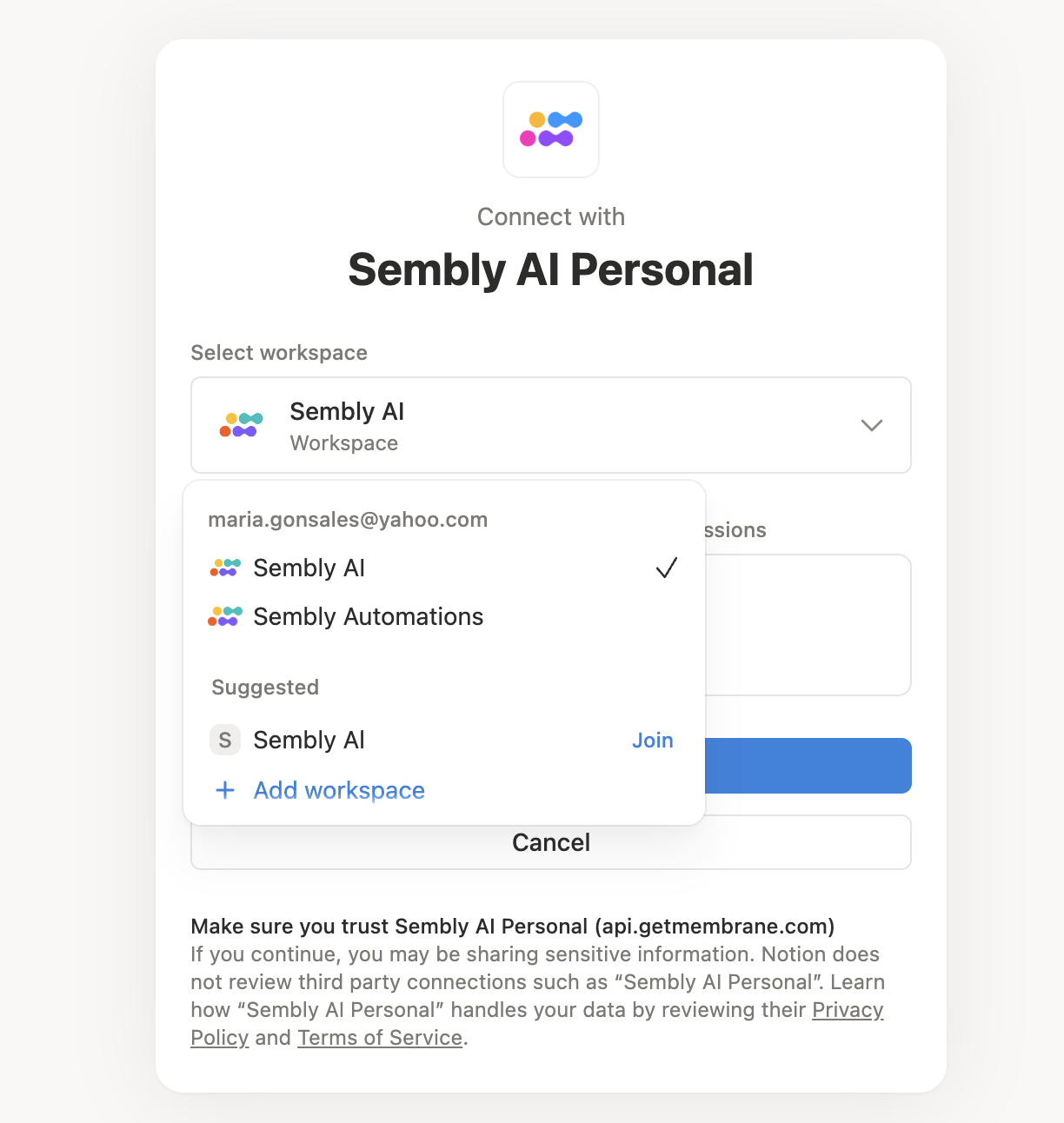
Choose the workspace you would like to connect to inside the integration and click Select pages to access to continue.
Allow access to connect with Sembly.
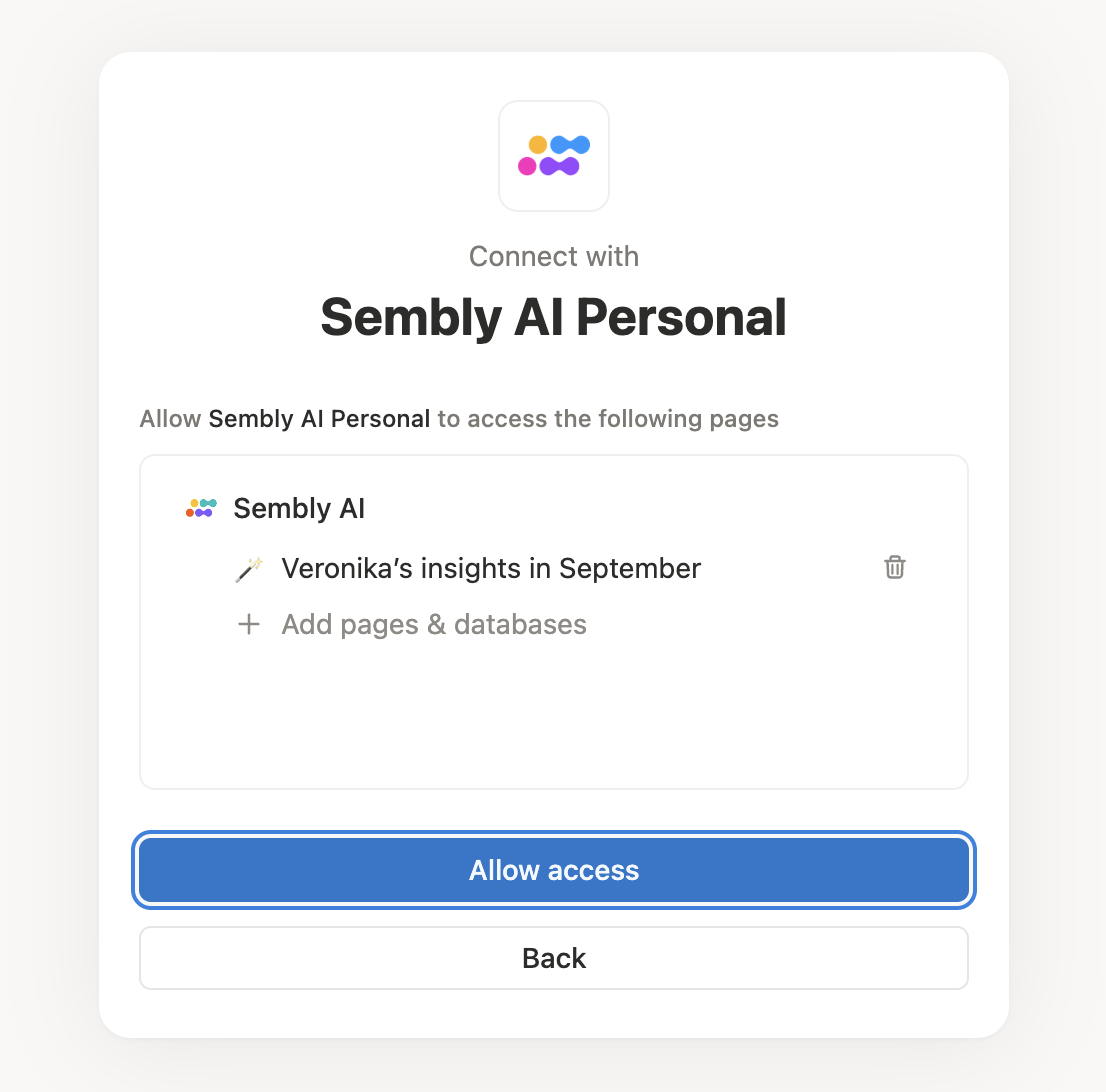
You’ve now connected the integration! Now, you will be able to import materials from that tool into your artifact chats.
To disconnect the integration, press Disconnect next to it.
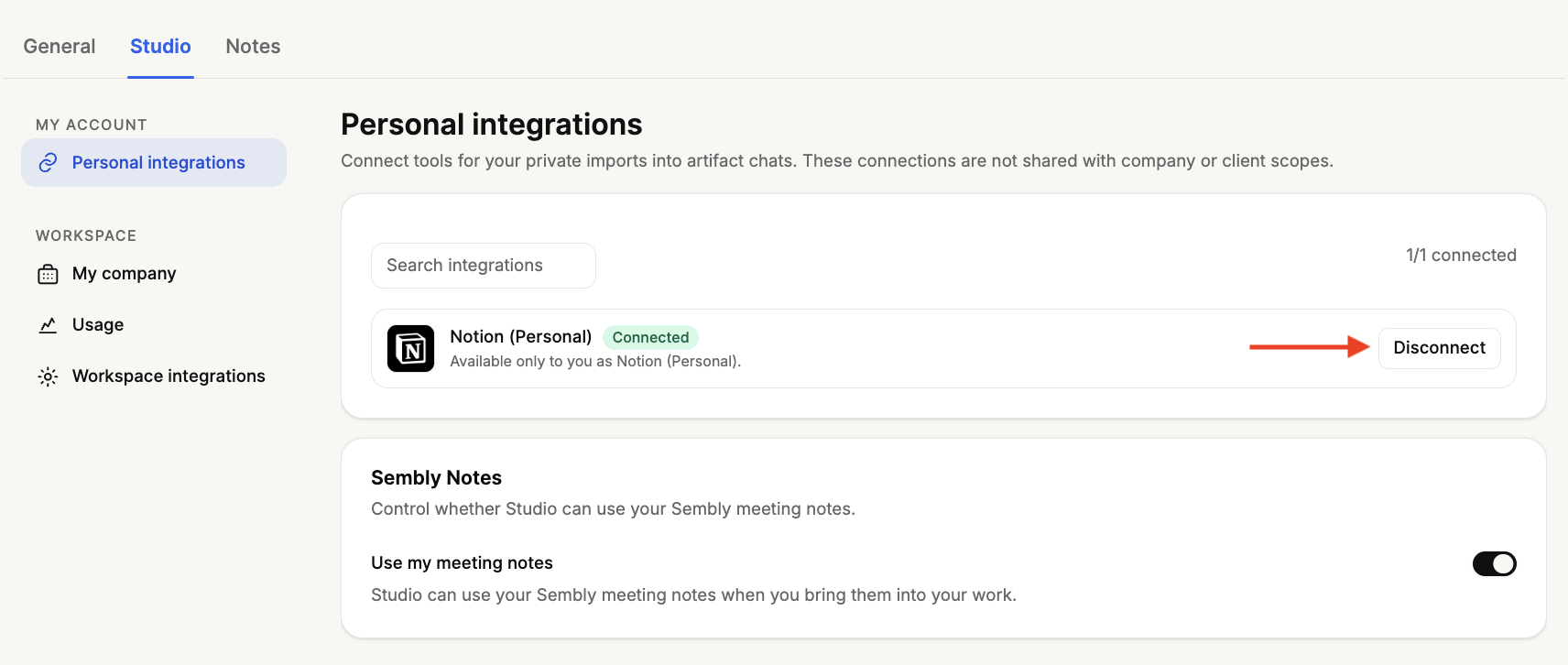
To reconnect, simply press Reconnect.
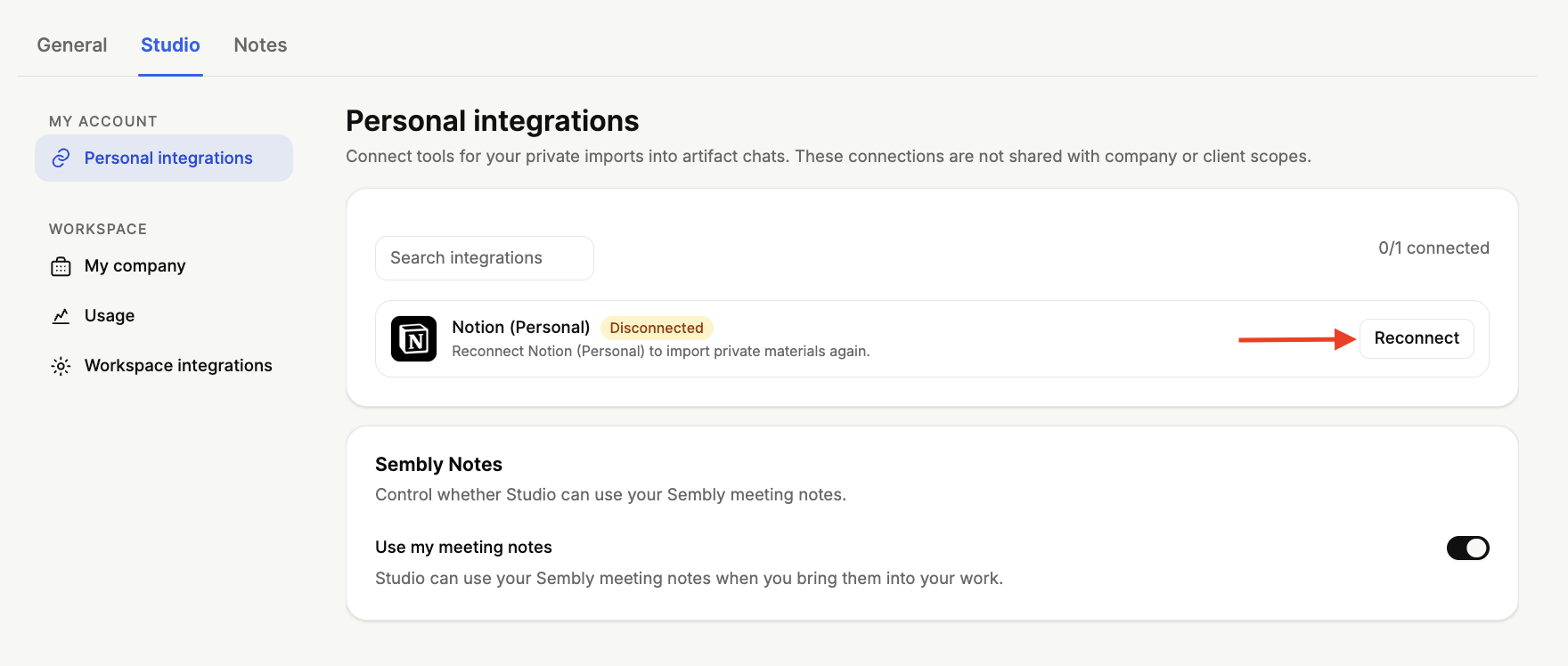
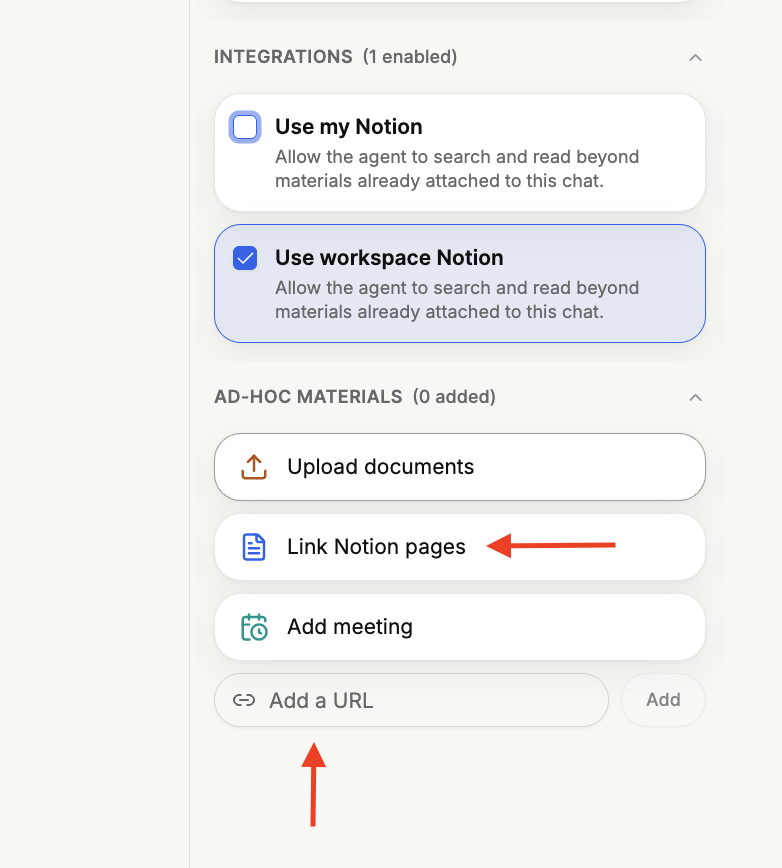
Once you have connected an integration such as Notion, it becomes available when creating an artifact in Advanced Mode. In the artifact chat, on the Sources panel on the right, under Integrations, you will see your connected integration (Use my Notion).
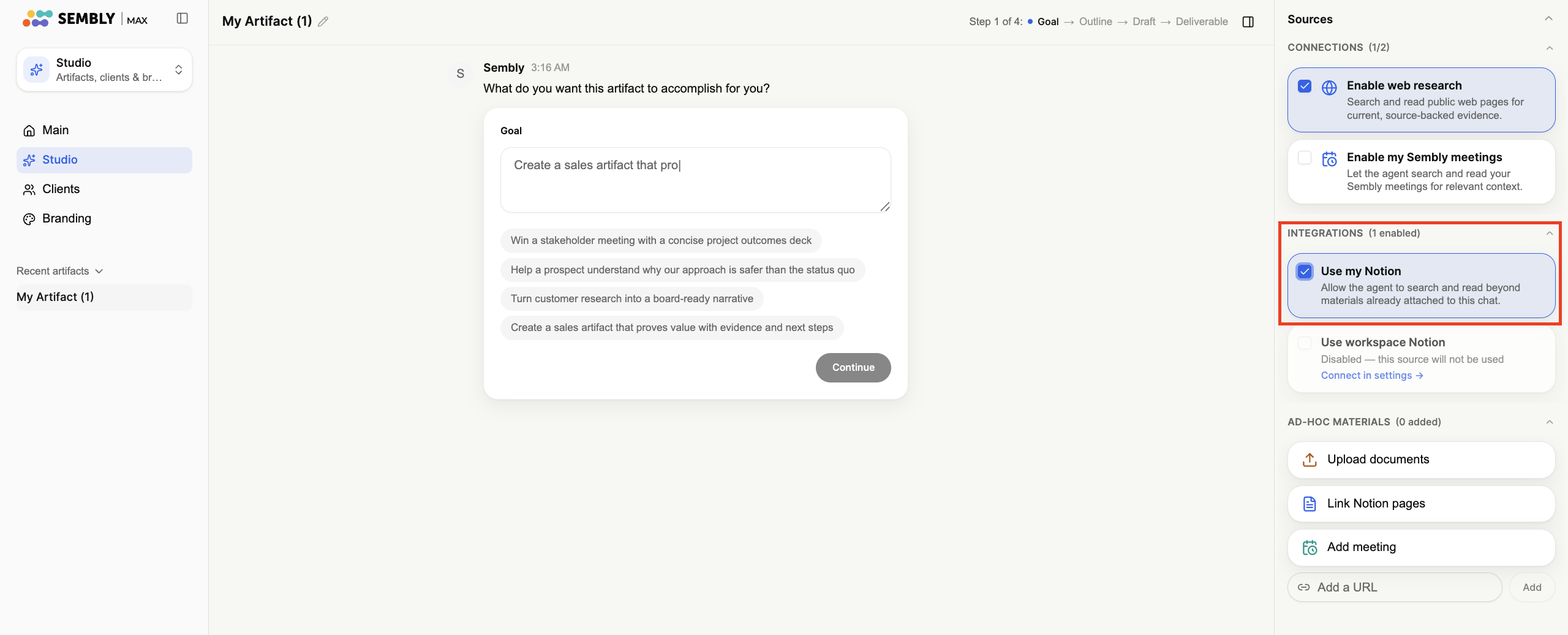
If you are unable to connect the Notion integration but still need to use your Notion pages to create a presentation, you can add them manually instead. In the Sources panel, under Ad-hoc materials, use Link Notion pages option, or simply paste the page's link into the Add a URL field and click Add.
The Sembly Notes section lets you control whether Studio can use your Sembly meeting notes.
Turn on Use my meeting notes to allow Studio to use your Sembly meeting notes when you bring them into your work

Turn the toggle off if you would prefer that your meeting notes are not used.
You can change this setting at any time.