You can change the Sembly name when it joins the meeting. By default, Sembly is called "your workspace name" Sembly Agent. But you can customize it. Sembly Teammate will be joining your Google Meet calls. The agent name you chose will only appear in the Hello and Goodbye Prompts if the original message remains unchanged.

LEGACY PLAN: PROFESSIONAL | TEAM | TEAM PLUS
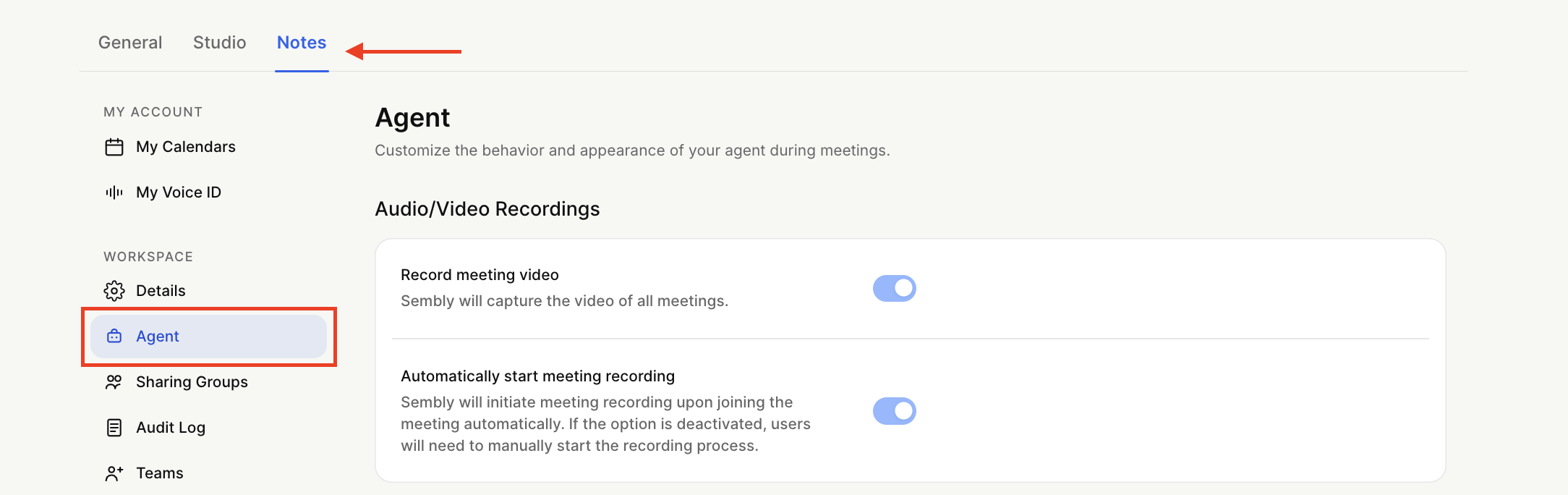
Click the gear icon on the bottom left next to your avatar and select Settings → Notes
Select Agent US 🇺🇸 or EU 🇪🇺 in the context menu on the left.
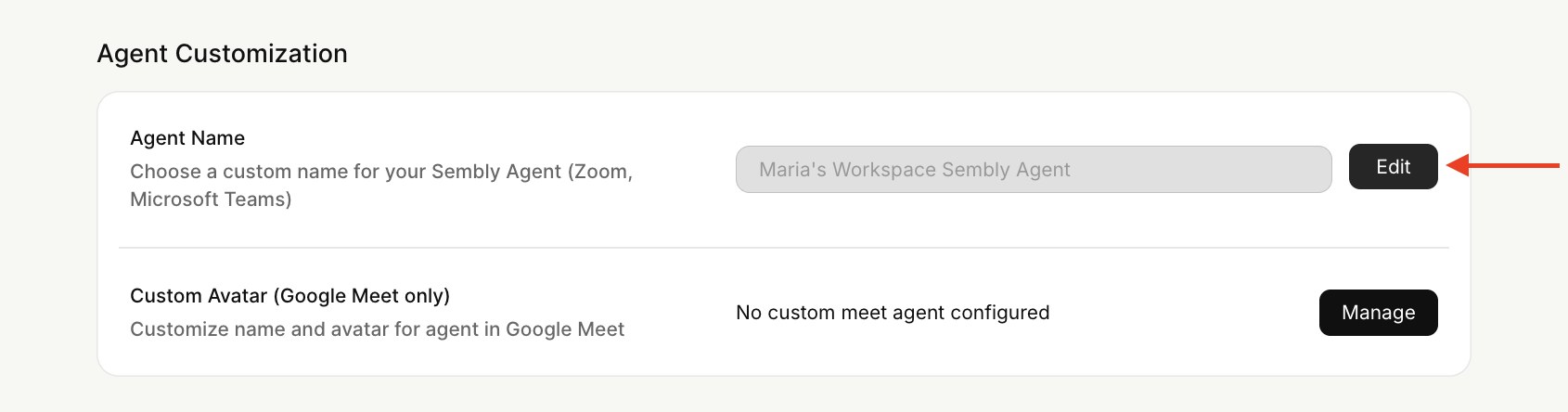
In the Agent Customization section, next to Agent Name (for Zoom and Microsoft Teams), hit Edit and insert a new name.
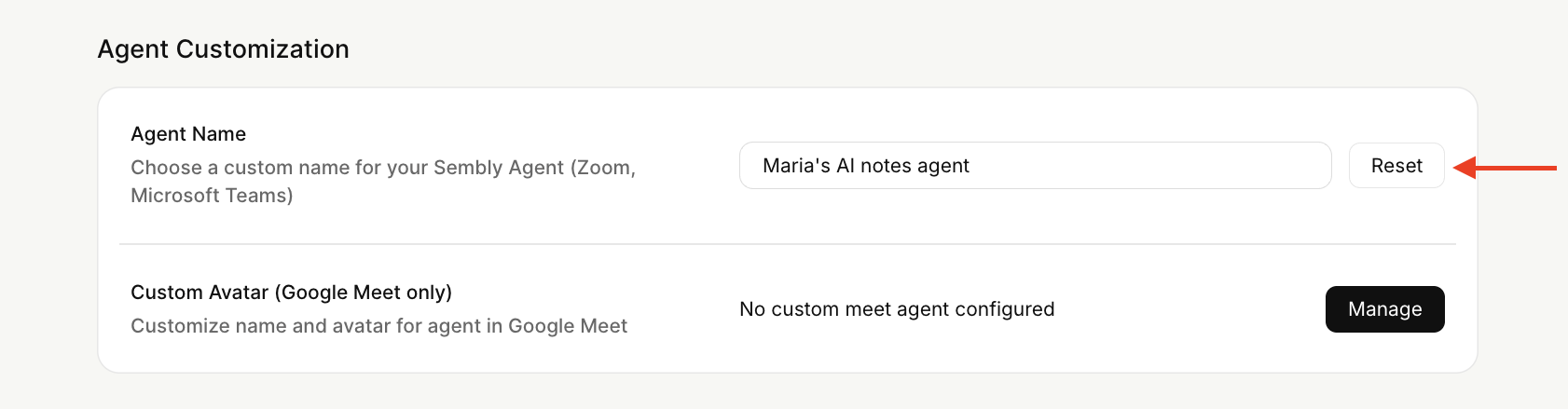
To return the default option, click Reset.
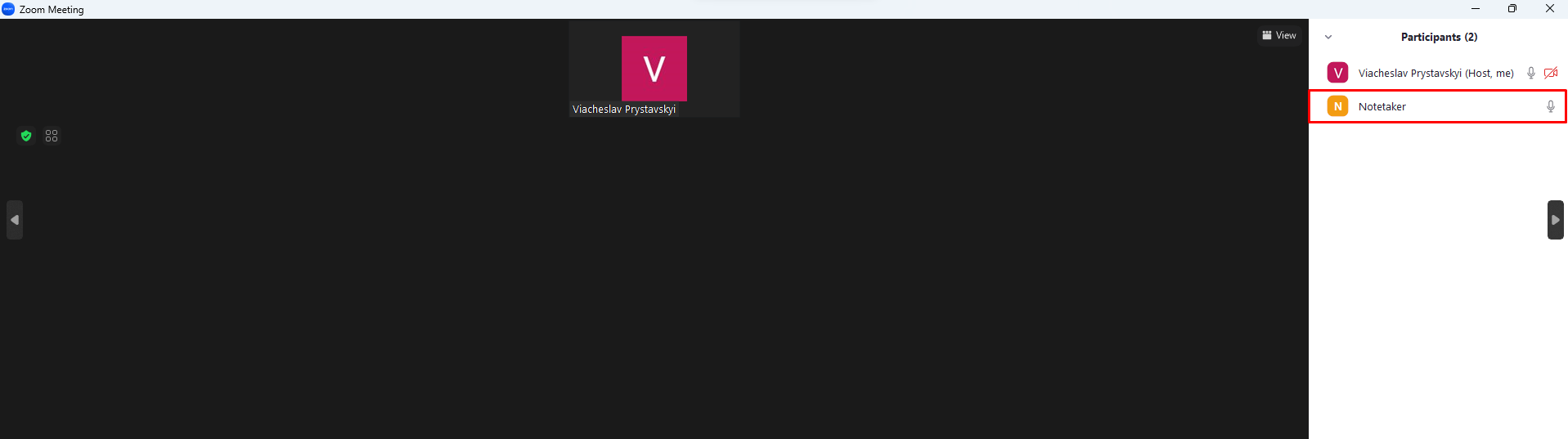
You will see the new name on the attendee list at the meeting.
LEGACY PLAN: TEAM | TEAM PLUS
To change the agent name for the Google Meet platform, you will need to perform the following steps:
Click the gear icon on the bottom left next to your avatar and select Settings → Notes.
Select Agent US 🇺🇸 or EU 🇪🇺 in the context menu on the left.
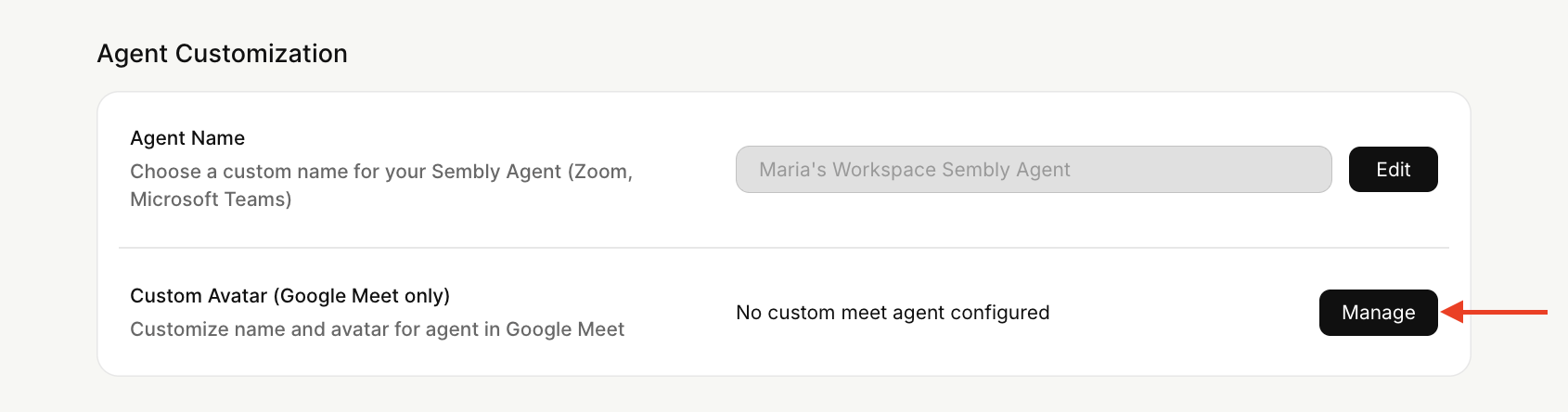
In the Agent Customization section, next to Custom Avatar (Google Meet only), select Manage.
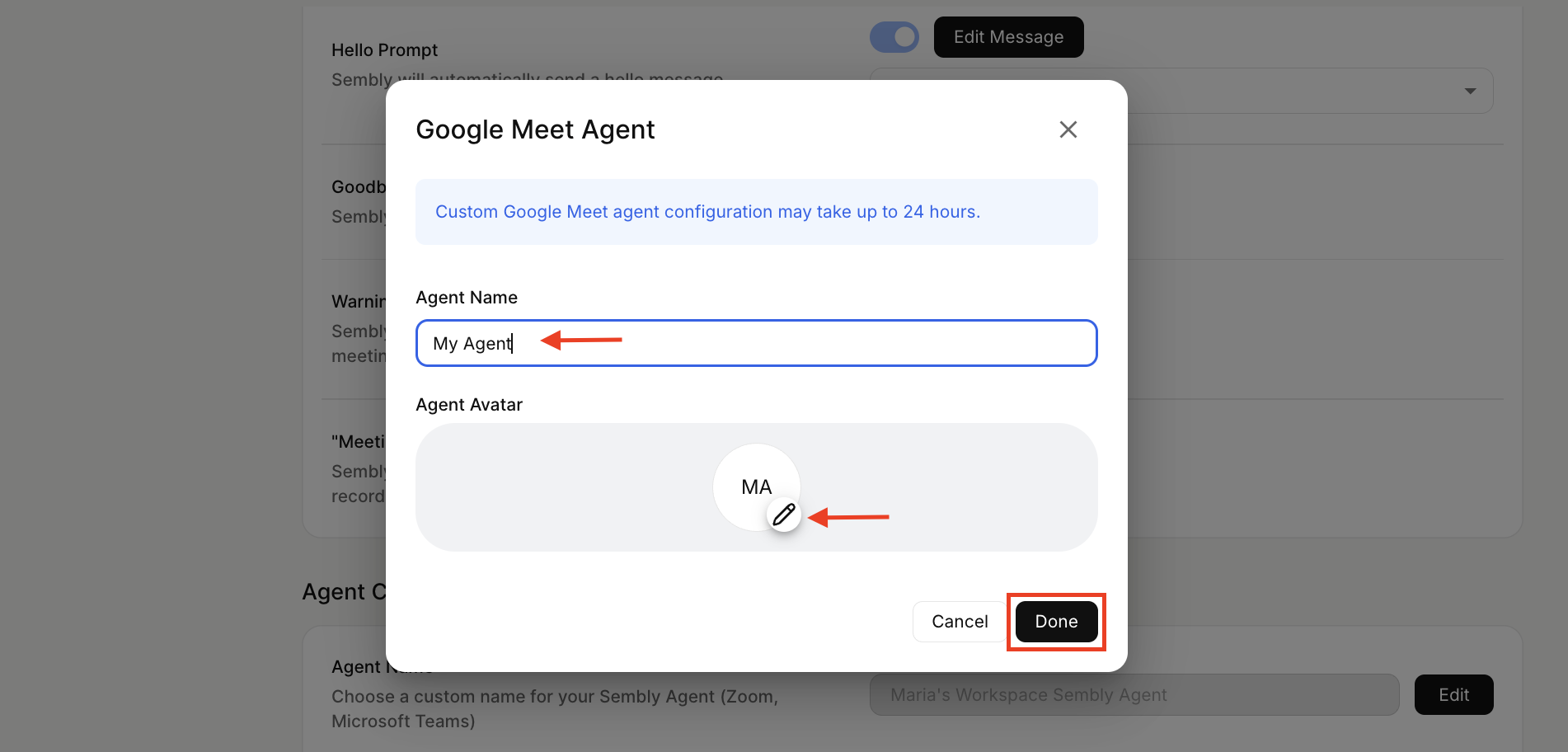
In the pop-up, enter a new name (minimum 2 words required), upload an image, and click Done.
Wait for our team to complete the setup.