LEGACY PLAN: PROFESSIONAL | TEAM | TEAM PLUS
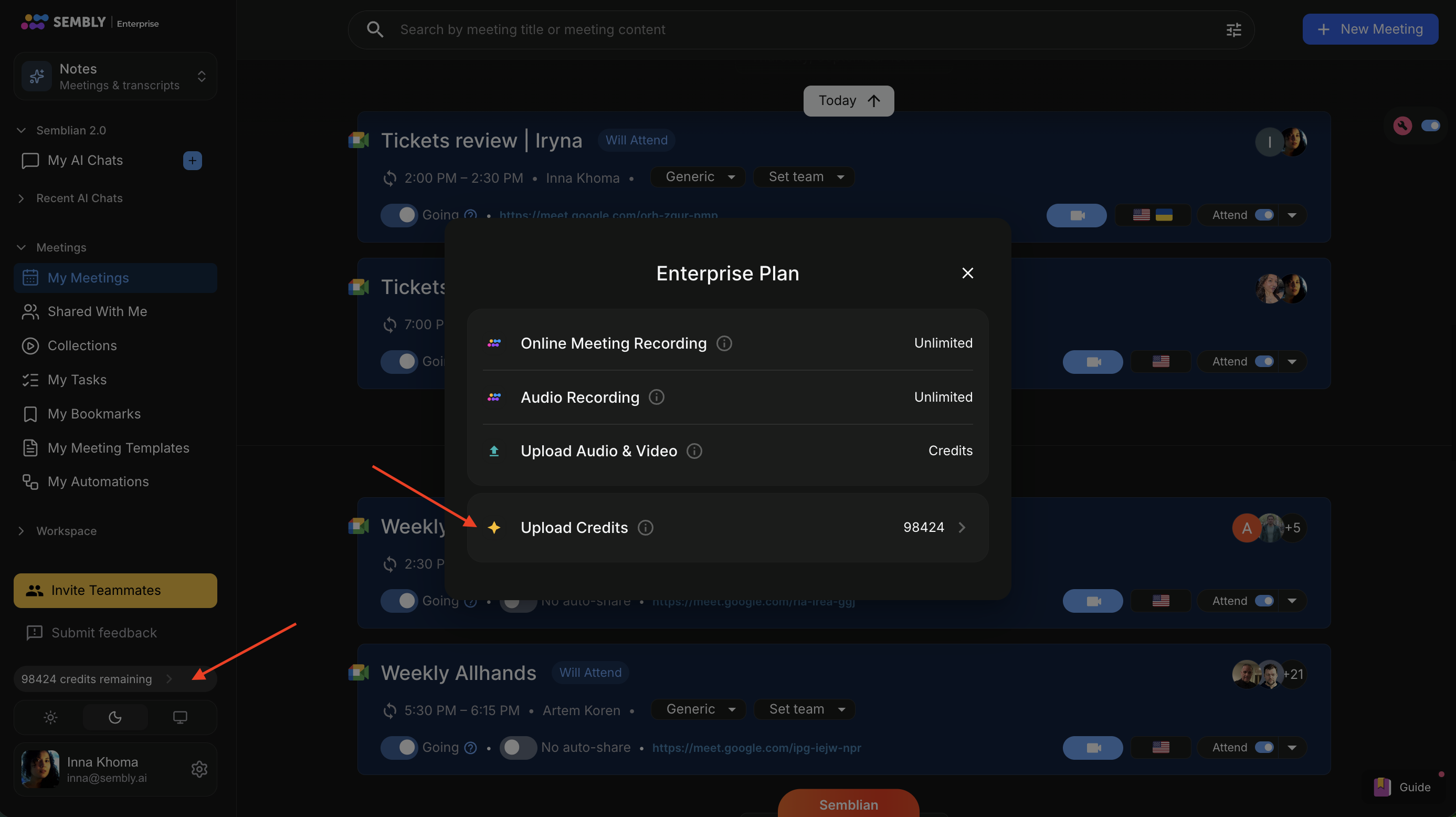
If you exceed your monthly credit allotment, you can purchase additional credits to upload more media files in Notes or create artifacts and branding in Studio. Unlike the monthly credit quota included in your plan, purchased credits will remain in your account until they’re used.
Anyone in your workspace can use these credits. Only admins can buy credits.

You can buy credits anytime in the Billing section.
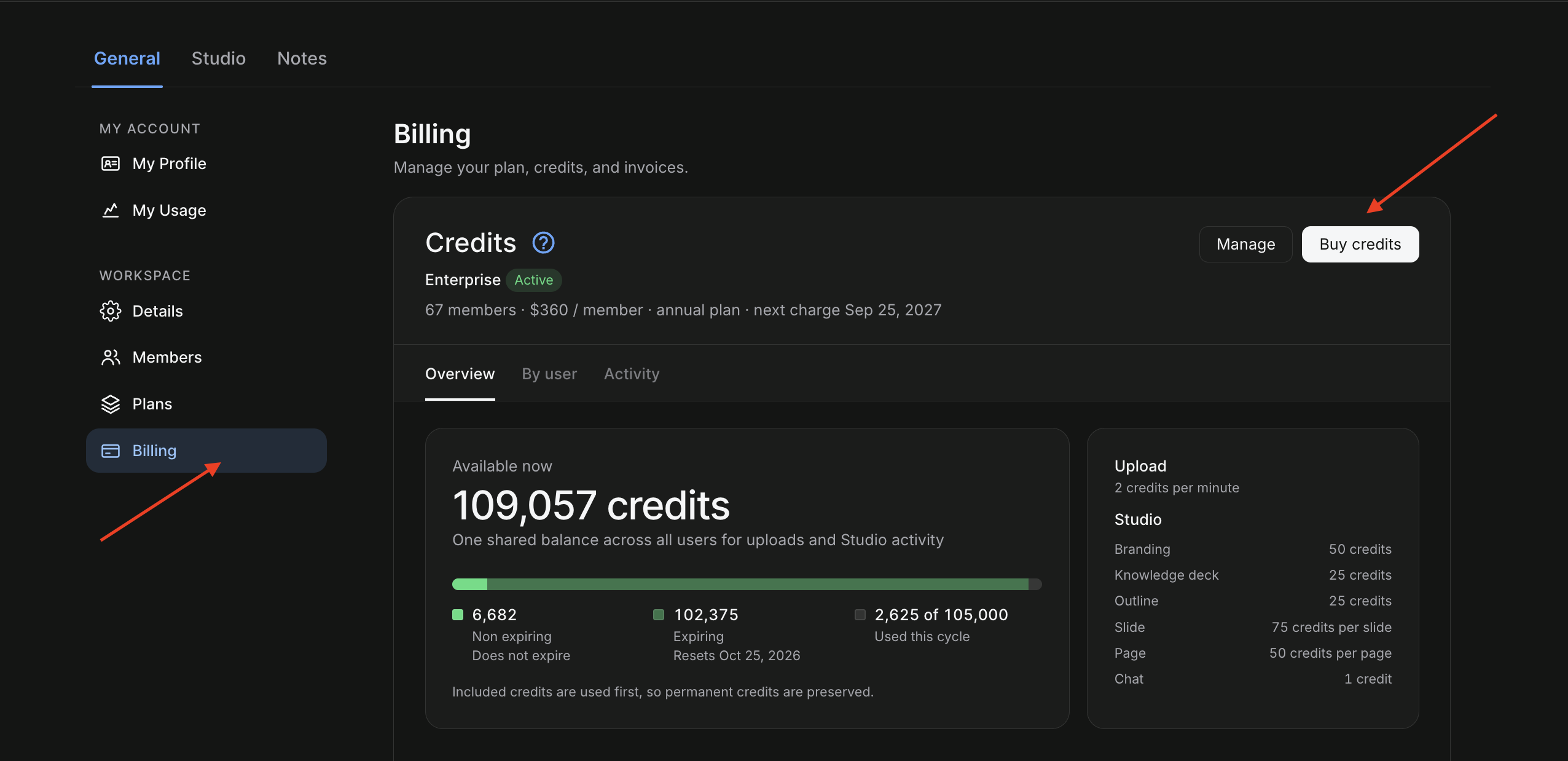
Log in to your account and click the gear icon in the bottom-left, then select Settings.
Open General → Billing. Click Buy Credits.
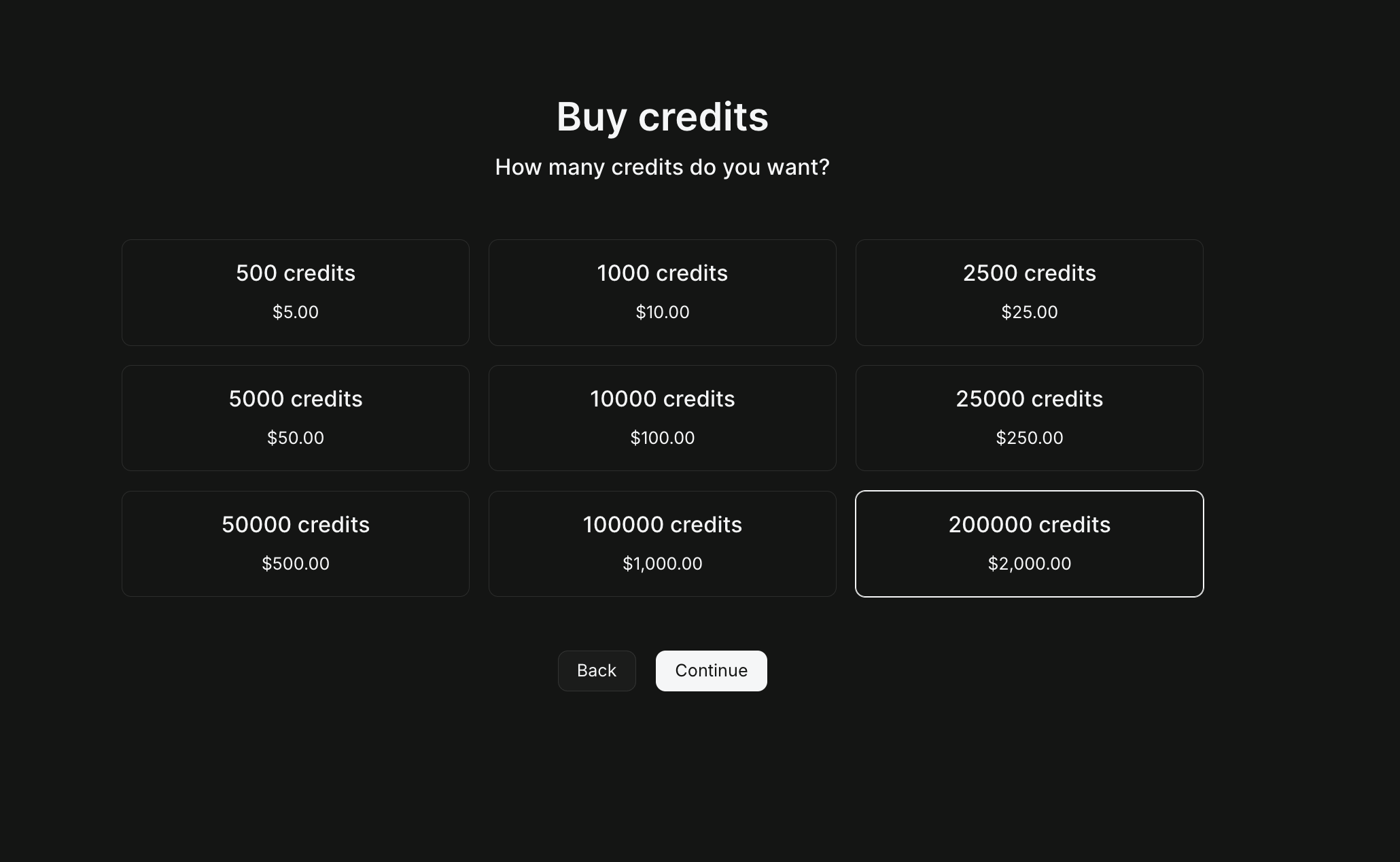
In the next window, select the number of credits you want to purchase and click Continue.
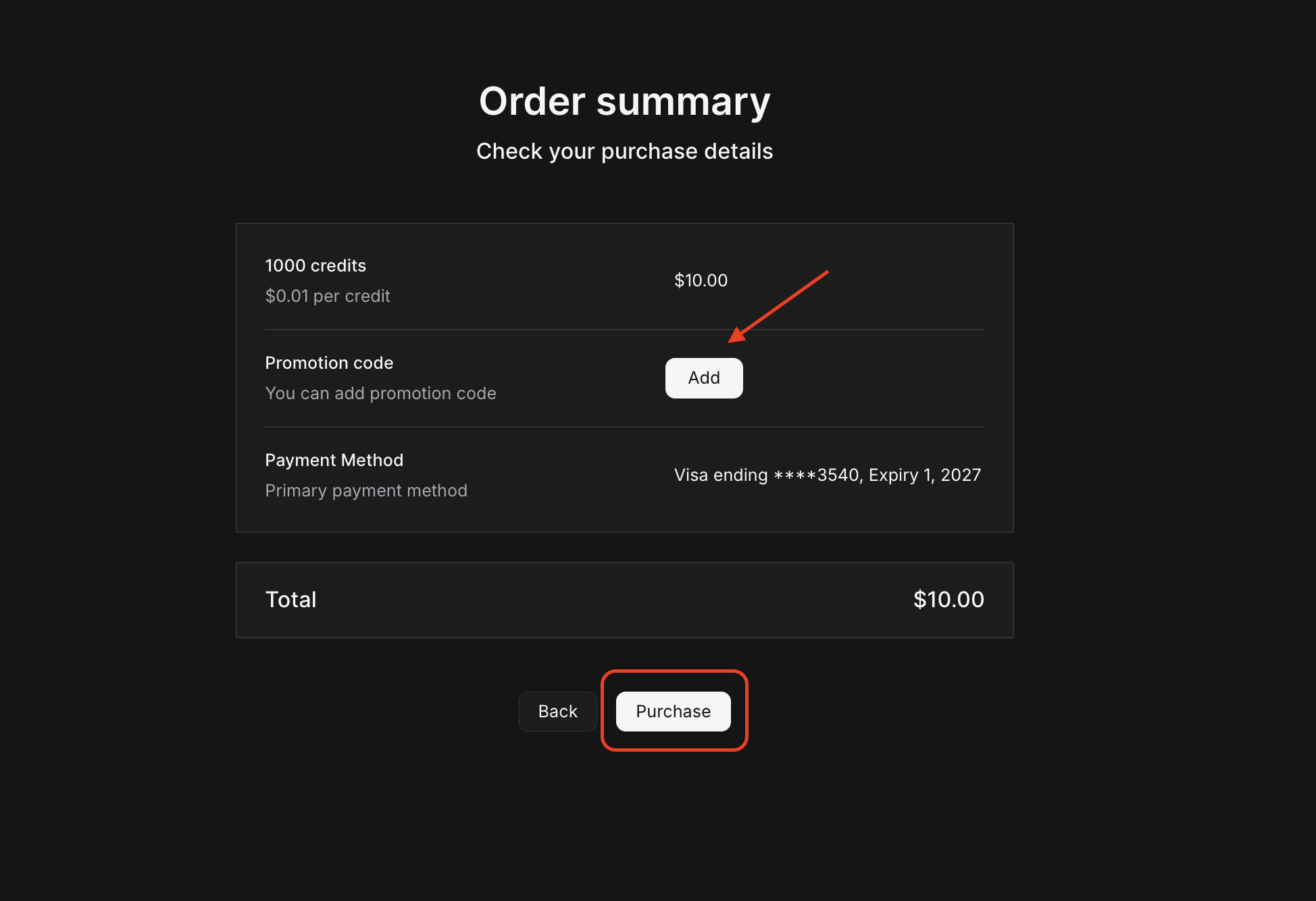
Next, click Add to add a promo code and Apply if you have one. Click Purchase to proceed.
Check your mailbox for the invoice. After you complete payment, the credit balance will update immediately.
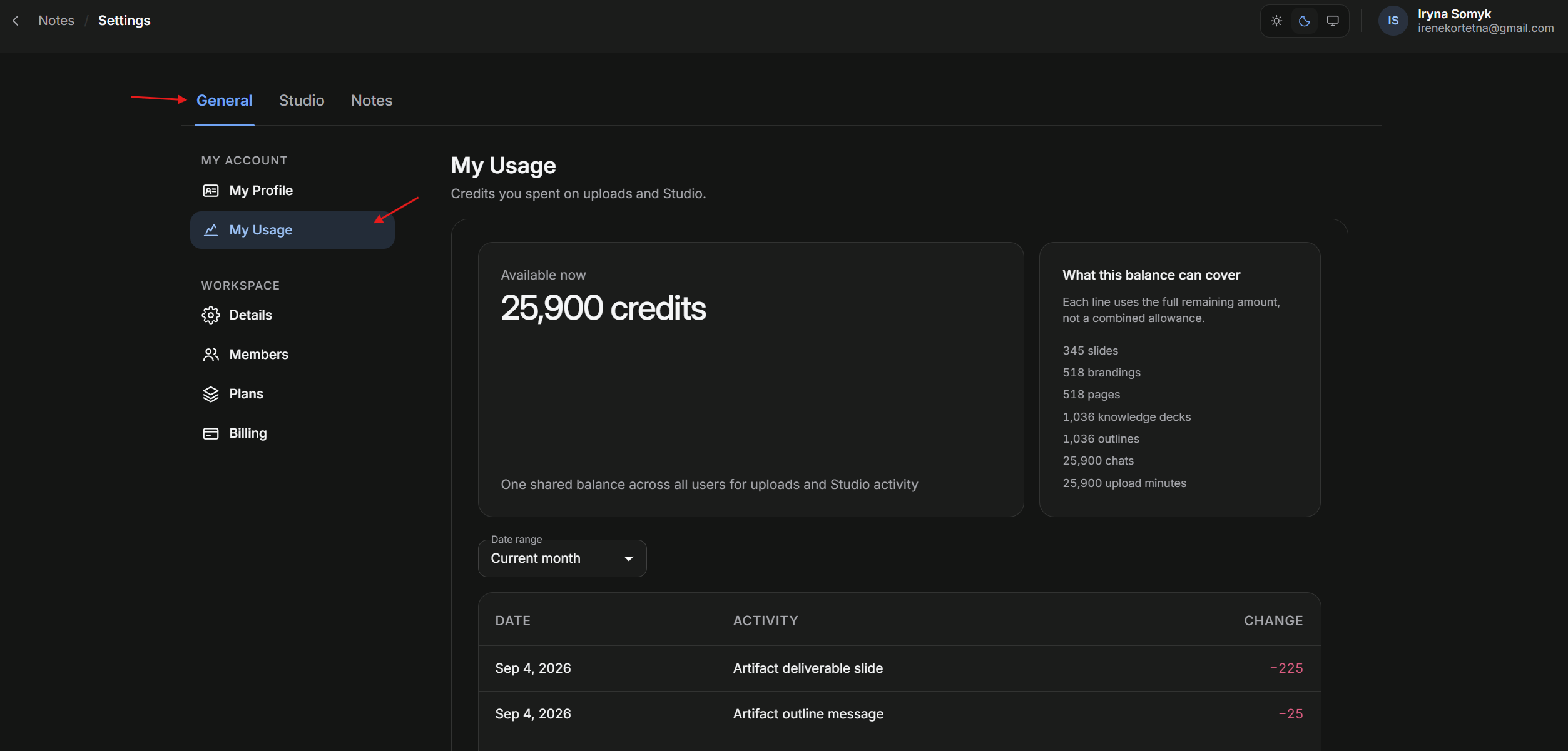
Workspace users can view remaining credits in Settings, under General → My Usage. Admins can also check credits in the Billing section.
In the Notes section, users can also check remaining credits from the left-hand menu.