LEGACY PLAN: PROFESSIONAL | TEAM | TEAM PLUS
If you have your meetings in one of the supported languages and are looking for a smart assistant, Sembly is the right fit for you!
You can choose 2 languages when creating an account in Sembly and change them later in the workspace settings or for each meeting setting individually. Sembly will transcribe your meetings into the listed languages and generate Notes and other AI items based on the language most frequently used during the meeting.

Regular Users in Team and Enterprise workspaces do not have access to edit this feature. You need a Workspace Admin role to access Language Support in Settings.
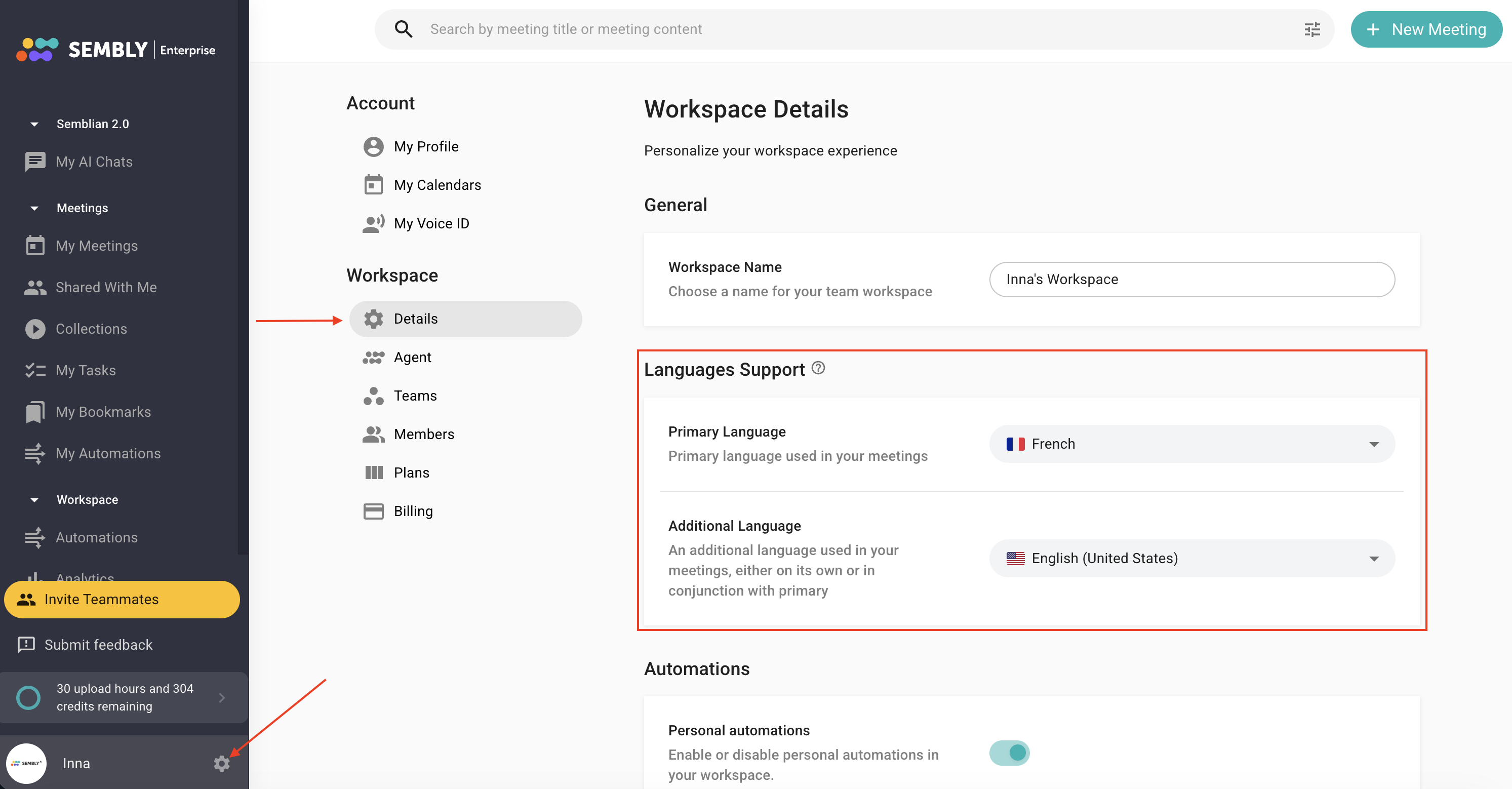
Log in to your Workspace Admin account and click the settings gear in the bottom-left
Select Settings
Click Details in the context menu on the left
In Language Support, open the dropdown and select Primary Language and Additional Language. You can also select just one language if needed
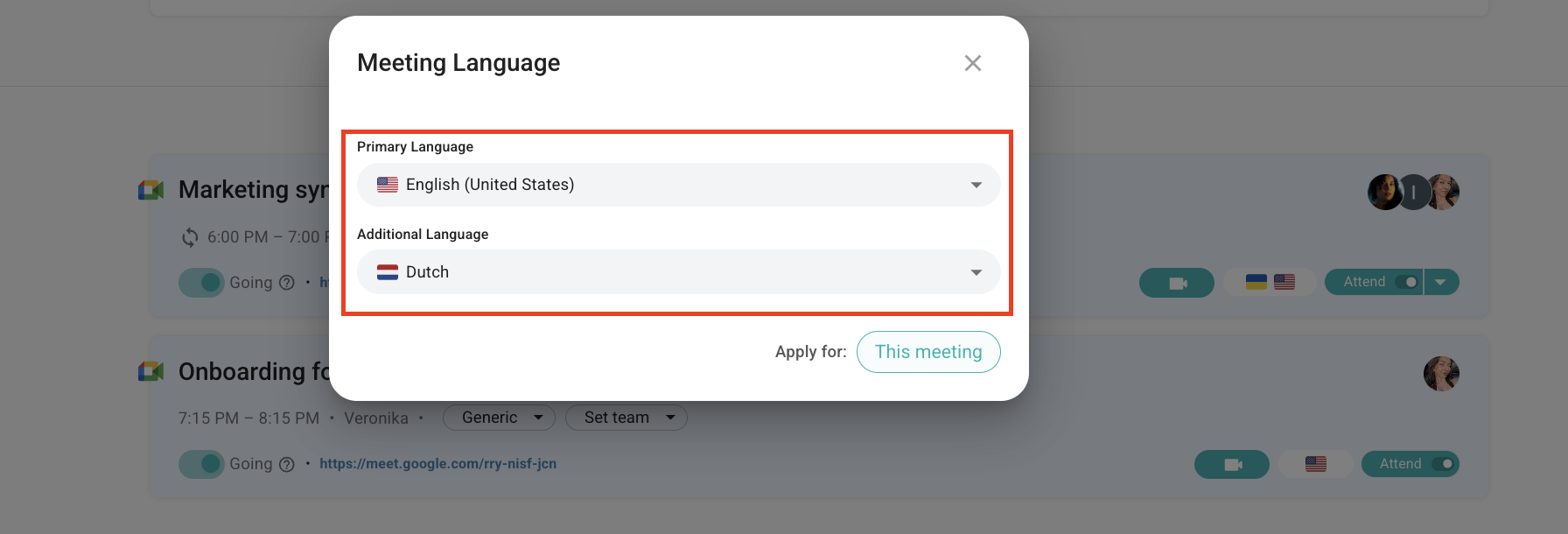
Regular Users can modify languages for scheduled meetings directly from the homepage by clicking the language icon. Additionally, they can do so when recording offline or uploading pre-recorded meetings in the pop-up.
It's important to note that these settings will only affect the specific meeting and will not alter the Workspace settings.
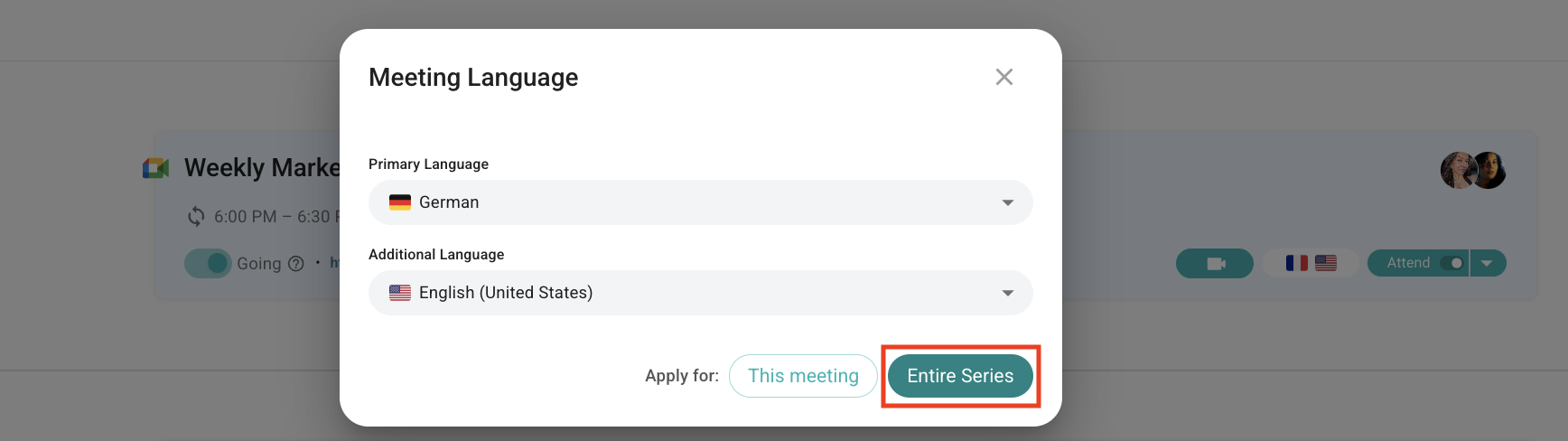
If the meeting is part of a recurring series (such as a Weekly All Hands, Daily Review, and so on), you can set the languages once for the entire series, and they will automatically apply to every meeting in it.