LEGACY PLAN: PROFESSIONAL | TEAM | TEAM PLUS
Any user viewing the meeting can add a personal note related to a specific statement from the meeting, keeping ideas in one place. Other users viewing the meeting won't see your notes; instead, they will have their own.
Here are a few examples of where the Notes feature is valuable:
Adding meeting agenda, tasks, or comments
Marking an idea that you didn’t have a chance to talk about during the meeting
Saving the most important conclusions of the discussion
To leave a note, follow the steps below:
Log in to Sembly
Open your meeting
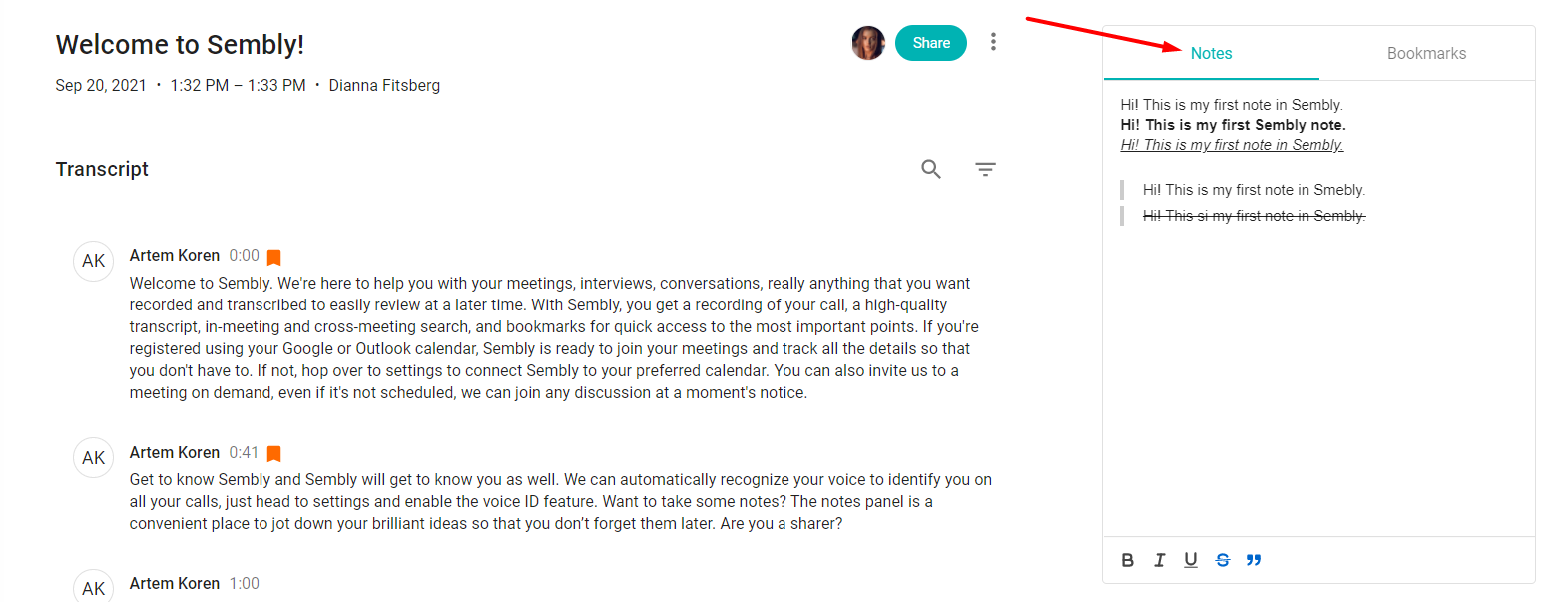
On the right side, find the Notes/Bookmarks section
Select the My Notes tab
Type in your ideas. That's all; no save buttons here. The system automatically saves text
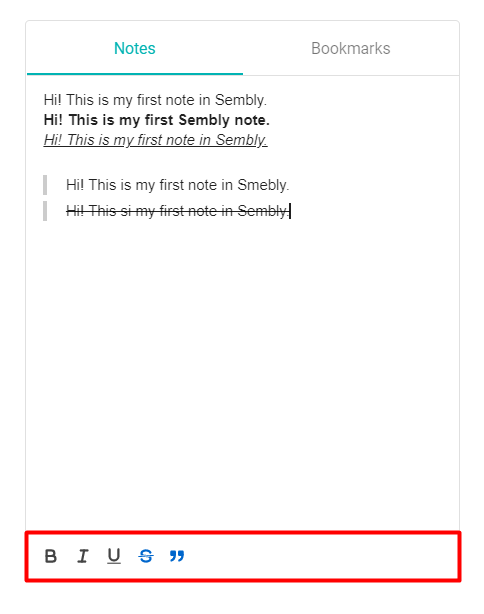
Change how paragraphs & fonts look
You can use the rich text editor to adjust the text to your needs and make it look enhanced and more informative.