
LEGACY PLAN: PROFESSIONAL | TEAM | TEAM PLUS
AI Meeting Chat is a ChatGPT for your meetings that helps you quickly find answers inside your meeting, generate an agenda, or draft an email based on the information from a meeting. It is designed to understand natural language, so you can ask questions in your own words without using specific keywords or phrases.

Log in to Sembly
Find a meeting and hover over it. You will see the Ask Sembly button that can be clicked, or click the meeting itself to open it
In the bottom-right corner, click the Ask Sembly button with the logo
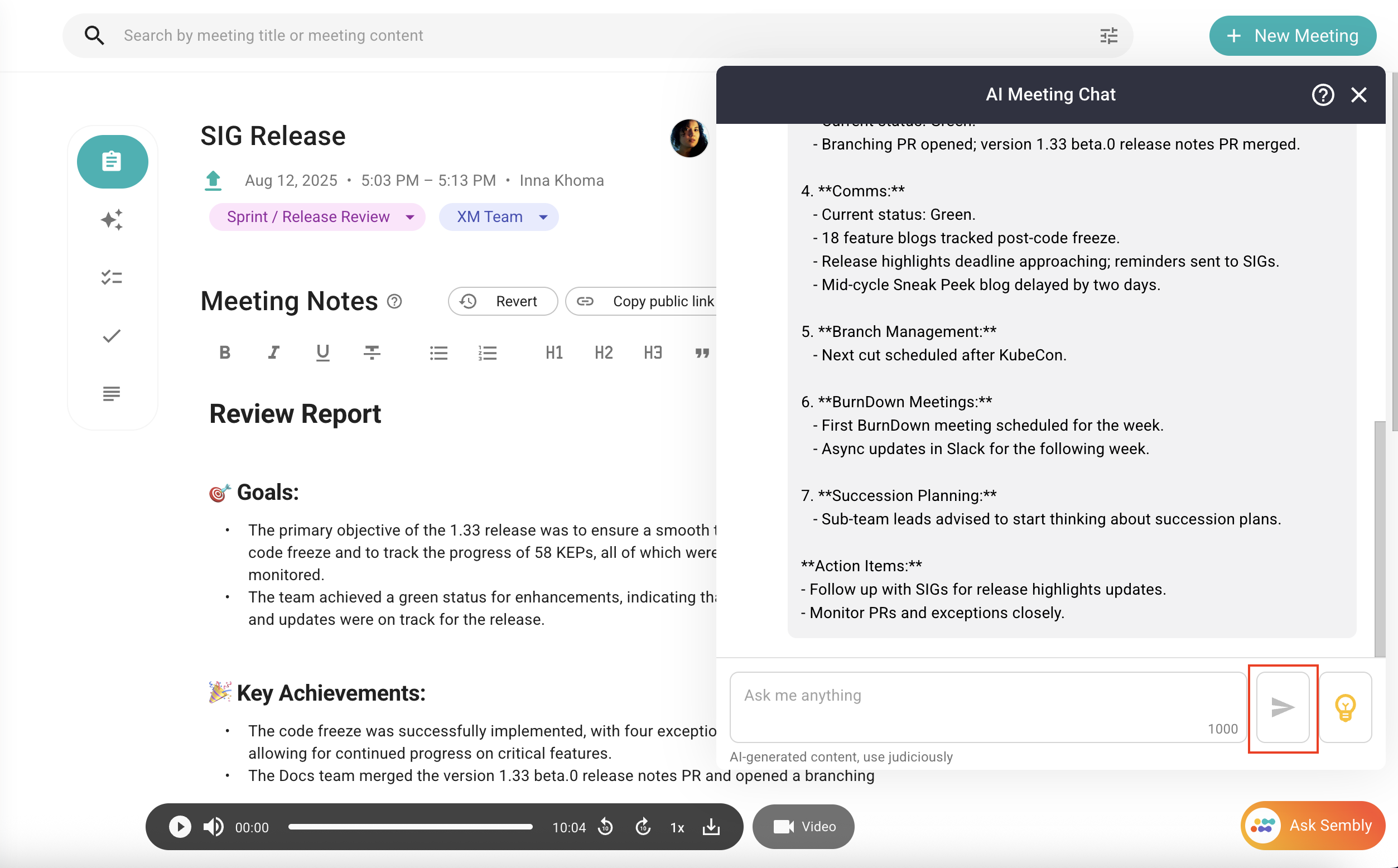
You can easily post questions by entering them into the message field and clicking the Send button or Enter
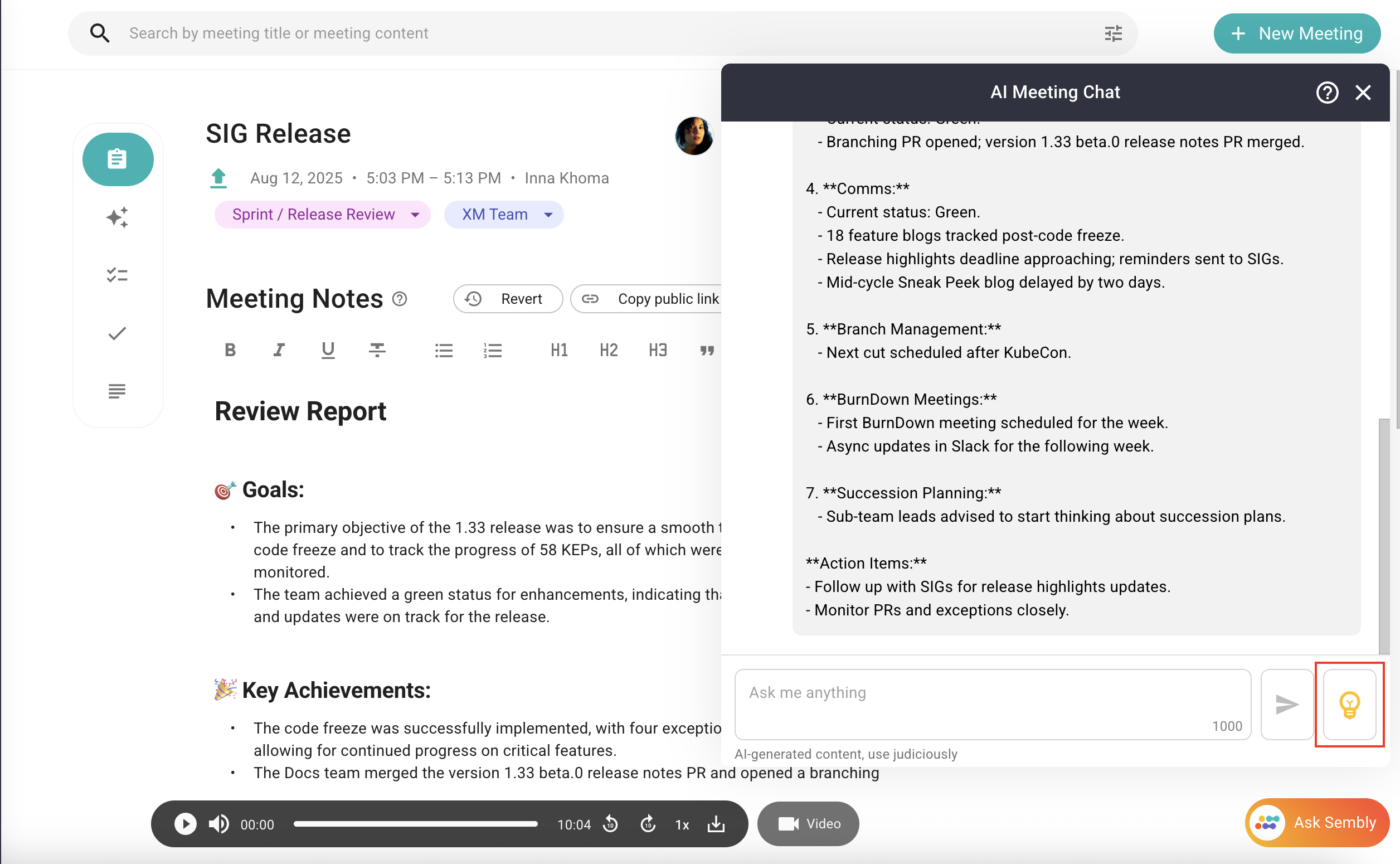
You can use the ideas we've included in the chat's catalog. To access ready questions, simply click the lamp icon. Choose one of the offered questions to receive an answer
AI meeting chat can reply:
Questions related to the chosen meeting
AI meeting chat can't reply:
Questions that include any use of profanity, harassment, or other forms of inappropriate language
Questions that are not related to the chosen meeting
Gibberish questions or unrecognized language
The accuracy of responses regarding a particular speaker depends on whether or not they have been assigned to specific utterances. In the event that a speaker has been assigned automatically to a specific utterance, you can expect to receive a precise answer. However, if the speaker has not been assigned or assigned manually, and you have a query about them, AI Meeting Chat will respond with the following statement: “The transcript does not mention anyone named [name] or any topic that someone named [name] might be discussing. Therefore, it is not possible to answer this question accurately.”

